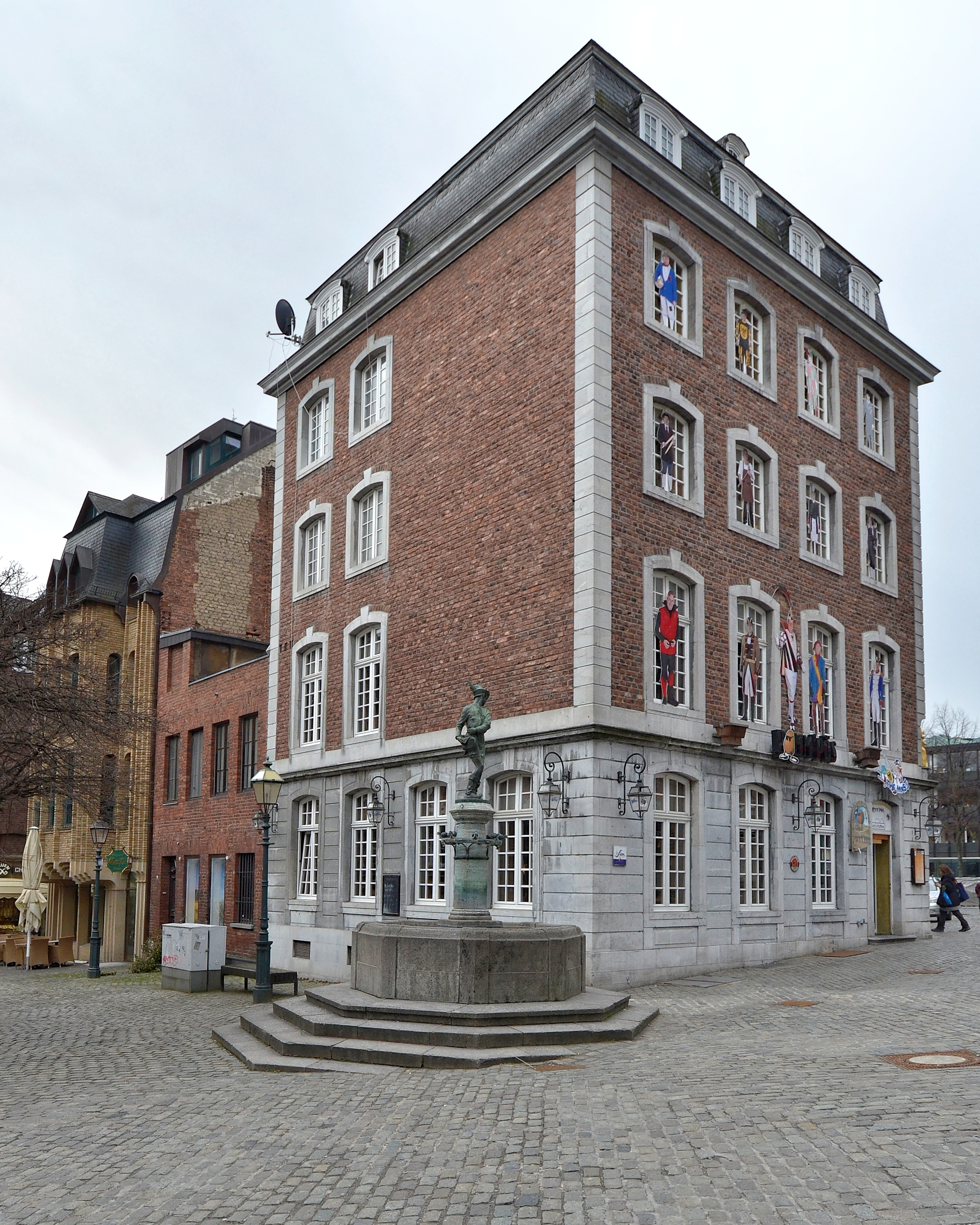
Expedition Old Town
Diese Seite wurde automatisch übersetzt. Es kann daher zu Abweichungen oder Ungenauigkeiten im Text kommen. Verbindlich ist ausschließlich die Originalfassung. Rechtsansprüche aus Inhalten der übersetzten Version sind ausgeschlossen.

A route through the reconstruction

New old town

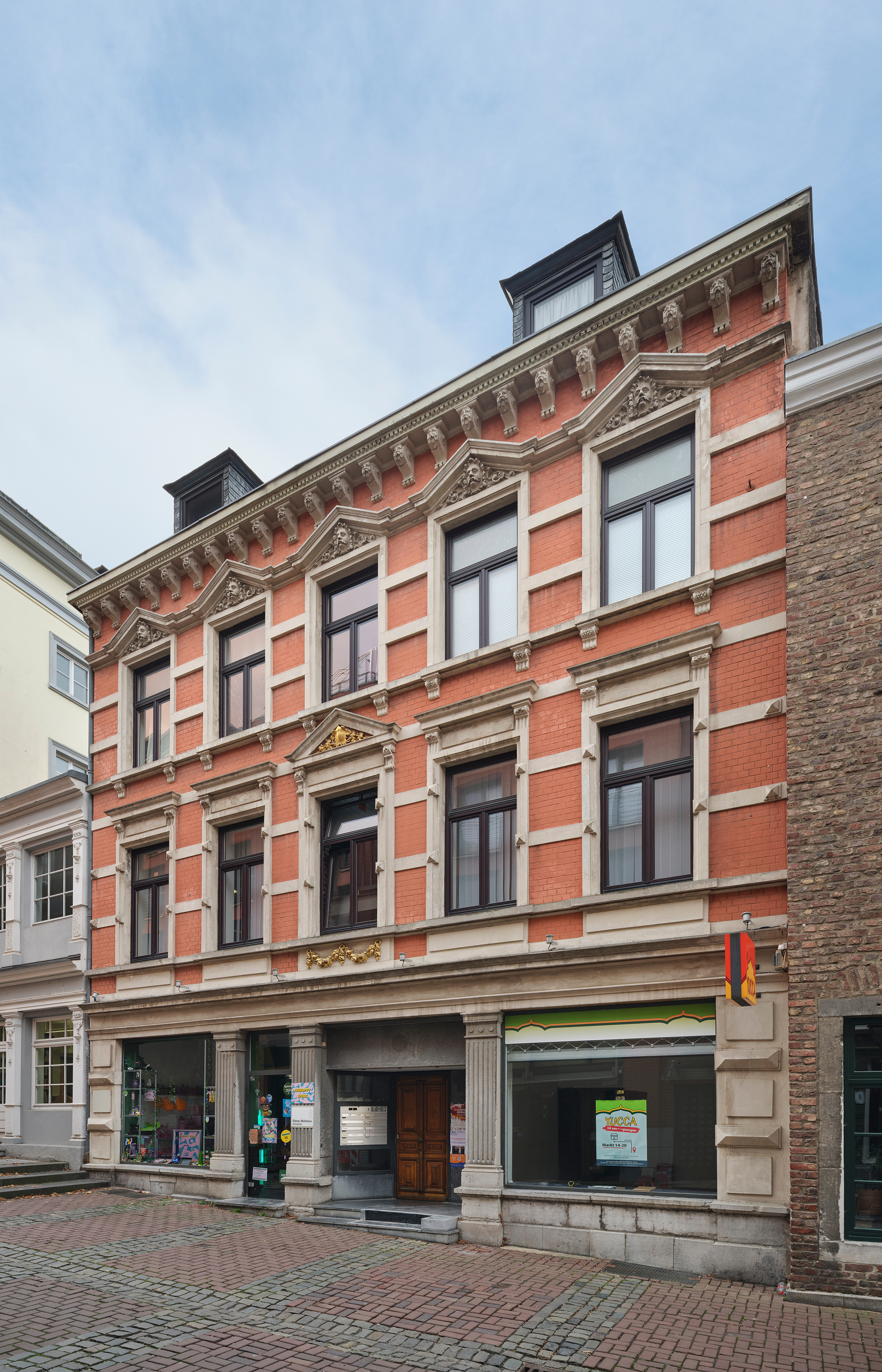
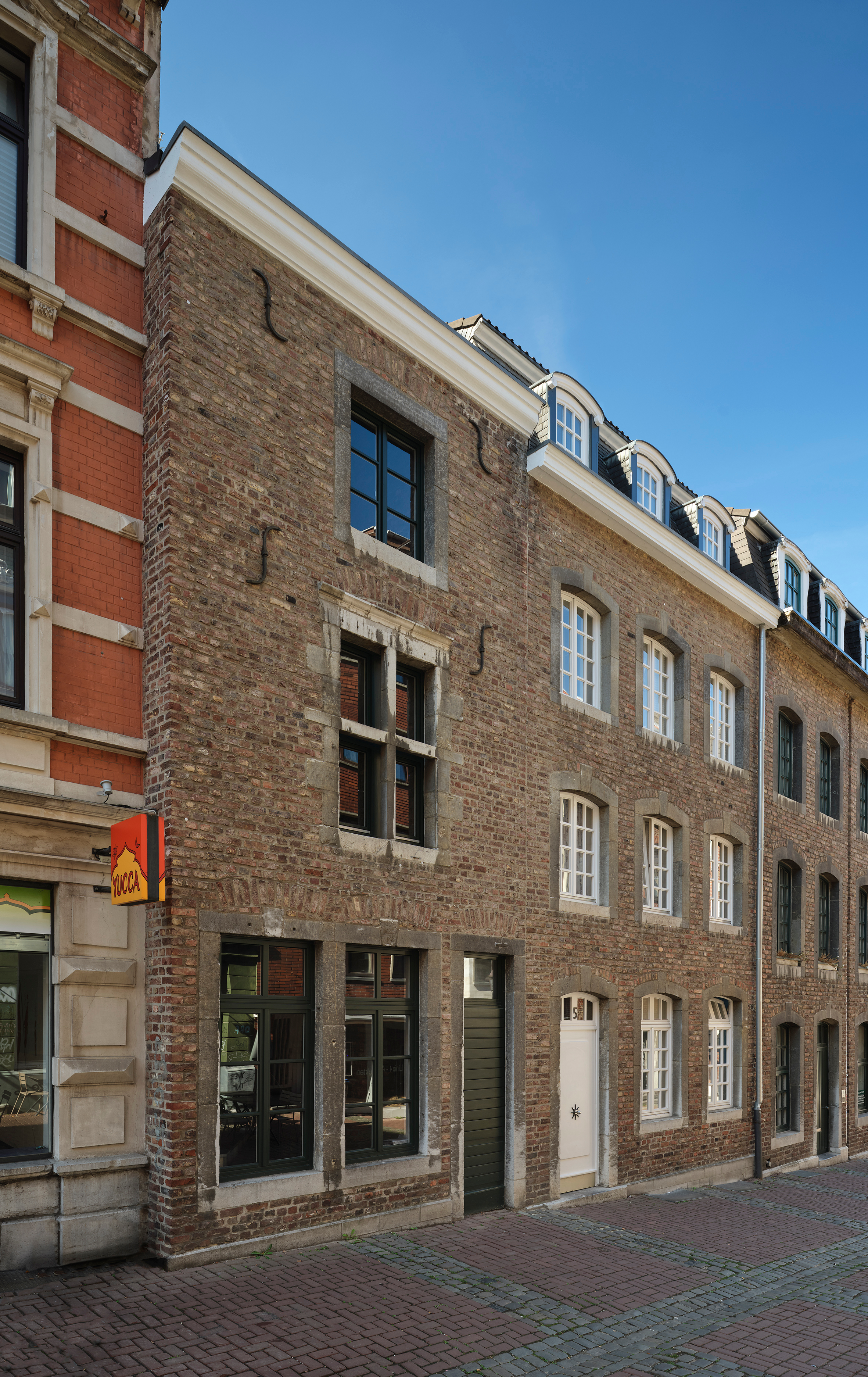
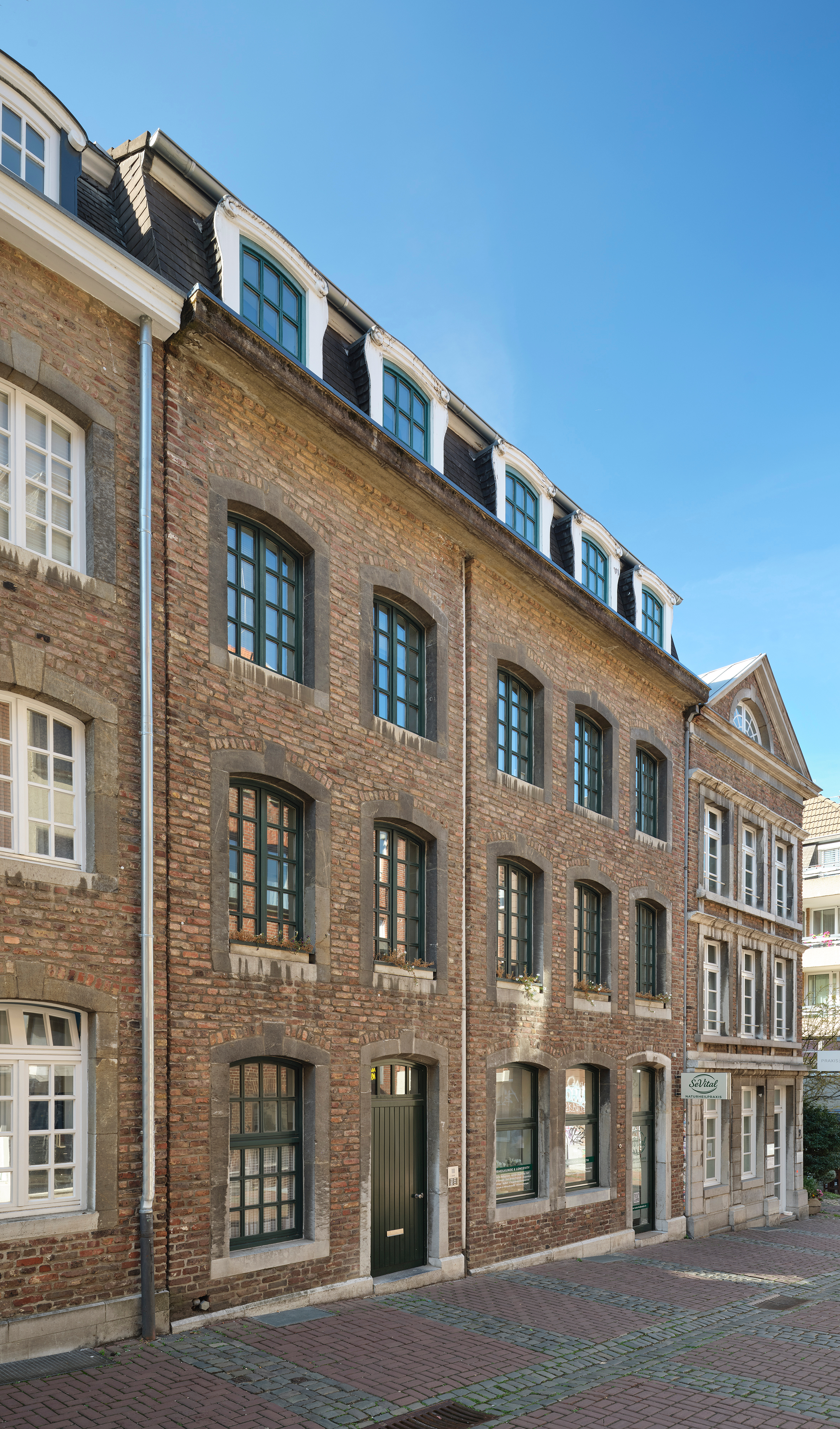
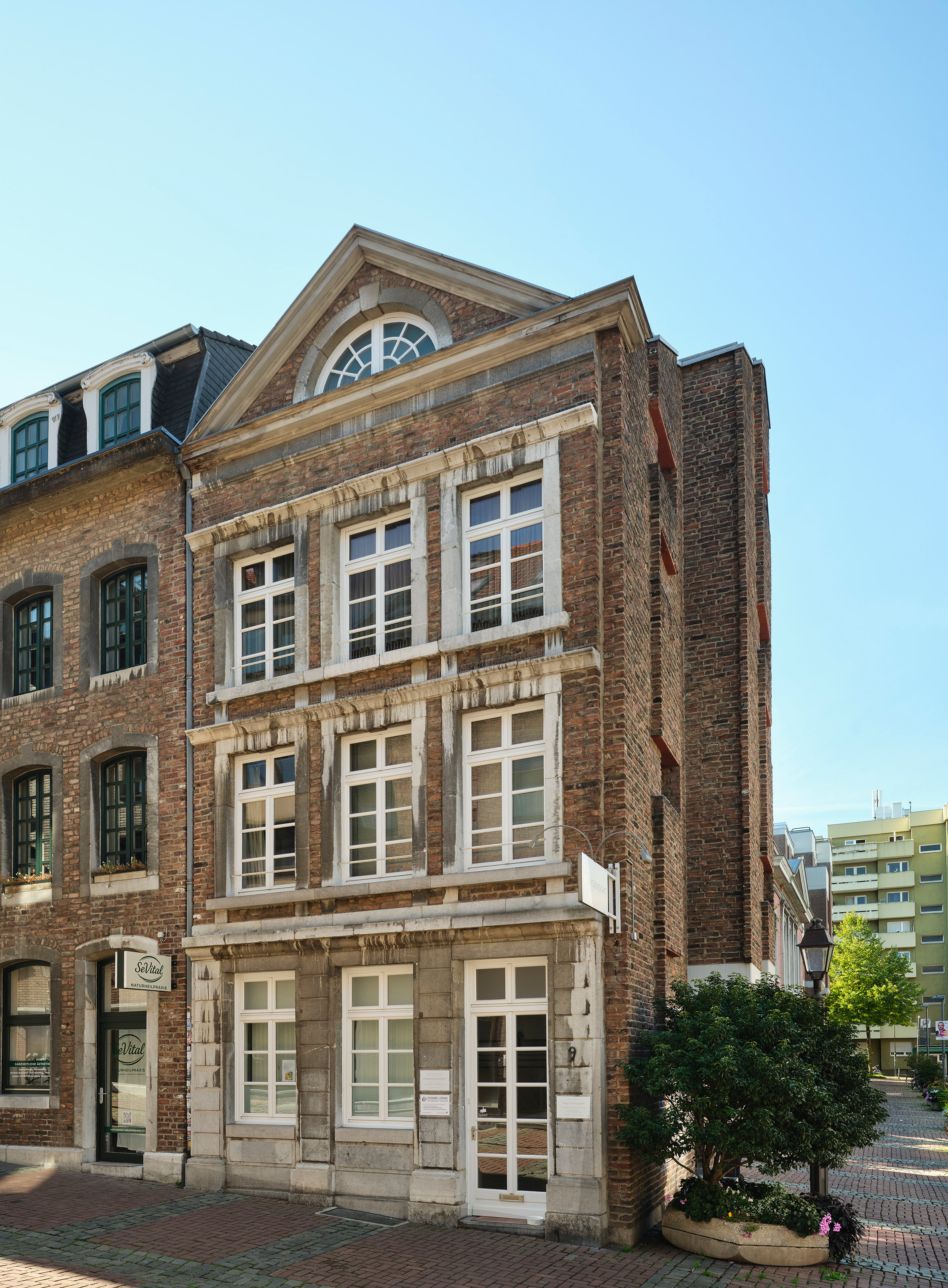
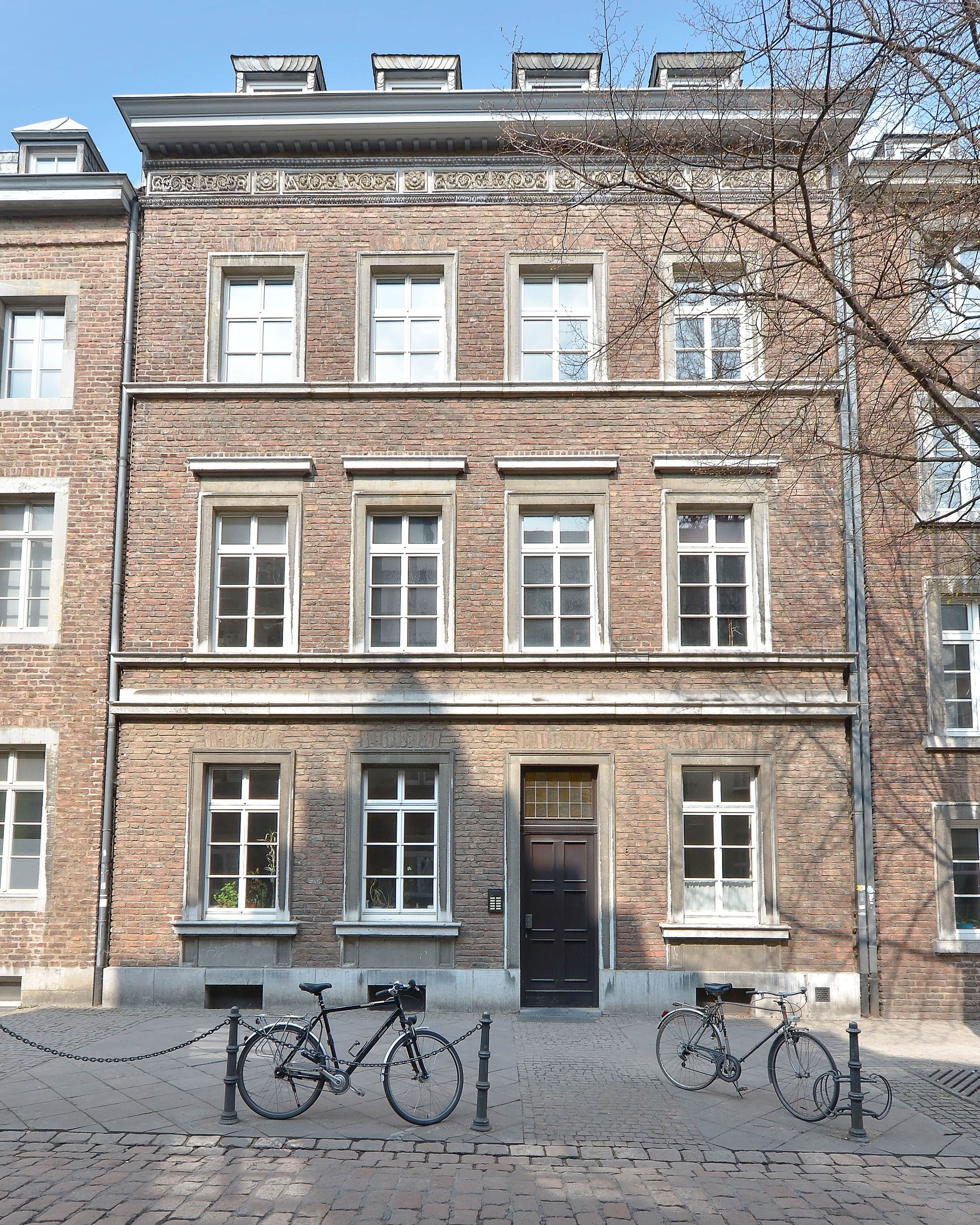
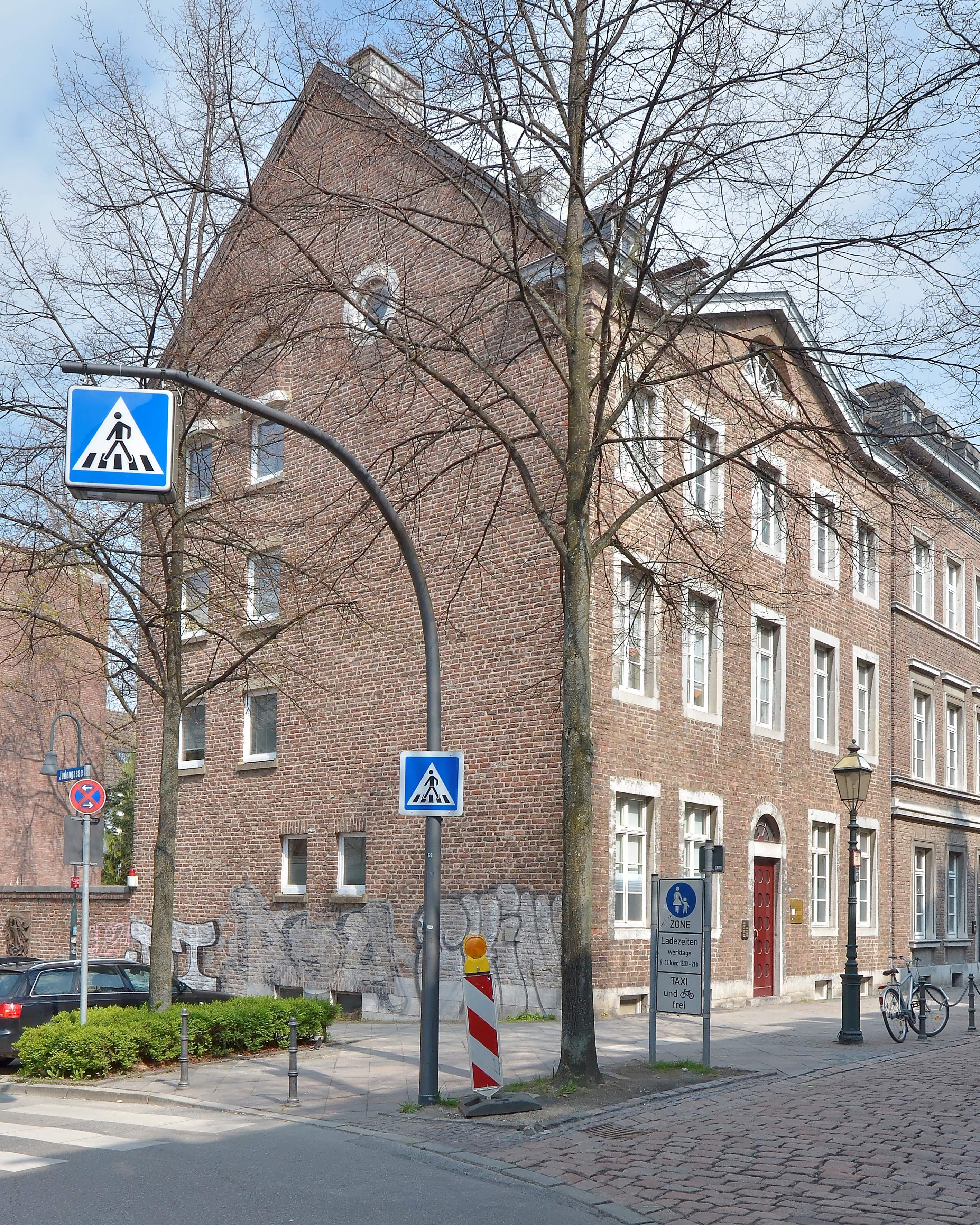
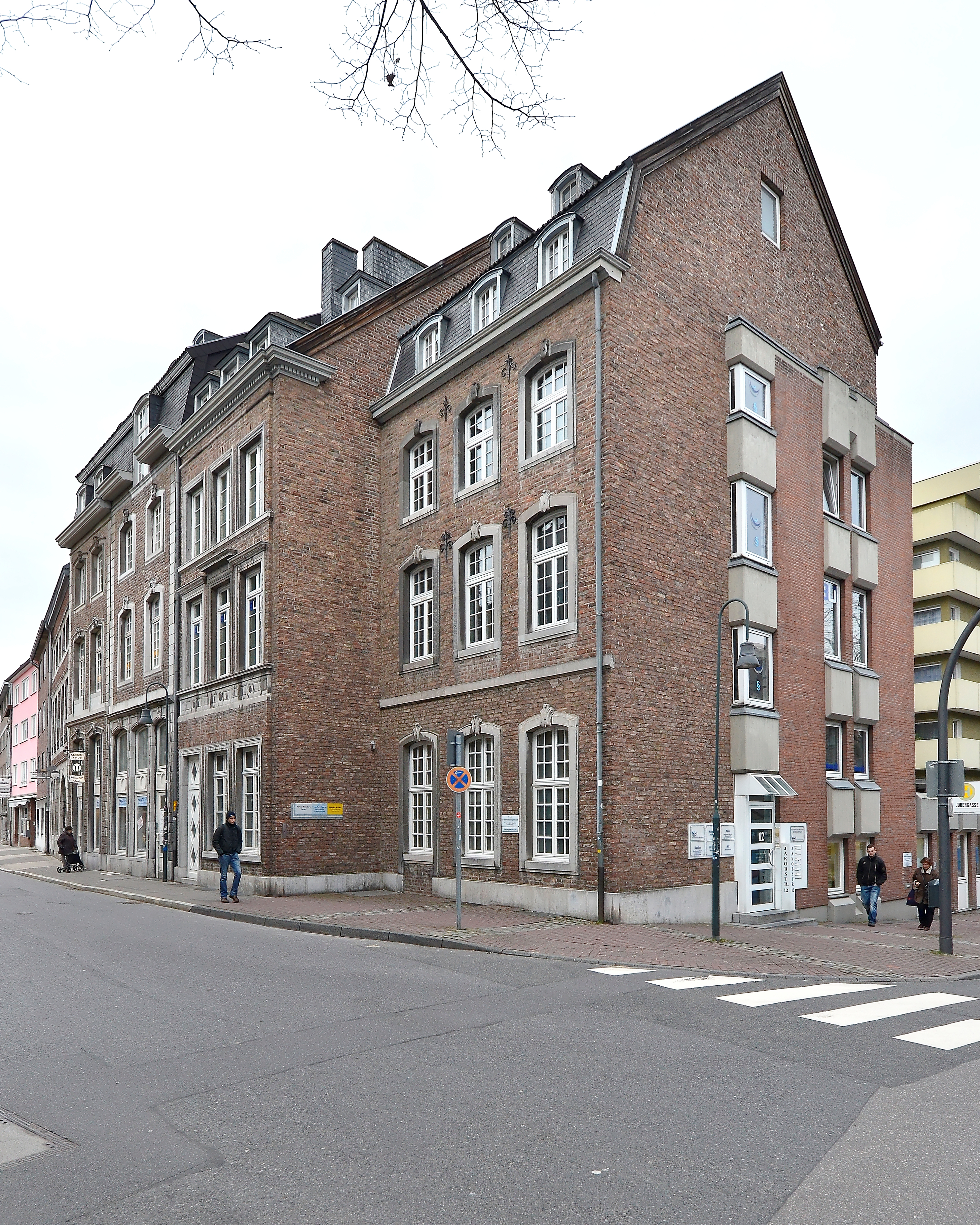
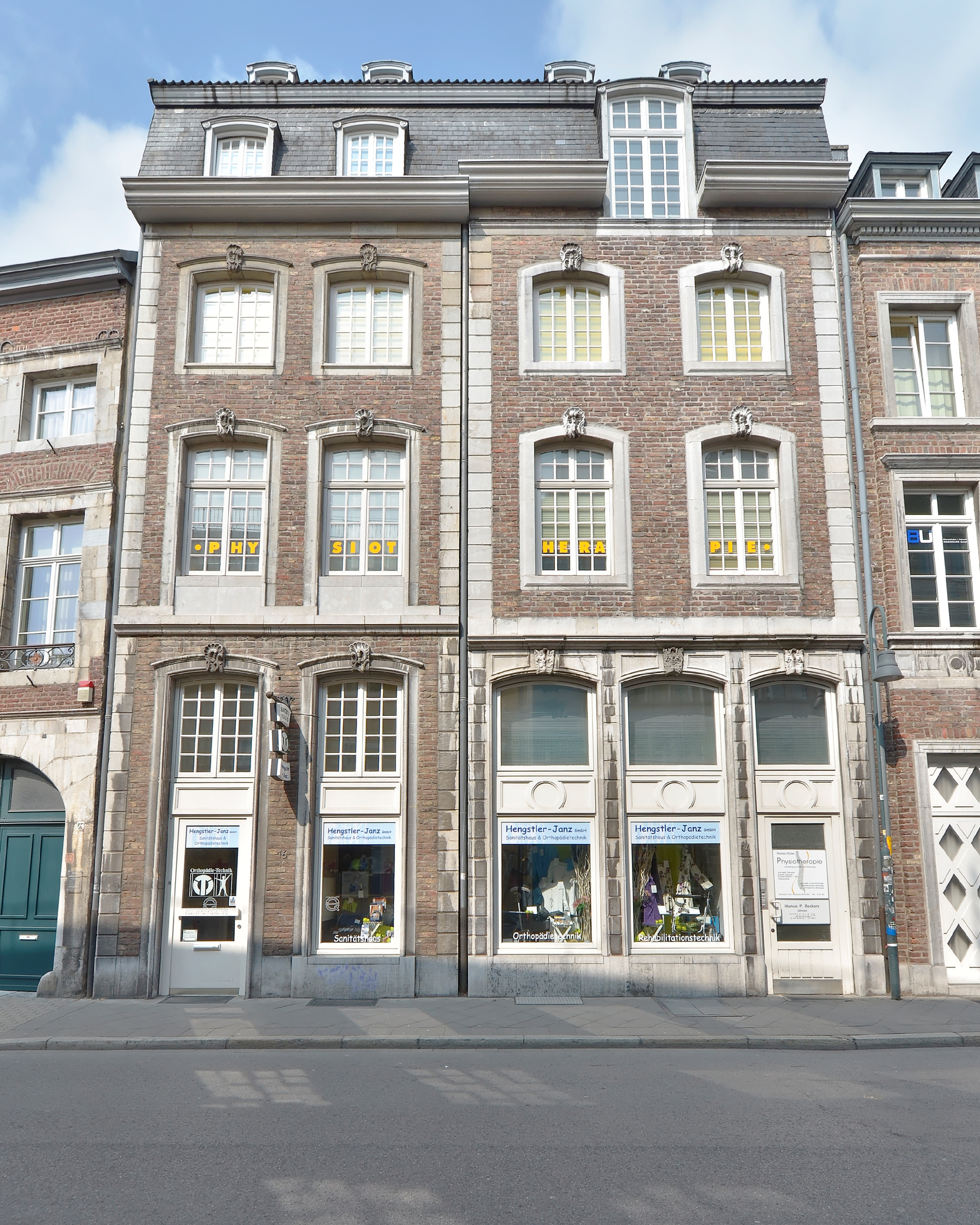
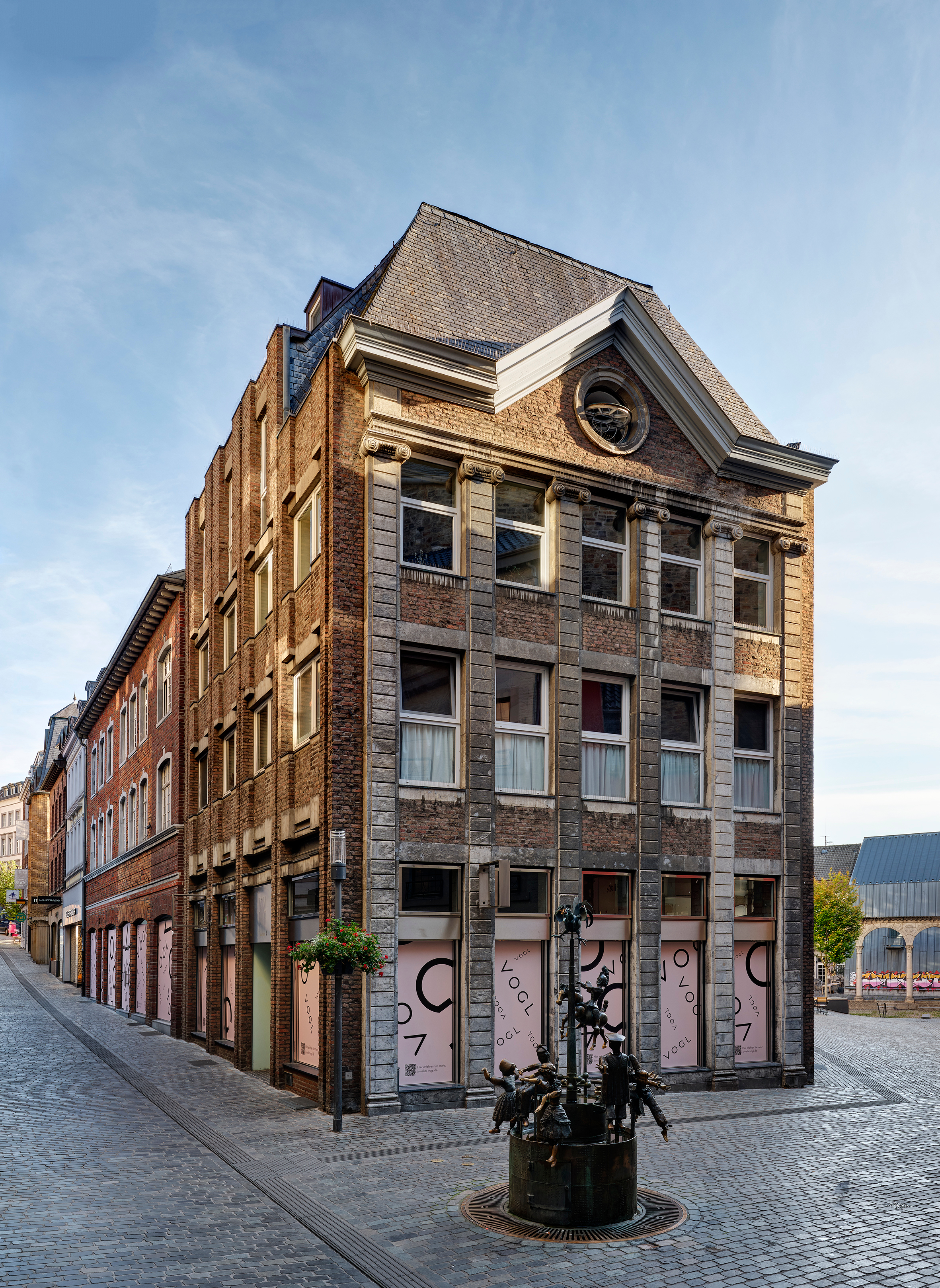
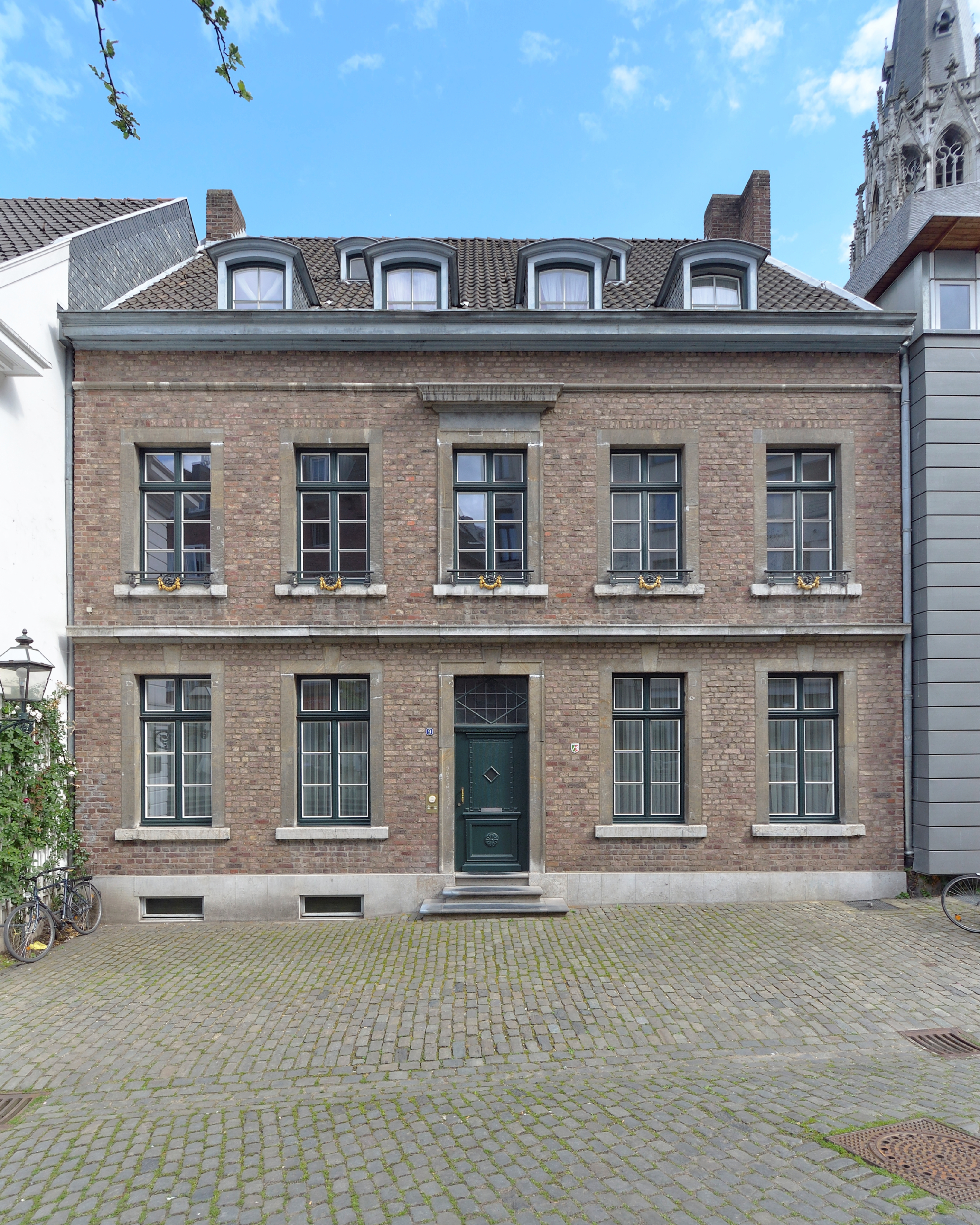
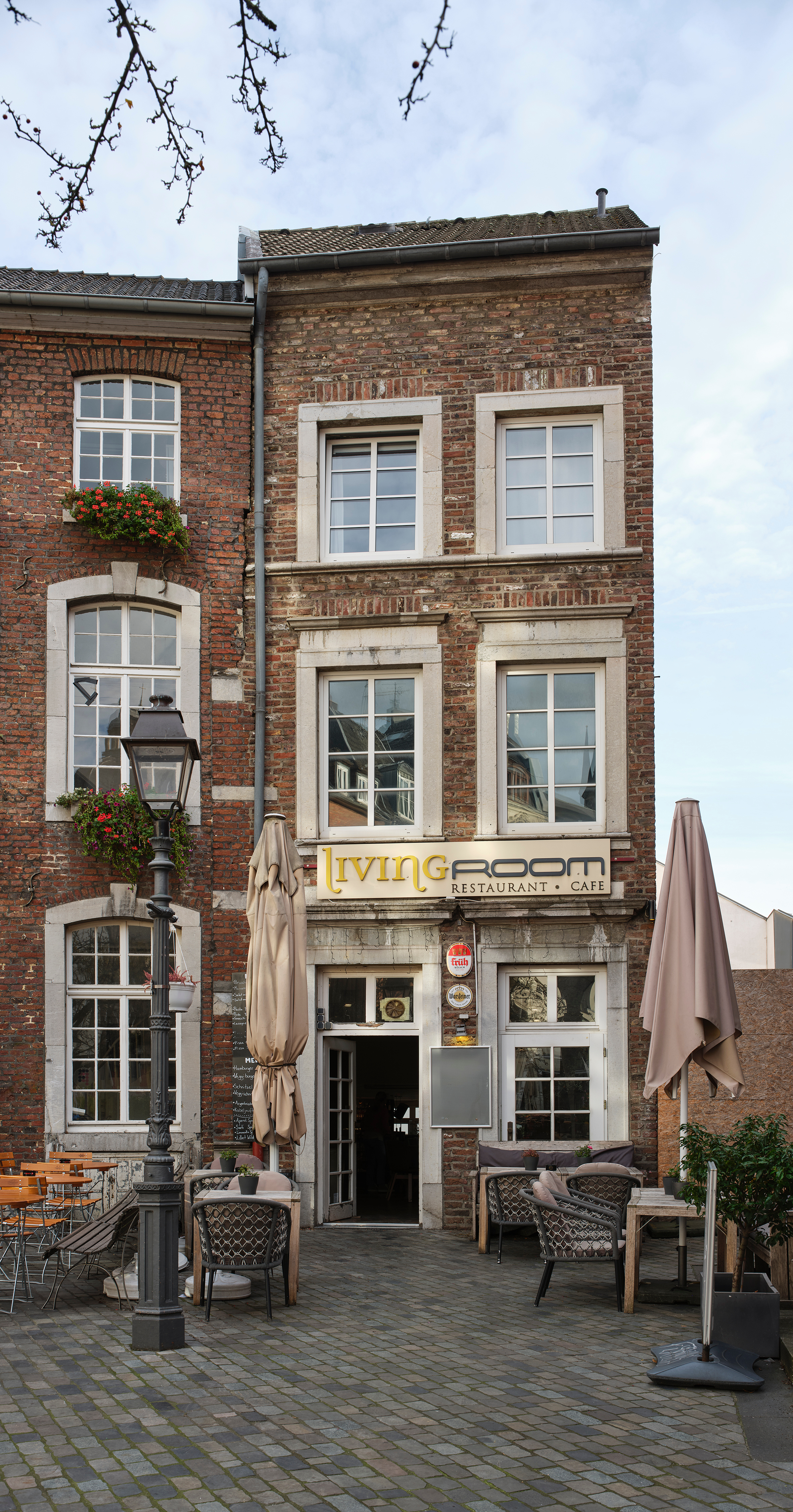
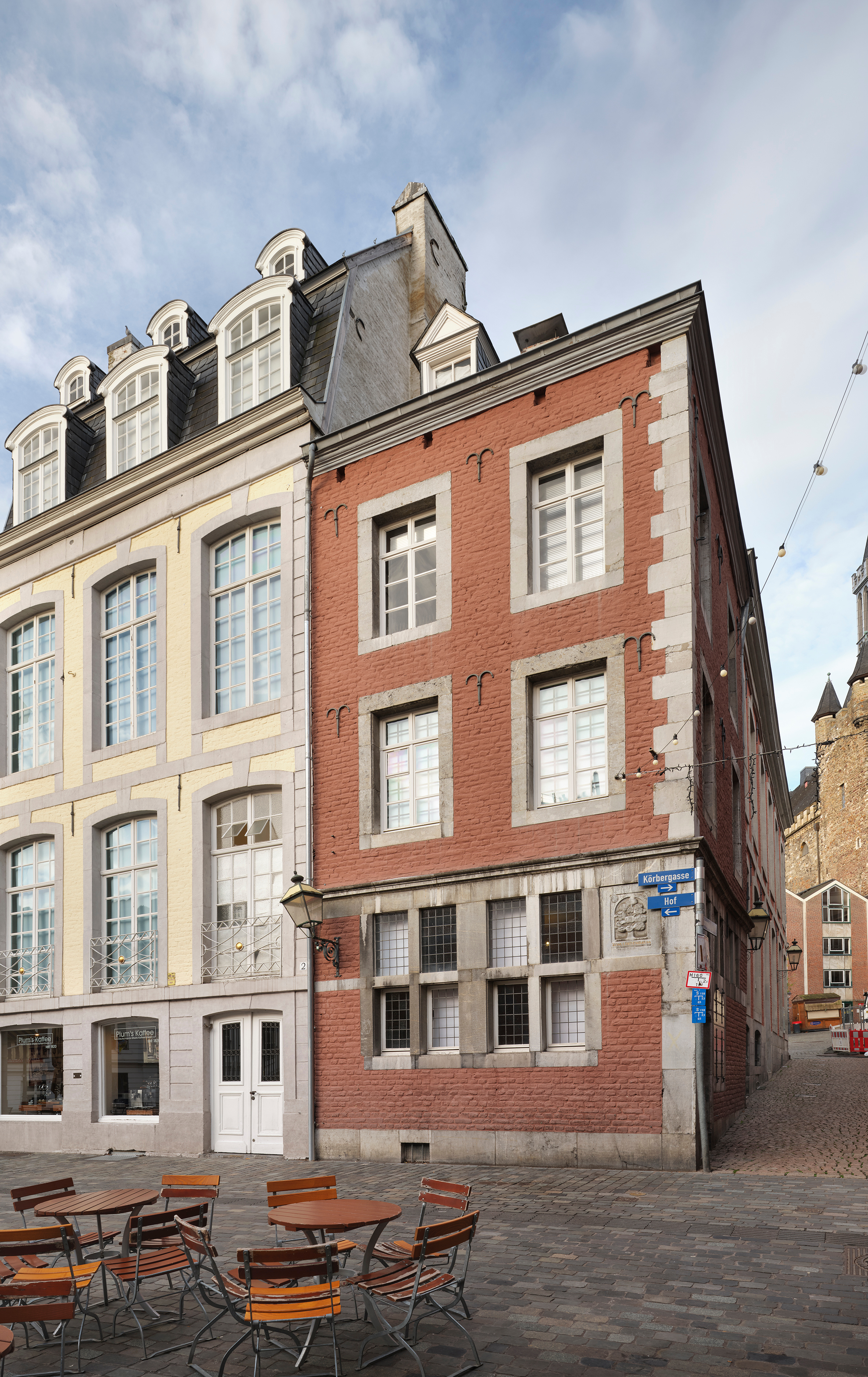
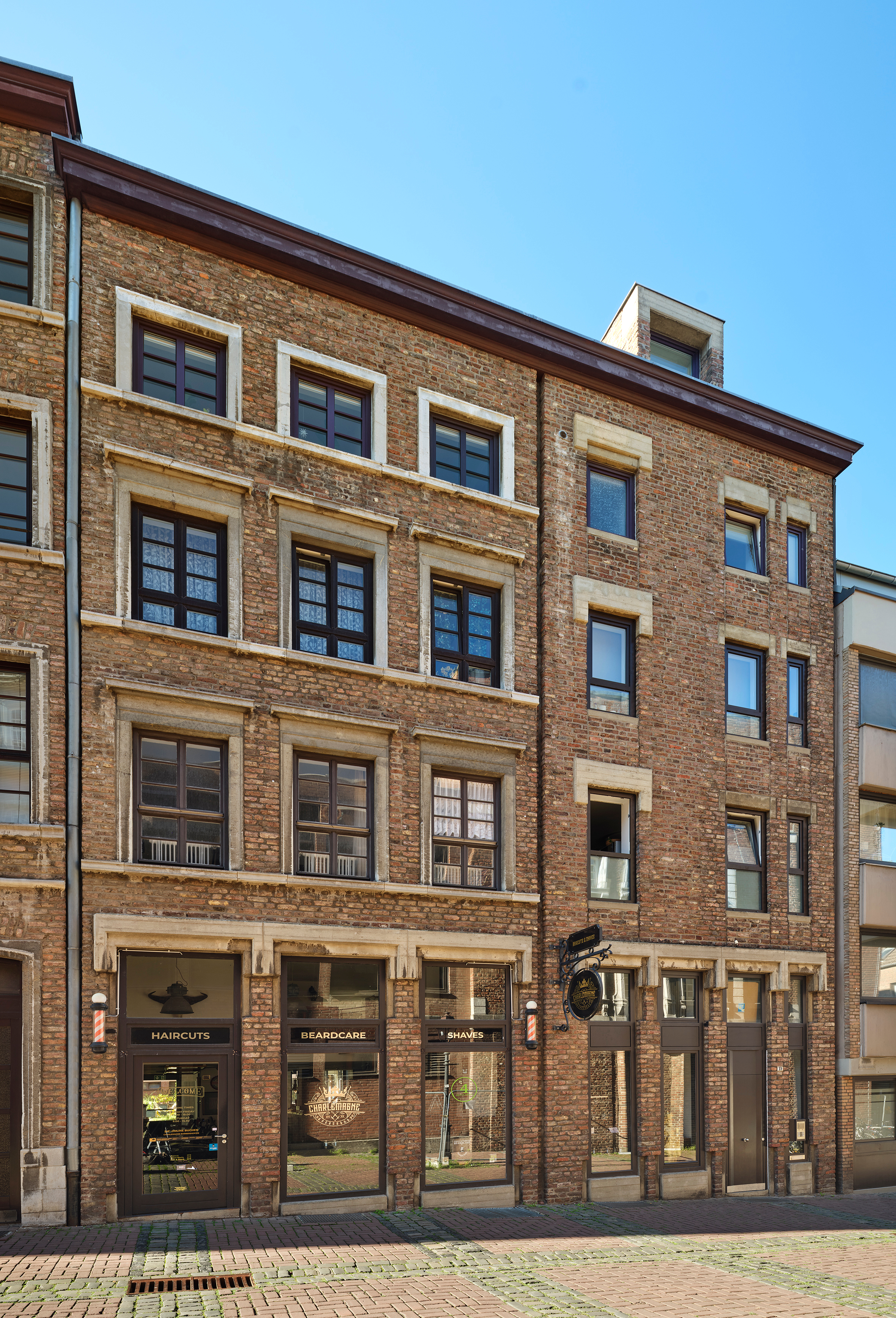
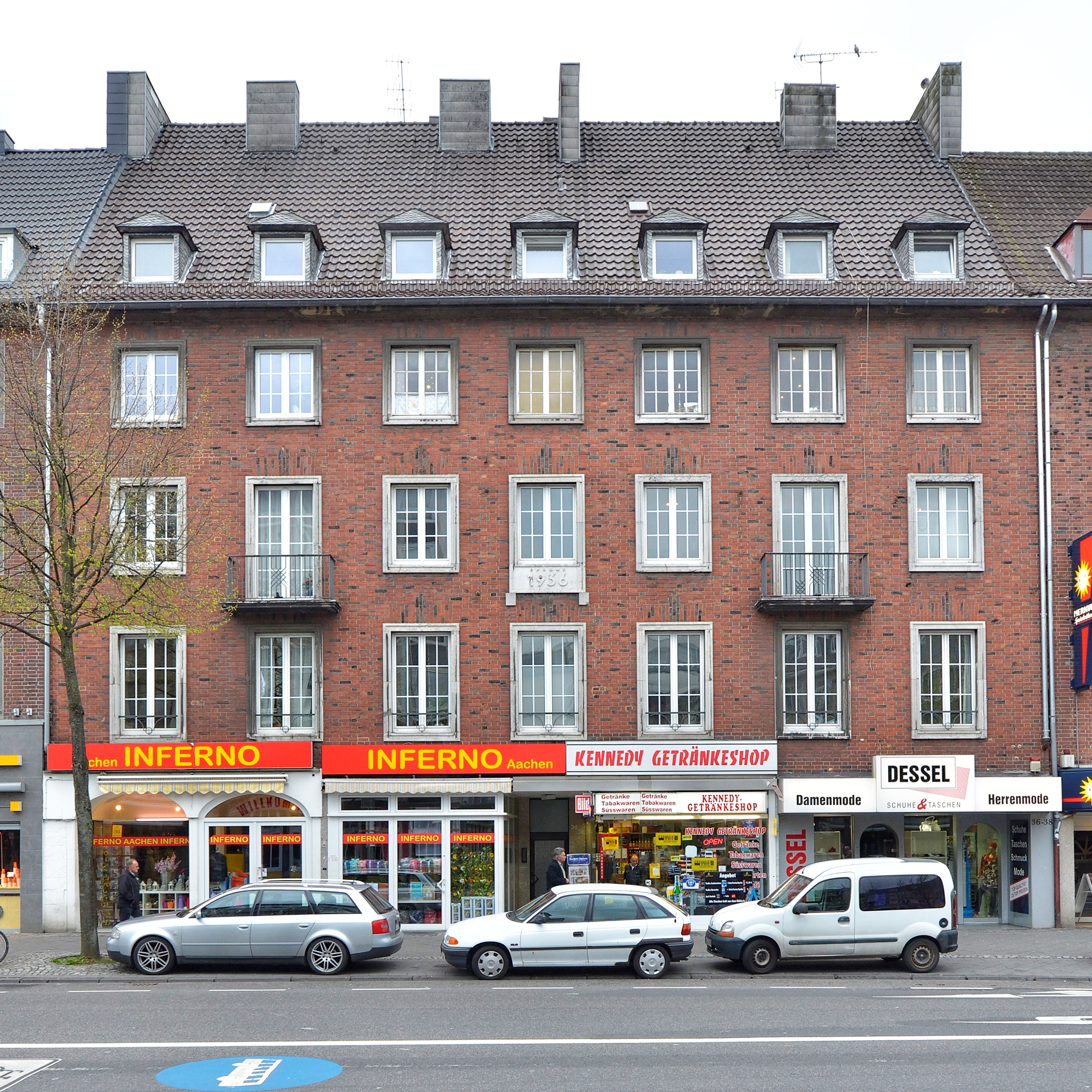
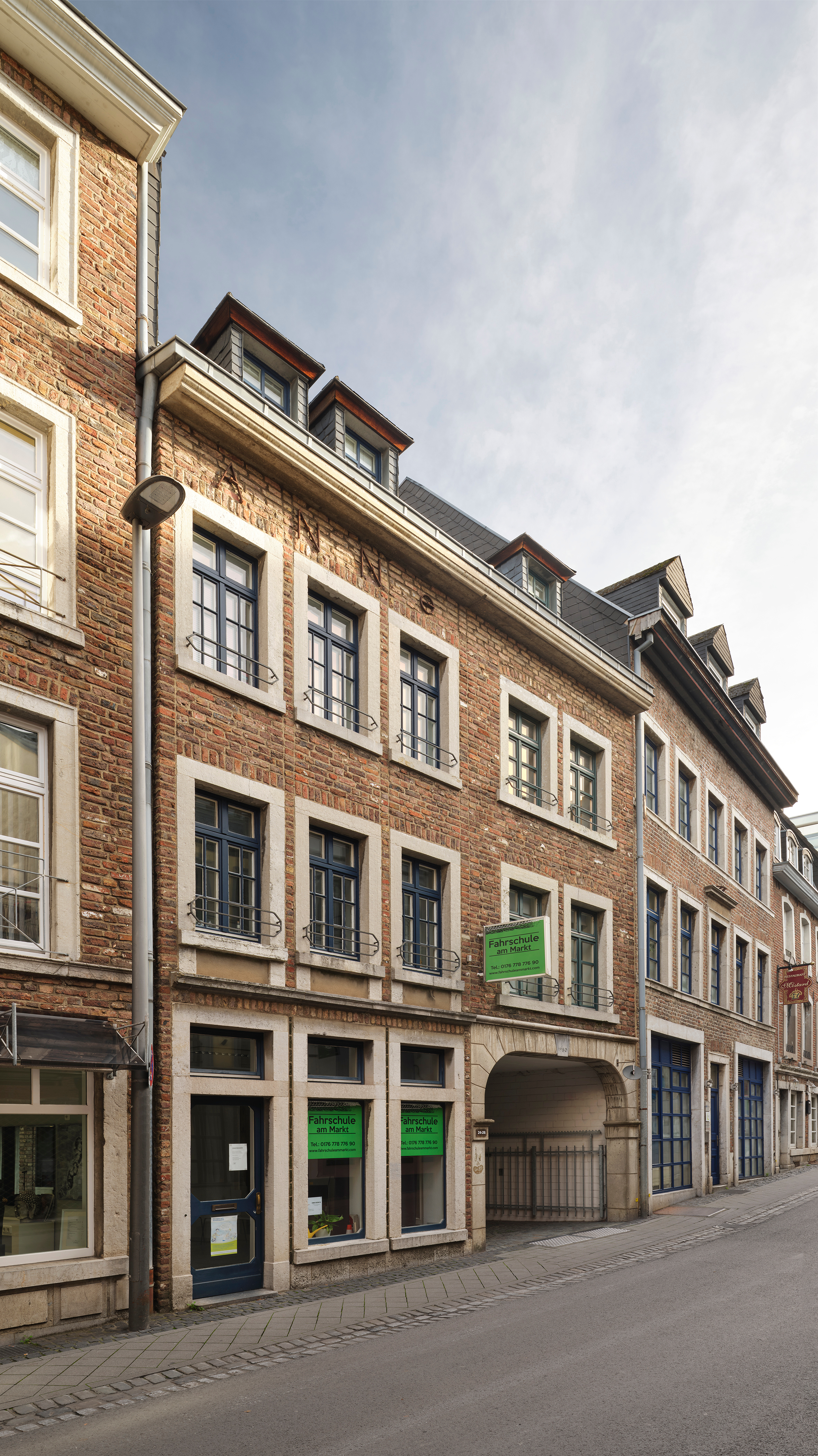
Our old town is older than we think and newer than it seems. The Old Town Expedition is both a discovery route and a journey through time. It leads to buildings that tell the stories of reconstruction.

Many of them were rebuilt after the Second World War, moved or deliberately designed as historical backdrops. Plaques on site show the way. The monument finder opens the digital archive.
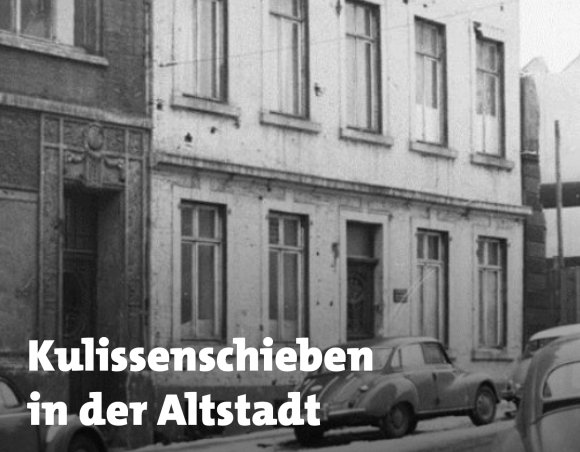
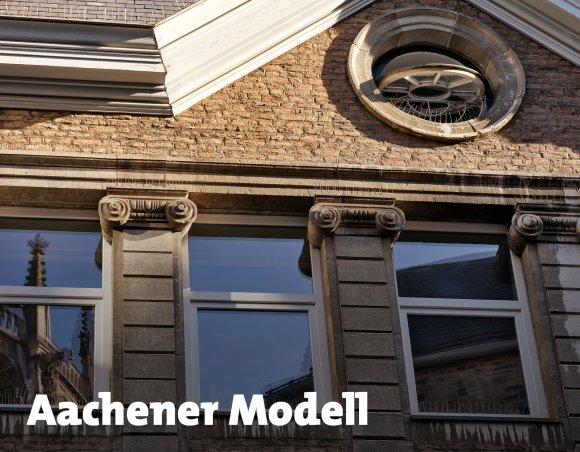
Exploring the urban space

Selected monuments are visibly marked along the route. A QR code on the buildings leads directly to their profiles in the monument finder. Here you can read background information on the reconstruction, the relocation of entire facades and the development of the new old town.

The expedition combines exploring the urban space with looking things up in the digital world. Below is an overview of all the monuments that are part of the expedition.
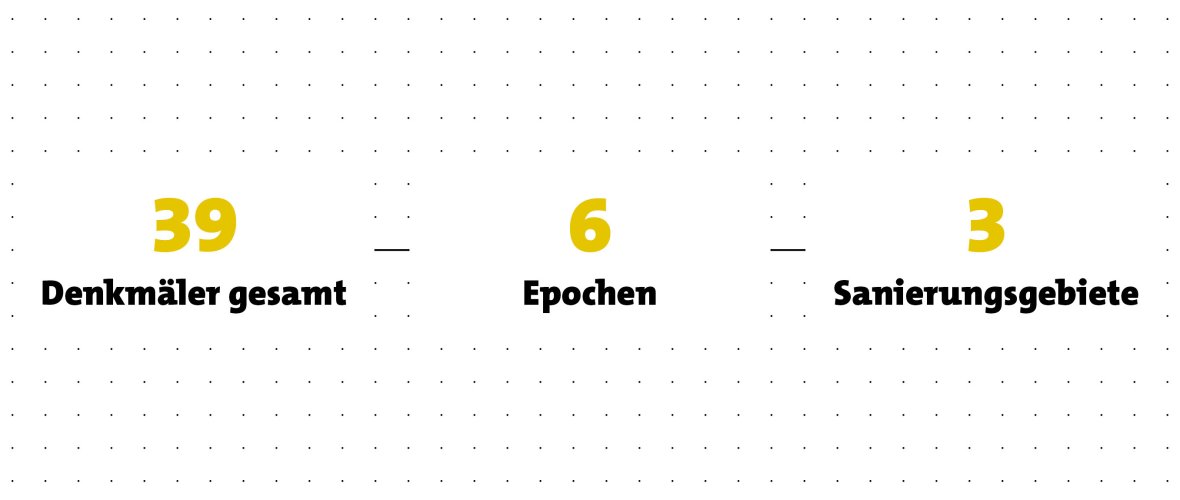
Scope of the Old Town expedition: 39 monuments from 6 eras in 3 redevelopment areas


Scope of the Old Town expedition: 39 monuments from 6 eras in 3 redevelopment areas

The map

Discover monuments
Supported by

Layout 1

Help with accessibility

  • General

    We make every effort to ensure that our websites are accessible. You can find details on this in our accessibility statement. You can send us suggestions for improvement using our"Report a barrier" feedback form.

  • Font size

    To adjust the font size, please use the following key combinations:

    Larger

    ⌘command
    +

    Smaller

    ⌘command

    Larger

    Ctrl
    +

    Smaller

    Ctrl
  • Keyboard navigation

    Use TAB and SHIFT + TAB to navigate through next/previous links, form elements and buttons.
    Use ENTER to open links and interact with elements.

  • Contrast mode

    Press the following key combination to reduce or increase the contrast:

    Enlarge

    ⌃control
    ⌥option
    ⌘command
    .

    Decrease

    ⌃control
    ⌥option
    ⌘command
    ,
    Note: The shortcuts must be activated in the system settings of the operating system.
    Press left ALT + left SHIFT + PRINT to quickly switch the high contrast mode on or off.

  • Invert colors

    Press the following key combination to switch the color inversion on and off:

    ⌃control
    ⌥option
    ⌘command
    8
    Note: The shortcuts must be activated in the system settings of the operating system.

    First activate the screen magnifier and then switch the color inversion on and off with the following key combinations:

    1. screen magnifier

    +

    2. invert colors

    Ctrl
    Old
    I
  • Screen magnifier

    Press the following key combinations to use the screen magnifier:

    Switch on/off

    ⌥option
    ⌘command
    8

    Enlarge view

    ⌥option
    ⌘command
    =

    Reduce view

    ⌥option
    ⌘command
    Note: The shortcuts must be activated in the system settings of the operating system.

    Switch on / Enlarge view

    +

    Reduce view