Diese Seite wurde automatisch übersetzt. Es kann daher zu Abweichungen oder Ungenauigkeiten im Text kommen. Verbindlich ist ausschließlich die Originalfassung. Rechtsansprüche aus Inhalten der übersetzten Version sind ausgeschlossen.

The Aachen model

The Aachen model is the name given to the way Aachen was rebuilt. It took place from the immediate post-war period to the implementation of the redevelopment areas in the city center in the 1990s. Born out of the need of a heavily destroyed city, Aachen was to be rebuilt on the old city layout. Parts of buildings that had survived were relocated and award-winning redevelopment areas were implemented. Some of the buildings that were particularly important for identification were restored and reconstructed. The result of the Aachen model is a unique "new old town" that combines historic buildings and structures with contemporary new buildings.

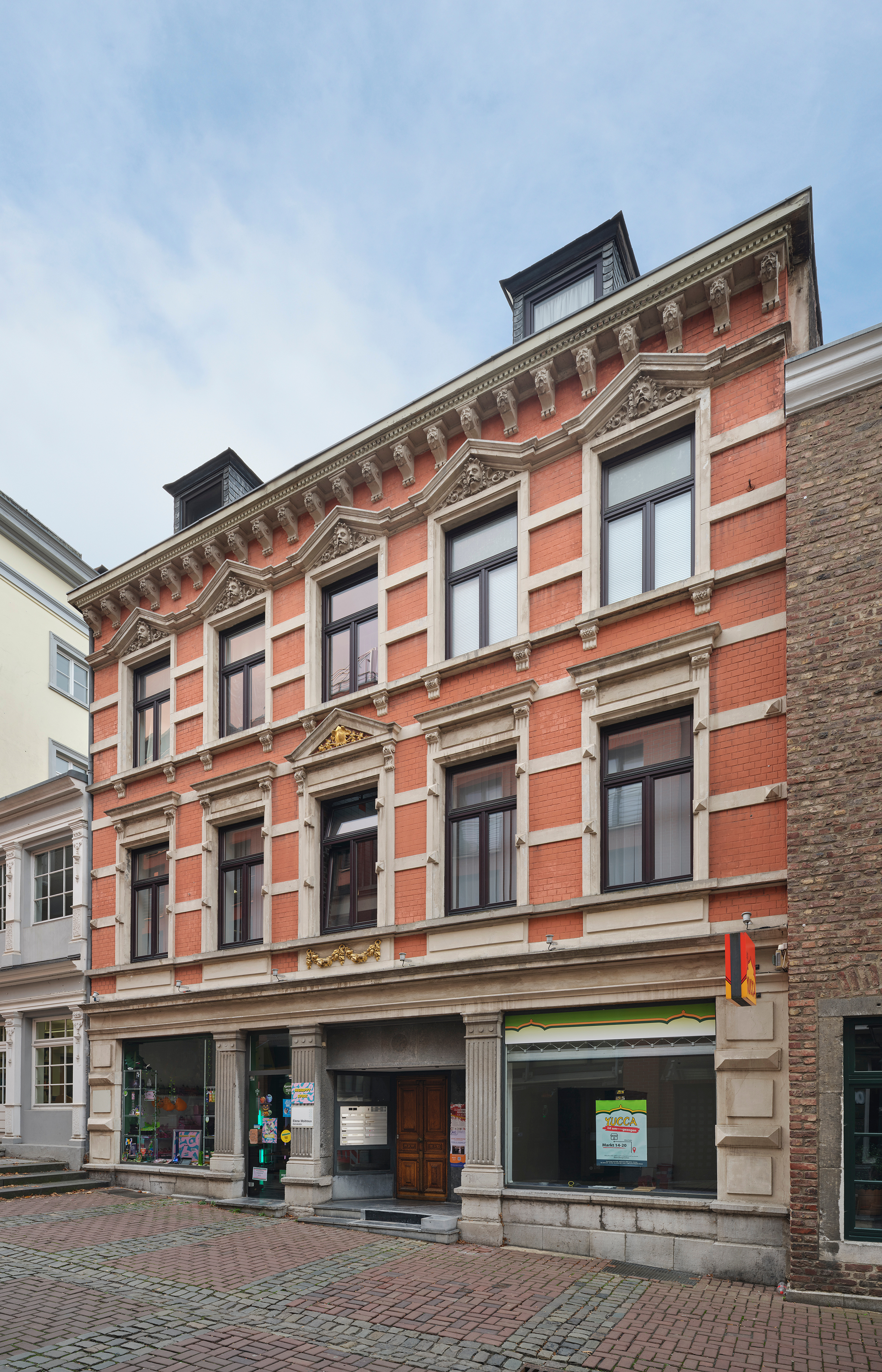
  • Overview of redevelopment areas

    Aachen's city center was divided into three redevelopment areas. Redevelopment area I comprised the area between Pontstrasse, Annuntiatenbach, Trichtergasse and Jakobstrasse. Redevelopment area II included the areas between Löhergraben, Jakobstraße, Mühlenberg and Rosstraße. The third area was the smallest and comprised Neupforte and Mostardstraße. The growing university area around Templergraben was not a redevelopment area, but nevertheless an important part of the Aachen model.

  • Goals

    The aim of the redevelopment areas was to improve urban planning deficiencies such as unhealthy living conditions, disruptive businesses and new demands on the mobility of citizens in the city center. An important topic here were alignment plans for redesigning or straightening out the urban layout. In addition, the redevelopment areas served as model cases for the state of North Rhine-Westphalia for future urban redevelopment. The city received various awards in the federal competition for urban design and monument protection in urban development.

    The desired traffic widening of Paugasse was achieved by partially demolishing the backyard buildings on the opposite side.

  • Actors

    With the exhibition and brochure "Aachen plans", Aachen's citizens were informed and involved for the first time in 1950 about the basic program of reconstruction with models, plans and texts. Dr. Wilhelm Fischer, Director of the City Planning Office, as well as Hans Königs and Dr. Leo Hugot as architects and city conservators were key players in the Aachen model, alongside many other visionary architects and urban planners.

    The handling of the redevelopment area III was accompanied in particular by civic protests, which brought about a rethink and the preservation of some of the old buildings. There were various protest movements against the redevelopment of the city center, which in many places ensured the preservation of old buildings.

Monument finder

Help with accessibility

  • General

    We make every effort to ensure that our websites are accessible. You can find details on this in our accessibility statement. You can send us suggestions for improvement using our"Report a barrier" feedback form.

  • Font size

    To adjust the font size, please use the following key combinations:

    Larger

    ⌘command
    +

    Smaller

    ⌘command

    Larger

    Ctrl
    +

    Smaller

    Ctrl
  • Keyboard navigation

    Use TAB and SHIFT + TAB to navigate through next/previous links, form elements and buttons.

    Use ENTER to open links and interact with elements.

  • Contrast mode

    Press the following key combination to reduce or increase the contrast:

    Enlarge

    ⌃control
    ⌥option
    ⌘command
    .

    Decrease

    ⌃control
    ⌥option
    ⌘command
    ,
    Note: The shortcuts must be activated in the system settings of the operating system.

    Press left ALT + left SHIFT + PRINT to quickly switch the high contrast mode on or off.

  • Invert colors

    Press the following key combination to switch the color inversion on and off:

    ⌃control
    ⌥option
    ⌘command
    8
    Note: The shortcuts must be activated in the system settings of the operating system.

    First activate the screen magnifier and then switch the color inversion on and off with the following key combinations:

    1. screen magnifier

    +

    2. invert colors

    Ctrl
    Old
    I
  • Screen magnifier

    Press the following key combinations to use the screen magnifier:

    Switch on/off

    ⌥option
    ⌘command
    8

    Enlarge view

    ⌥option
    ⌘command
    =

    Reduce view

    ⌥option
    ⌘command
    Note: The shortcuts must be activated in the system settings of the operating system.

    Switch on / Enlarge view

    +

    Reduce view