Conversions and renovations in 2014
Renovation of canteen, library and educational center

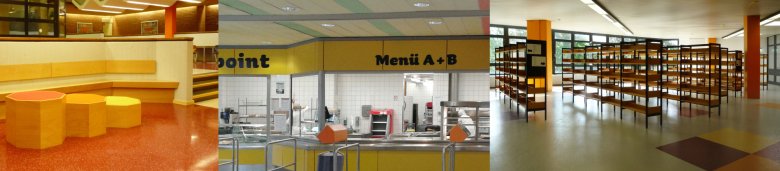
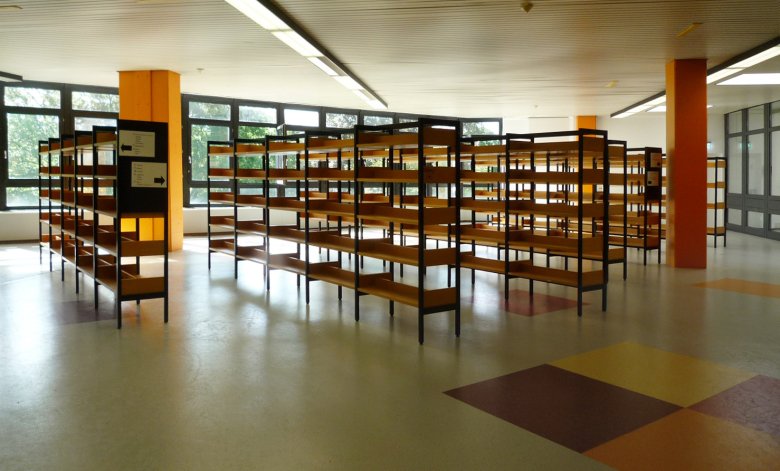
The starting point for the work on the three areas in the Laurensberg school center (the cafeteria, the educational center with the adjoining corridor areas and the library) was the need to renew the floor coverings in the communal areas.
The following schools are located within the school complex:
• Anne Frank High
School• Heinrich Heine Comprehensive
School• Evening High School
Thanks to the cooperation between the building management, the education authority and the schools with their support associations, the original intention of renewing the flooring could be taken as an opportunity for further renovation of the rooms.
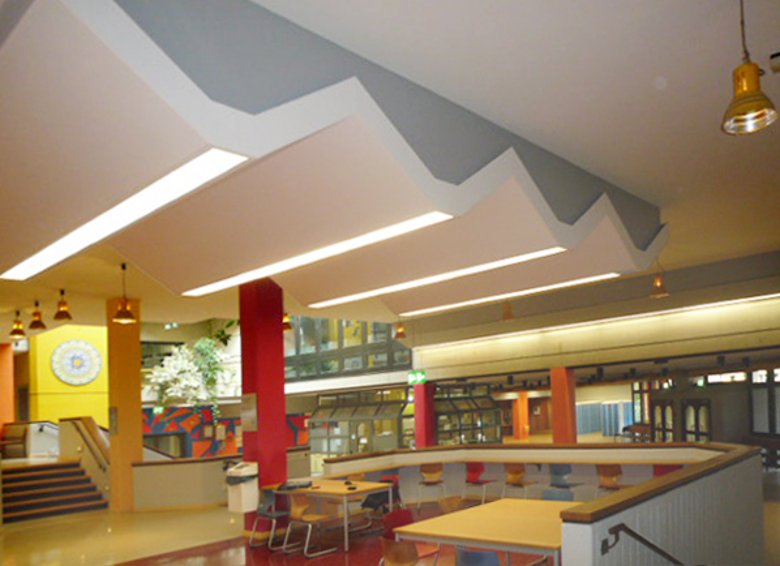
The Pedagogical Center was redesigned in summer 2013.
Use
: The two primary functions of this “spatial landscape” are to serve as a central access area and as a break and lounge area for elementary and middle school students, as well as to host school events in close proximity to the auditorium. Within
the Educational Center, the break and lounge areas are to be situated across the three levels and integrated into the overall design concept.
Design and Student Ideas
: For the design of the common areas, some ideas were incorporated from a group of students who had explored the topic in advance and developed a proposal.
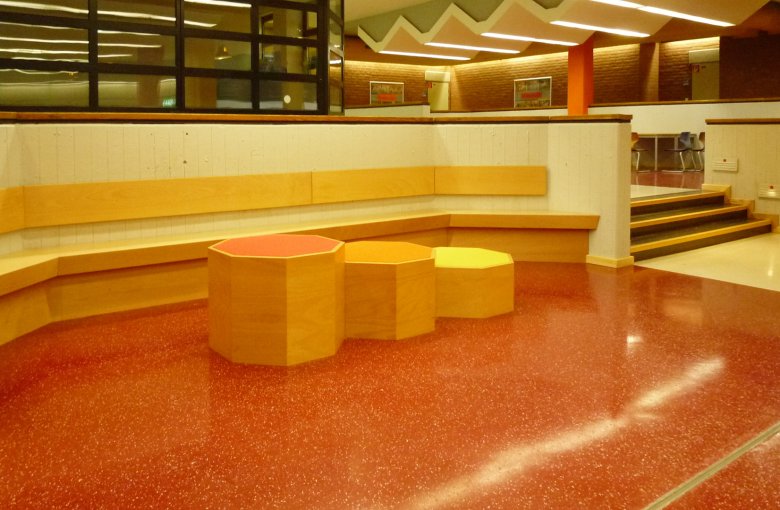
Three main uses were considered for the two common areas: Individual seating, variable seating for groups and integrated "chill areas" for individual and group work, breaks and leisure.
Accessibility
: In addition to the design proposals and requests from the student groups, preliminary consultations were held in particular with visually impaired students, school representatives, the City of Aachen’s Building Management Department, the City of Aachen’s Disability Affairs Officer, the Office for Occupational Safety and the Prevention Department of the General Accident Insurance Fund of North Rhine-Westphalia, and the Fire Safety Department of the City of Aachen’s Building Management Department.
It was possible to achieve an appealing and good result for all pupils with their different wishes in everyday school life, in which they could find their creative wishes and special needs reflected.
FeaturesThe cafeteria at the
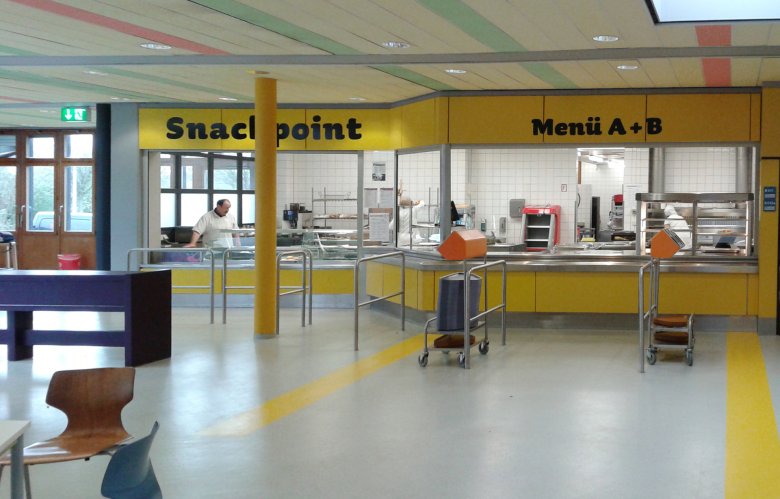
Laurensberg School Center was renovated in the fall of 2012. The focus was on functional and design aspects, such as the redesign and integration of the kiosk into the kitchen’s serving area, as well as flexible and varied seating and standing areas in different zones, which create a welcoming, relaxed, and diverse atmosphere.
In addition to its primary function during breaks, the cafeteria is also used by middle school students as a lounge during free periods. The integrated “chill corner” serves as a lounge area for upper school students.
Inclusion
: In addition to students from the school complex (Anne Frank Gymnasium and Heinrich Heine Comprehensive School), students from the evening high school and, as part of a subsidized inclusion program, students from the two special education schools Johannes Kepler and David Hirsch use the cafeteria. In designing the spaces, the special needs of the students from the special education schools were taken into account.
Uses
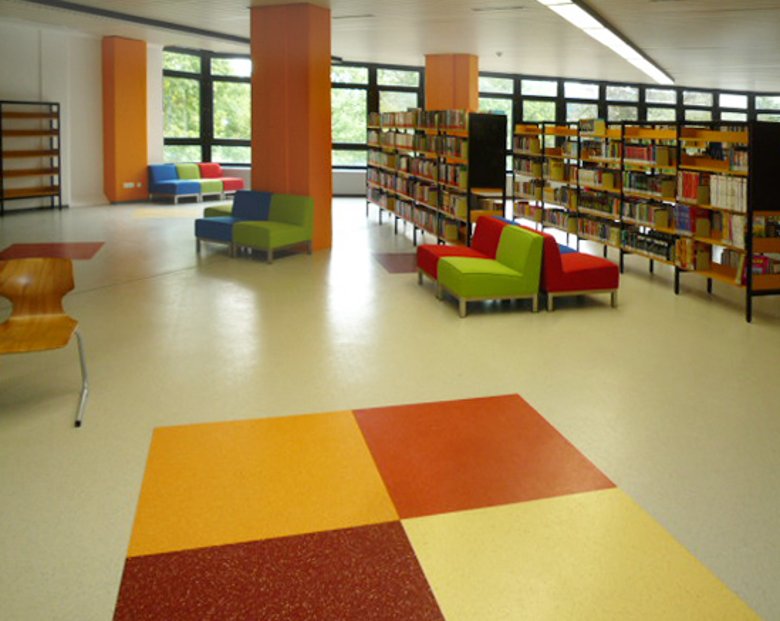
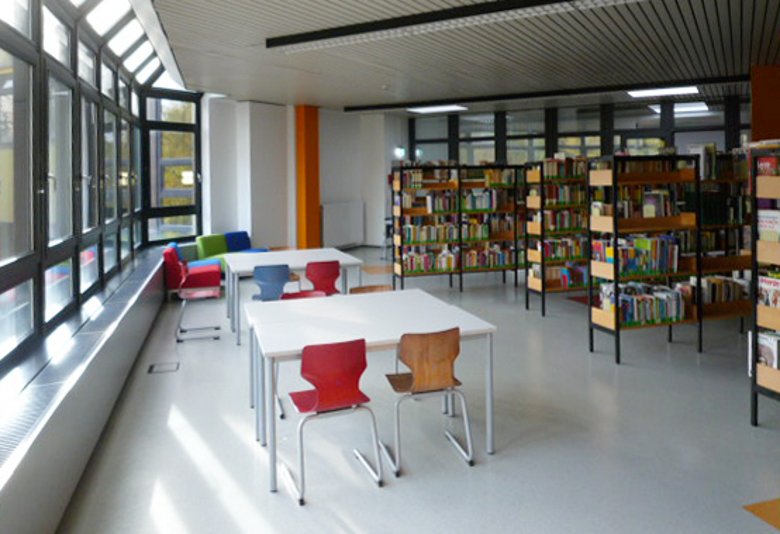
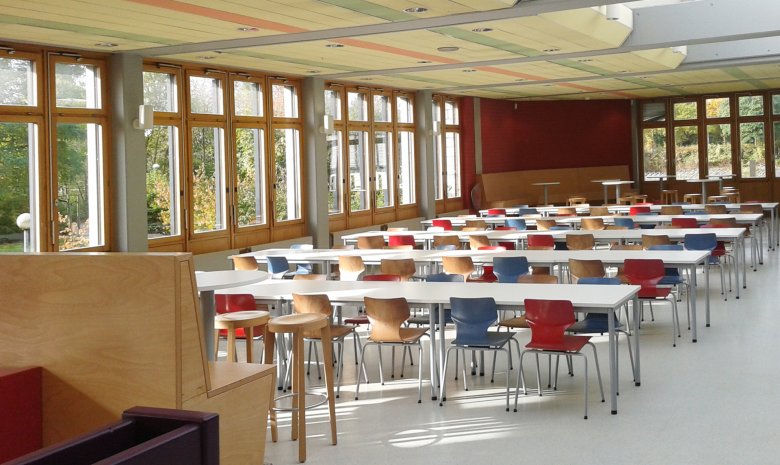
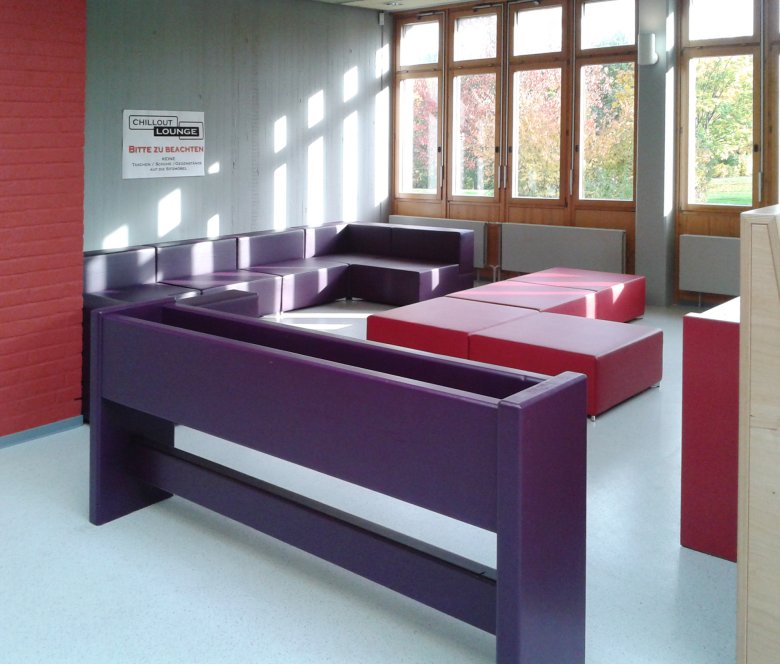
: The library was redesigned in the summer of 2014. The focus here was on organizing individual work, break, and lounge areas in conjunction with the circulation desk, media management, and media use, while providing dedicated spaces for each function and reflecting this in the design. To expand the library’s space, the registry office has now been directly incorporated into the library as a multifunctional room.
New MediaTo
facilitate the use of new media, the number of computer workstations has been significantly increased, and outlets have been installed along the window front to allow for the flexible use of laptops.
Flexible Seating Arrangements: The schools jointly purchased seating
elements that can be arranged flexibly to furnish the common areas. These allow students to find their own personal space for reading, either individually or in small groups.