Hot thermal springs and cold streams have shaped Aachen for centuries. They formed the foundation for crafts, trade, industry, and the city’s famous spa tourism. To this day, water remains an integral part of Aachen’s identity. Most of the streams now flow underground and are no longer visible in the cityscape. That is why the city of Aachen has been working for many years to make these waterways visible and accessible again wherever possible. This goal is outlined, among other places, in the Downtown Concept 2022 (ISK 2022) and the Aachen*2030 Master Plan.
A successful example is the Johannisbach stream at Lindenplatz. The open stream shows how water can make public spaces more attractive. It creates a pleasant atmosphere, encourages people to linger, and at the same time helps the city better adapt to the effects of climate change.
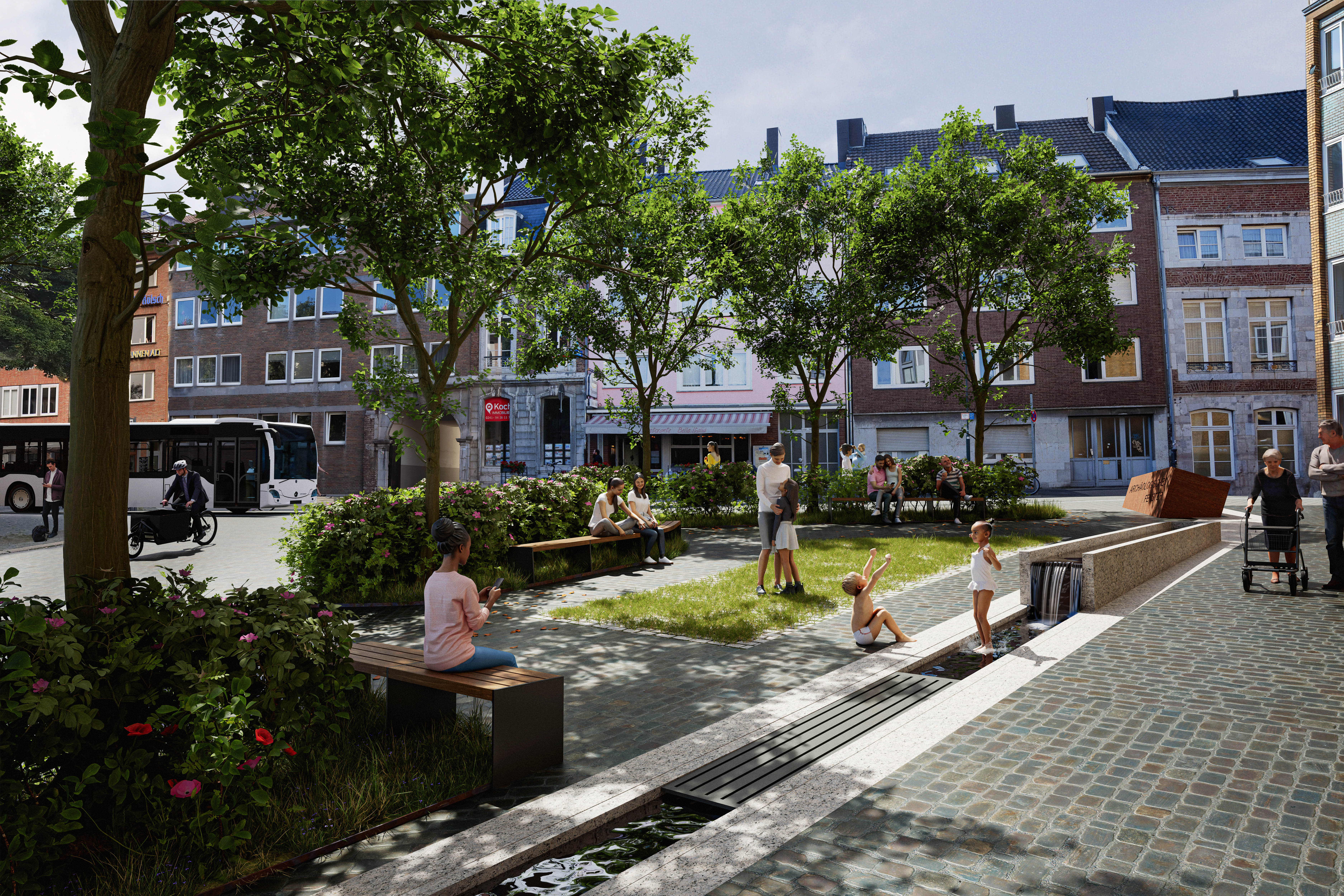
This concept is also being implemented in the Klappergasse and Rennbahn area. As part of the planned redesign, a section of the Pau River is set to be restored as an open stream flowing through the urban space over the next two years. This will create yet another space that combines urban design, climate adaptation, and a hands-on experience with water.
© v-cube
Klappergasse and Rennbahn
In the Klappergasse and Rennbahn area, a historic watercourse is to be restored as an open channel within the urban landscape, bringing the history of the Paubach to life. The project highlights the waterway’s historical significance for the medieval supply of drinking and industrial water, as well as for the operation of the former mills, and brings this part of the city’s history back to life. At the same time, the two plaza areas will be redesigned to make their historical structure more clearly discernible.
More
City of Aachen
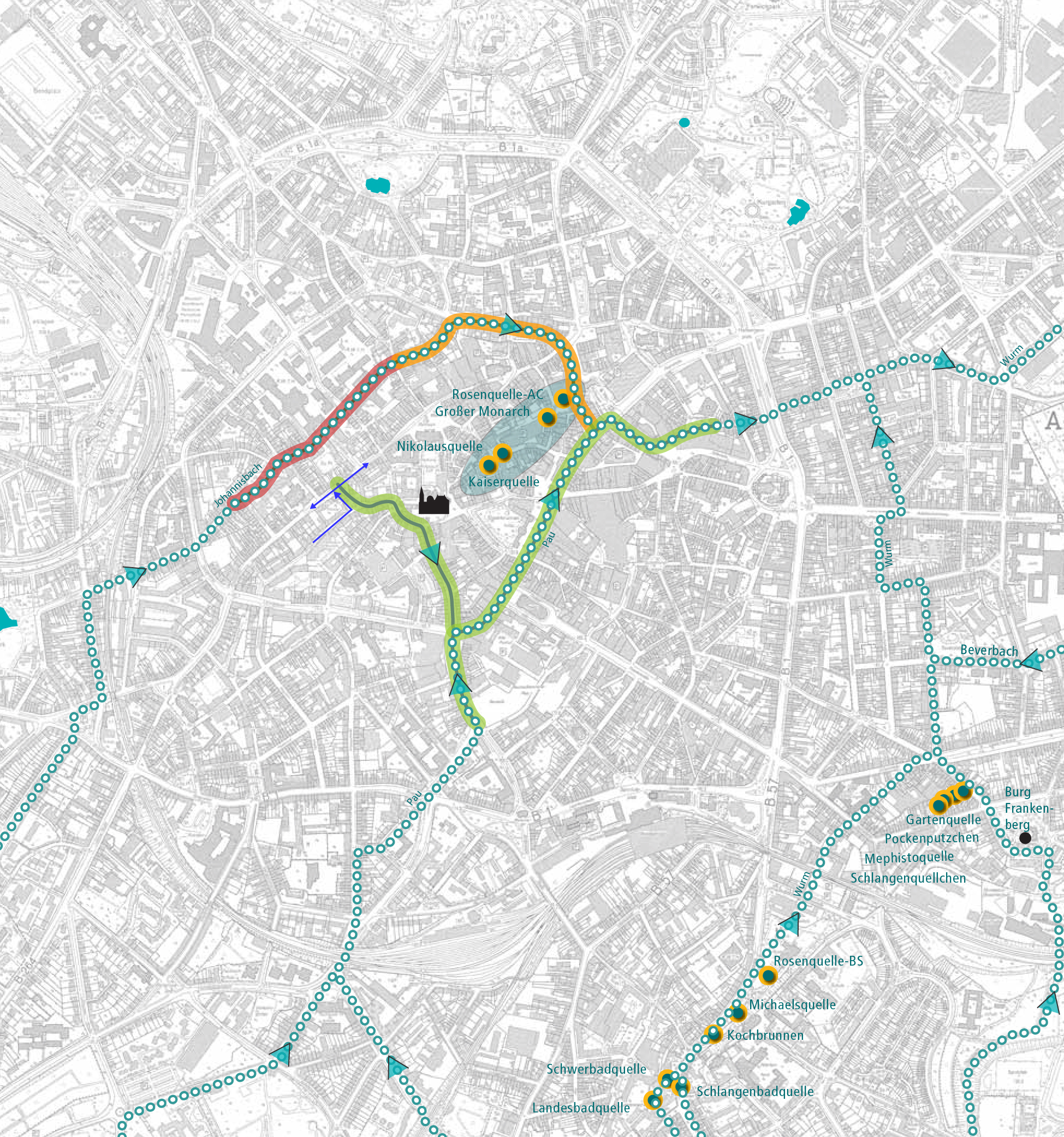
Feasibility study "Making Aachen's streams visible and tangible"
The 2018 feasibility study titled “Making Aachen’s Streams Visible and Accessible” identifies the locations where streams that currently run underground can be brought back to the surface and outlines how this can be achieved.
More
© Reicher Haase and Björnsen Consulting Engineers
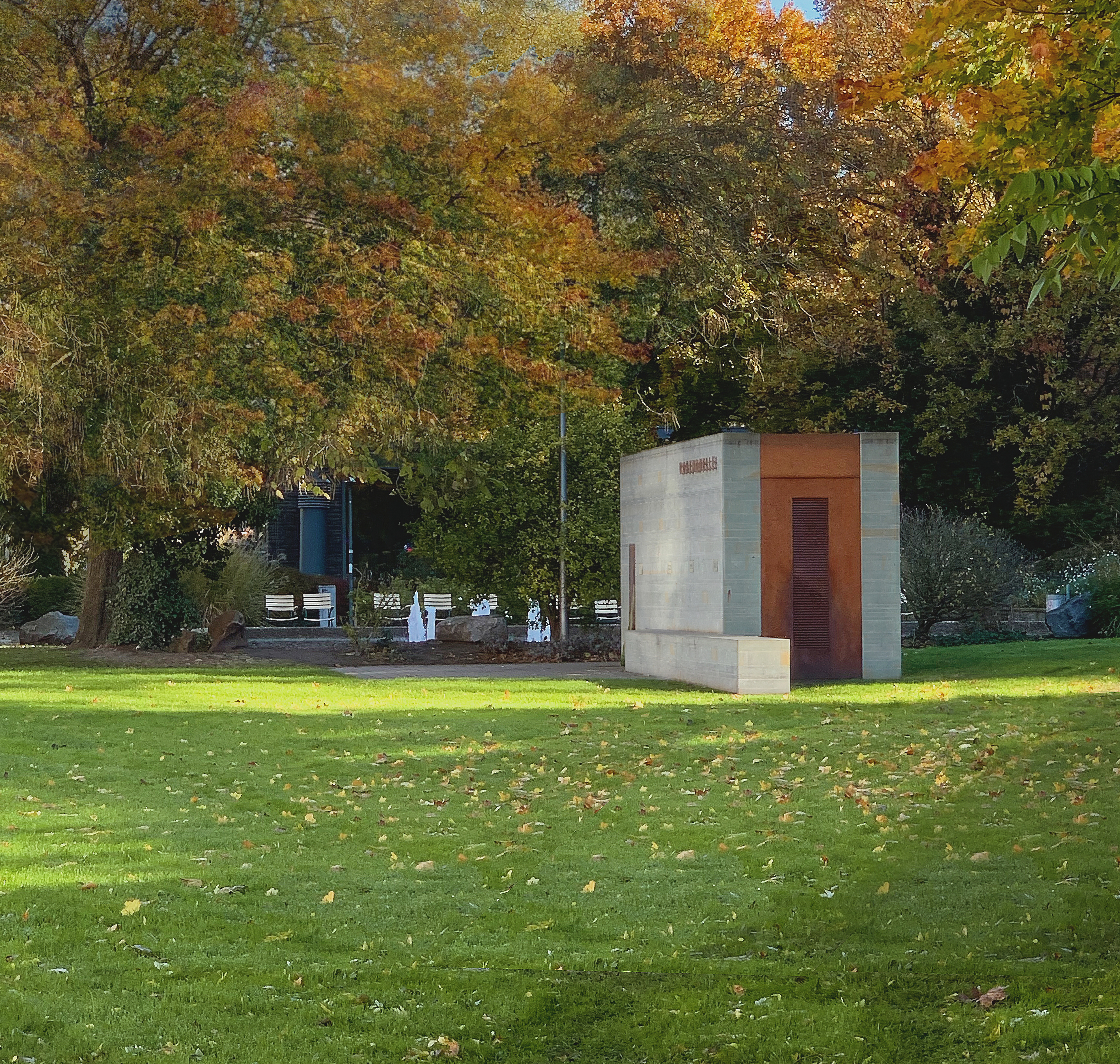
Feasibility study "Burtscheid. Making water visible"
As part of the long-term plan for the Burtscheid spa resort, a study was also conducted for Burtscheid to explore ways to highlight (thermal) water. The hydraulic and water engineering possibilities for centrally located streets and green spaces were examined, and initial design concepts were developed.
More
City of Aachen
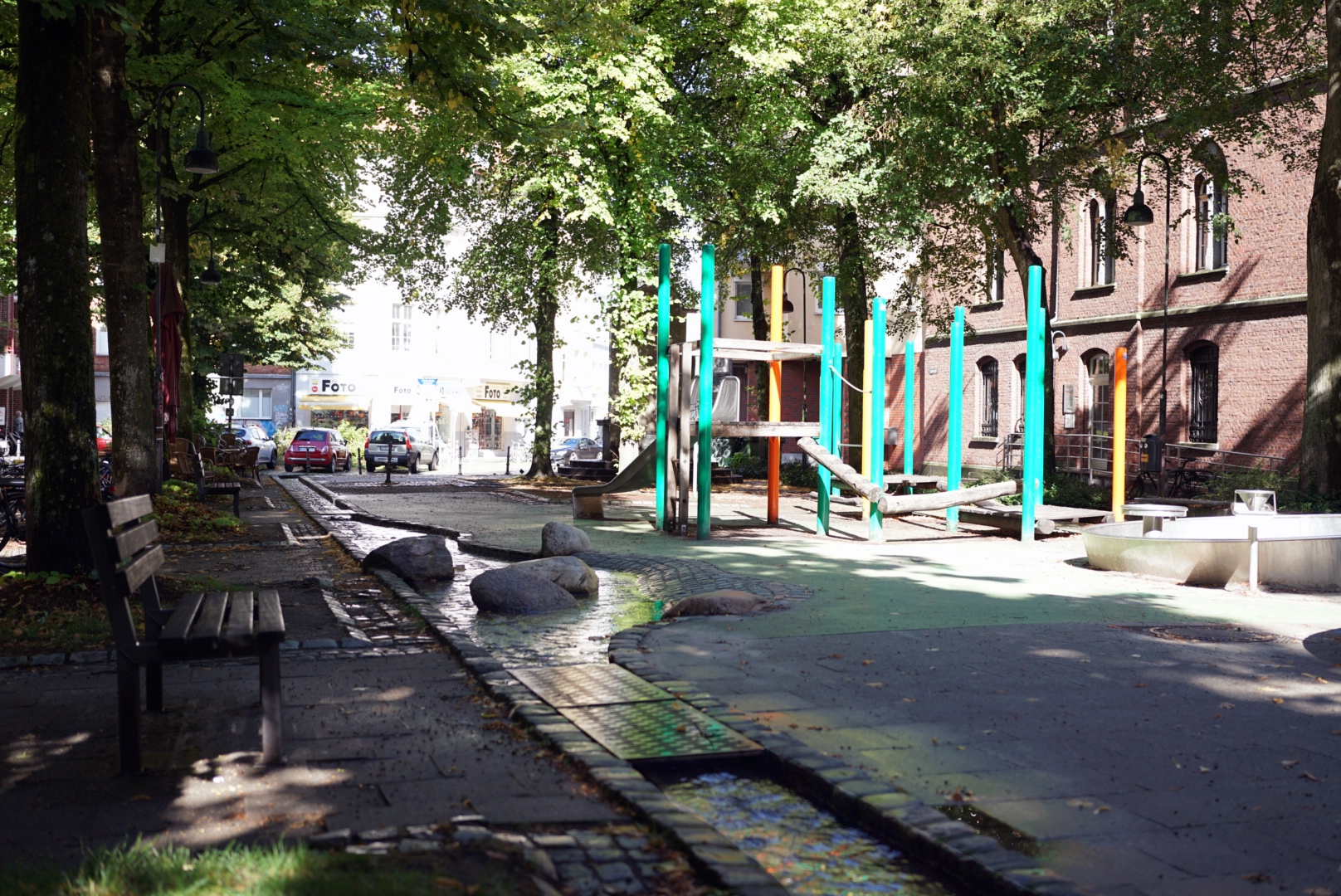
The Johannisbach at Lindenplatz
A successful example is the Johannisbach stream at Lindenplatz. The open stream shows how water can make public spaces more attractive. It creates a pleasant atmosphere, encourages people to linger, and at the same time helps the city better adapt to the effects of climate change.
More
Civic engagement
Many people in Aachen would like to see the city’s streams become visible again and for the thermal water to play a more prominent role in the cityscape.
This strong commitment is evident, among other things, in the active participation of many citizens in planning processes. In addition, two initiatives have been working for years to protect Aachen’s waterways: the “Aachener Bäche ans Licht” initiative and the initiative focused on thermal water within the Lebensraum Aachen Community Foundation. Both continuously contribute their ideas and projects to urban development. One example is the “WärmKomp” project in the Burtscheider Kurgarten, which last year offered a unique way to experience the thermal water.
The city of Aachen maintains regular communication with both initiatives regarding all planning related to Aachen’s streams and thermal waters. This allows experiences, ideas, and suggestions to be incorporated into the planning process at an early stage.
Political proposals
Search results are loaded
No templates found.