Barrier-free mobility
Aachen should be easily accessible and enjoyable for everyone. Accessibility is an important prerequisite for independent mobility.
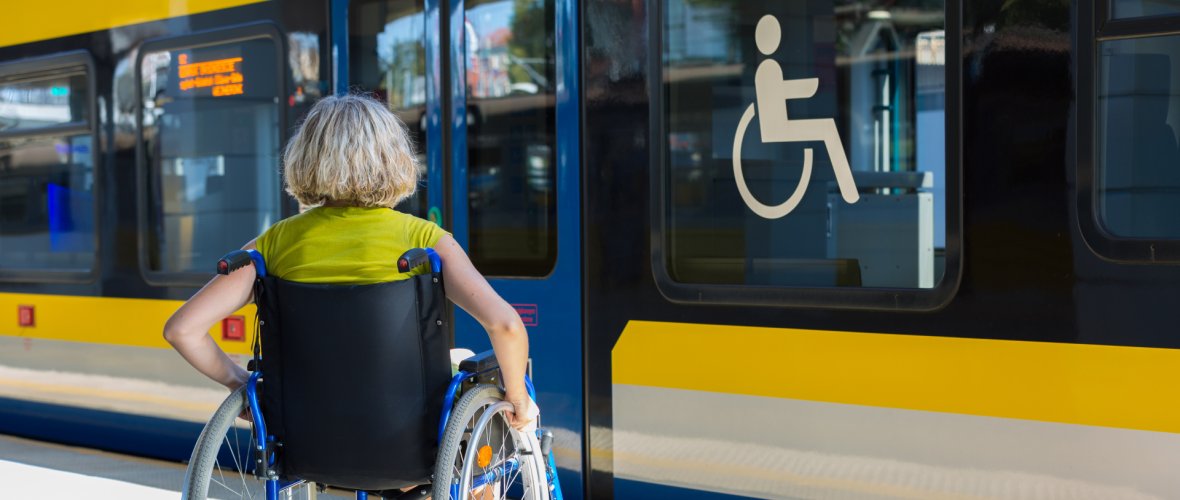
Accessible mobility enables everyone to get around Aachen safely, independently, and with as few restrictions as possible. On this website, you’ll find information, services, and practical tips on accessible routes, transit stops, modes of transportation, and other options for inclusive mobility in Aachen.
Adam Wasilewski - stock.adobe.com
Use of buses and trains
Information on the website of the Aachener Verkehrsverbund AVV
More
Barrier-free building
The topic of barrier-free construction has raised awareness of the underlying issues. A city map with important information on accessibility has been published.
More
Safe traffic lights
Walking safely through the city and always arriving at the right place.
More
Barrier-free parking
Parking facilities on public streets and in parking garages in Aachen.
More
Parking permits for the severely disabled
There are various types of parking permits to give people with severe disabilities additional parking rights and facilitate mobility.
More
City map for people with disabilities
Parking lots, restrooms,
public buildings,
tourist attractions
More
StädteRegion Transportation Service for People with Disabilities
Transportation services, particularly those provided by a transportation service
More
Guide for people with disabilities
The "Guide for people with disabilities" is a guide and orientation aid for people with disabilities and their relatives in PDF form.
More
"People with Disabilities" Coordination Center
The coordination center provides information and guidance on the options and support available to people with disabilities in their specific life situations and, if necessary, refers them to other agencies.