Tree register now publicly accessible
- The master data of the municipal trees can be viewed in the geoportal of the city of Aachen.
- This gives citizens the opportunity to obtain comprehensive information about the trees in the city of Aachen.
- The data collected by Stadtbetrieb was processed by the city's Geoinformation and Land Planning department.
More than eight years of work went into the initial inclusion of Aachen's urban trees in the tree register. The impressive final figure: 125,014 urban trees, which is significantly more than the experts had originally assumed. Parts of the data are now also available to the public in the tree register. In the geoportal of the city of Aachen, citizens can look at the public trees. The master data on species, size, crown and trunk diameter are stored for each tree.
"What our colleagues have achieved here is something very special," emphasized Lord Mayor Dr. Michael Ziemons. "Assessing and evaluating 125,000 trees individually is an enormous number and an outstanding achievement." The fact that citizens are now benefiting from this in an additional form is a further gain.
This is because the information collected can be evaluated in a variety of ways. In this context, Heiko Thomas, Councillor for Climate and Environment, City Operations and Buildings, referred to the EU regulation on the restoration of nature. This stipulates that urban ecosystems at national level must not suffer any net loss of urban green space and tree cover until 2030 and should continue to grow thereafter. "The tree register is an important tool for us to oversee this process."
One of the special features of Aachen's tree register is that the topic is bundled in the tree maintenance team of Aachen's municipal services. Regardless of the property: whether playgrounds and sports fields, cemeteries, parks, streets, greenery in buildings, daycare centers and schools - all city trees are recorded centrally. "This simplifies processes and creates synergies," said Andreas Schulz, Head of Tree Maintenance at the municipal company.
The information was compiled and entered into the city of Aachen's geoportal by the city's Geoinformation and Land Planning department - an otherwise rather invisible department, as Frauke Burgdorff, Councillor for Urban Development, Construction and Mobility, pointed out. "One of the tasks of our colleagues is to collect urban data and present it in a way that is useful for many people. We are very pleased that the municipal enterprise has now also joined our data system. After all, the municipal company gets around the most in our city." Science also benefits from the publication of the data: the city's Geoinformation and Land Planning department regularly receives inquiries, some of them nationwide, which can now be answered quickly.
In addition to the master data, which is now also public, the tree inspectors have also recorded information on the condition of the trees. This includes the condition of the tree, such as the condition of the tree crown, trunk, bark, root system and tree surroundings. Possible diseases, wounds, fungal infestation, stability and other information about the tree's state of health are then added. A third section lists any necessary measures. "All this information is now entered quickly and clearly into the program on the mobile device and can be accessed immediately by everyone. This also allows us to pass on work orders to the tree care team directly in the tree register and determine long-term measures."
The geoportal on the Internet: www.geoportal.aachen.de
For more information on tree care: www.aachen.de/baumunterhaltung
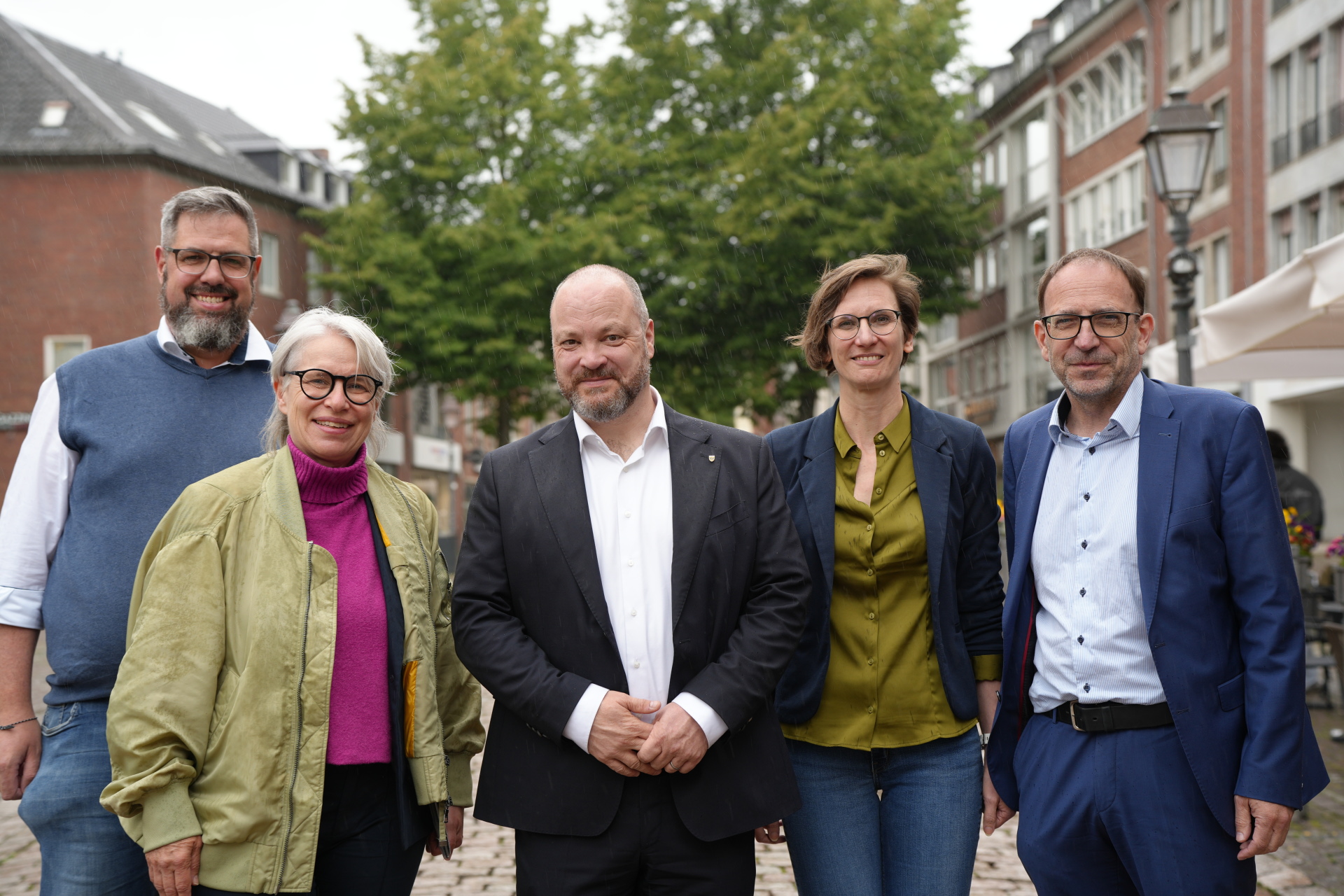
Presenting the tree register together: Andreas Schulz, Head of Tree Maintenance at Stadtbetrieb, City Planning Councillor Frauke Burgdorff, Lord Mayor Dr. Michael Ziemons, Indra Balsam, Operations Manager at Stadtbetrieb Aachen, and Heiko Thomas, Councillor for Climate and Environment, City Operations and Buildings at Stadt Aachen.
You can subscribe to our RSS feed for our press releases here https://www.aachen.de/rss-feed-pressemitteilungen/rss.xml