Restoration of Valuable Prints: The City Archives' Historical Library Receives Funding
The City Archives’ historical library (which was part of the City Library until the end of last year) will receive a grant of 3,500 euros in 2026 for the restoration of two valuable old prints. Combined with the library’s own funds, this grant will enable a professional conservator to restore the volumes, which were severely damaged during the war. The project is funded by the “Coordinating Office for the Preservation of Written Cultural Heritage” (KEK), which is supporting the preservation of original works in Germany this year with a total budget of 1.5 million euros. This makes the City Archives one of 92 funded institutions nationwide and one of only 12 in North Rhine-Westphalia.
The two prints come from two foundation libraries in Aachen and are thus part of the city’s cultural heritage. One is an anthology containing several theological treatises from the early days of printing (around 1485), and the other is a copy of the universalencyclopedia by the Franciscan monk Bartholomaeus Anglicus, which was still popular in the 16th century and offers a multifaceted reflection of the medieval understanding of the world—from the celestial bodies to animals, plants, bodies of water, and colors. The numerous handwritten entries and handcrafted bindings are also of particular value to researchers. Once restored, the items can be preserved under ideal conditions in the city archives and made available in the reading room upon request.
With the documents it preserves, the City Archives serve as the memory of the city of Aachen. In addition to files and other official records, it also preserves non-official documents such as collections and estates. With the acquisition of the historical collections of the Aachen City Library—which trace their origins back to the scholarly city library founded in 1831—a center for written culture unique in the city was established, whose mission is to preserve and make accessible the city’s written cultural heritage.
Supported by:
 |  |  |
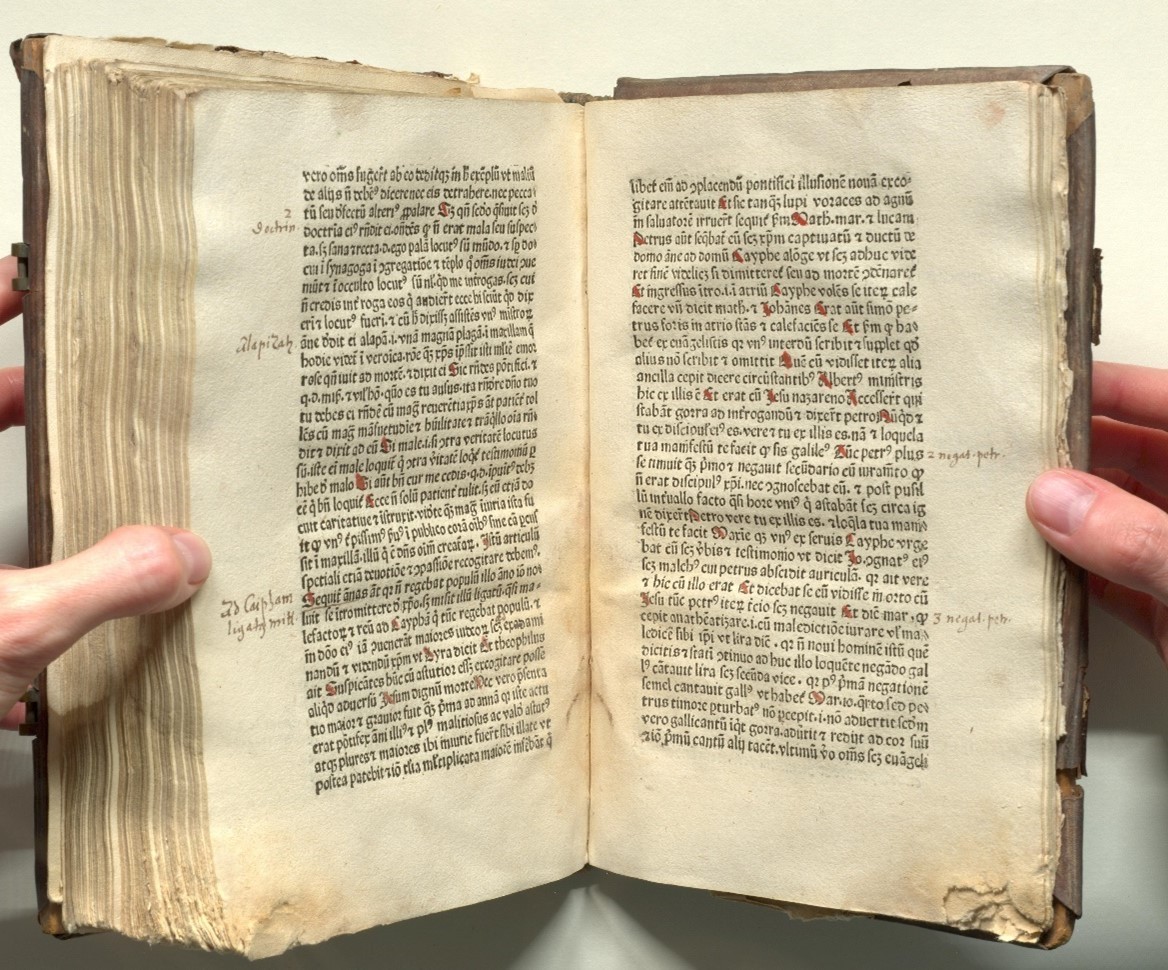
Aachen City Archives / Historical Library, 5160 (from the donation by the library's founder, Franz Dautzenberg, 1769–1828)
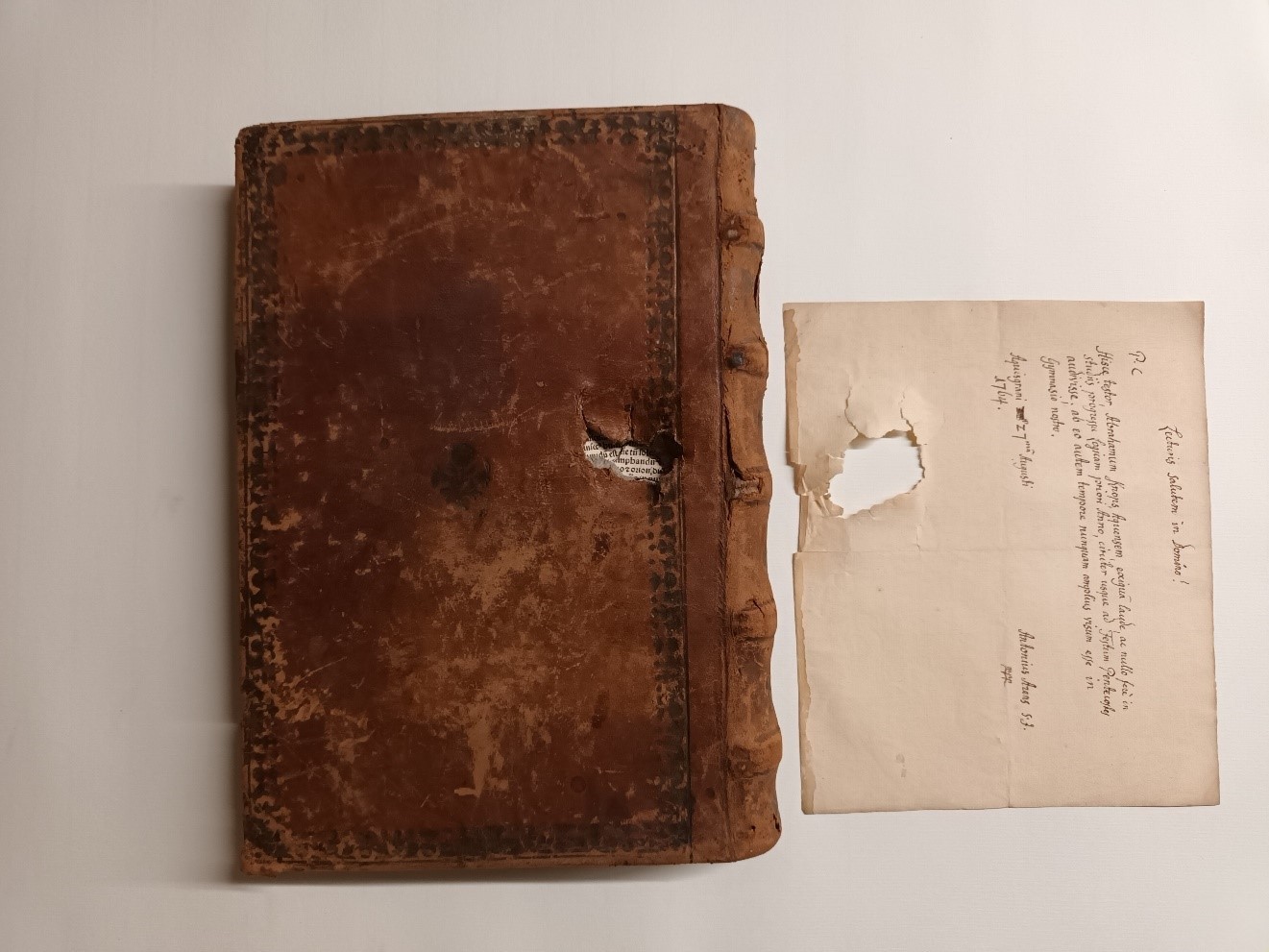
Aachen City Archives / Historical Library, Fey gr 1 (from the donation by Johannes Fey)
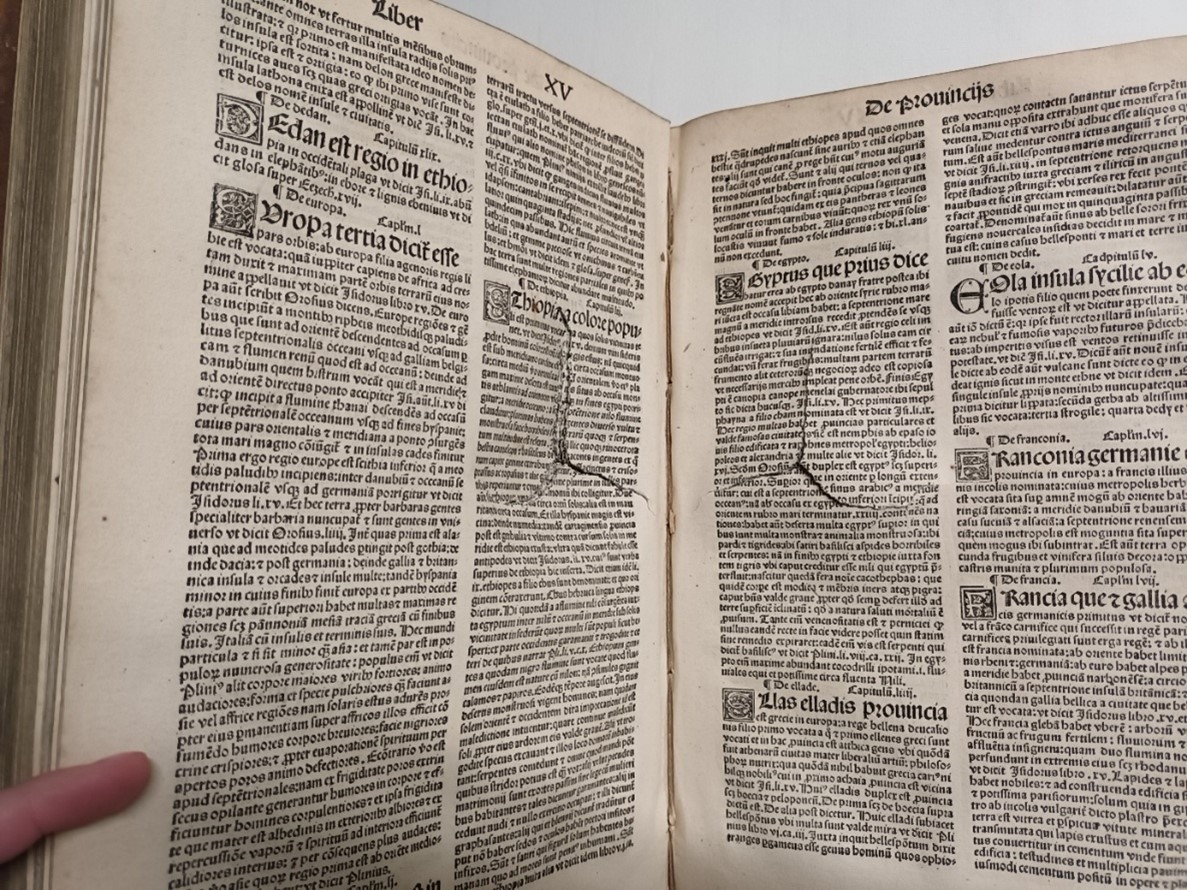
Aachen City Archives / Historical Library, Fey gr 1 (from the donation by Johannes Fey)
You can subscribe to our RSS feed for our press releases here https://www.aachen.de/rss-feed-pressemitteilungen/rss.xml