Tradition Meets Modernity: Unveiling of the Portrait of Former Mayor Marcel Philipp
On Tuesday, August 18, Mayor Dr. Michael Ziemons and artist Tim Berresheim unveiled the portrait of former Mayor Marcel Philipp at Haus Löwenstein in the presence of Dr. Frank Pohle, director of Route Charlemagne. Marcel Philipp, who was present at the event, served as mayor of Aachen from 2009 to 2020. His portrait now completes the gallery of former mayors in the council chamber.
During his eleven-year term in office, the CDU politician—who came from a background in the trades—provided important impetus for the development of Aachen as a hub for science and mobility, oversaw major projects such as the Aquis Plaza, and championed the Euregio’s integration into the European network. For him, this portrait is more than just a portrait: “It is a tradition that the mayors are depicted here in a continuous series. Not because it is primarily about the individuals, but because it is also a piece of documented democracy that thrives on change.”
The renowned Aachen-based artist Berresheim created the portrait of Philipp. For him, the exciting artistic process was particularly rewarding, as the portrait represents a bridge between the analog and digital worlds. It is not just a work of art, but a form of everyday culture. For the portrait, five data sets were captured, each consisting of 250 360° photos. This type of photography is called photogrammetry and has its origins in archaeology. It is used to digitize objects without physical contact.
The current mayor also paid tribute to his predecessor: “It is good, it is important, and it is fitting that you are now immortalized here in this gallery. This is certainly a moment to reflect on what we owe to you: your ideas, creativity, political courage, and skill. You have left your mark on this city: in the administration, throughout the city, and in the landscape. This painting here is merely an outward expression of that, a symbol of it.” Pohle added: “It’s wonderful that classical painting is being carried forward here in a new way—one that also points toward the future.”
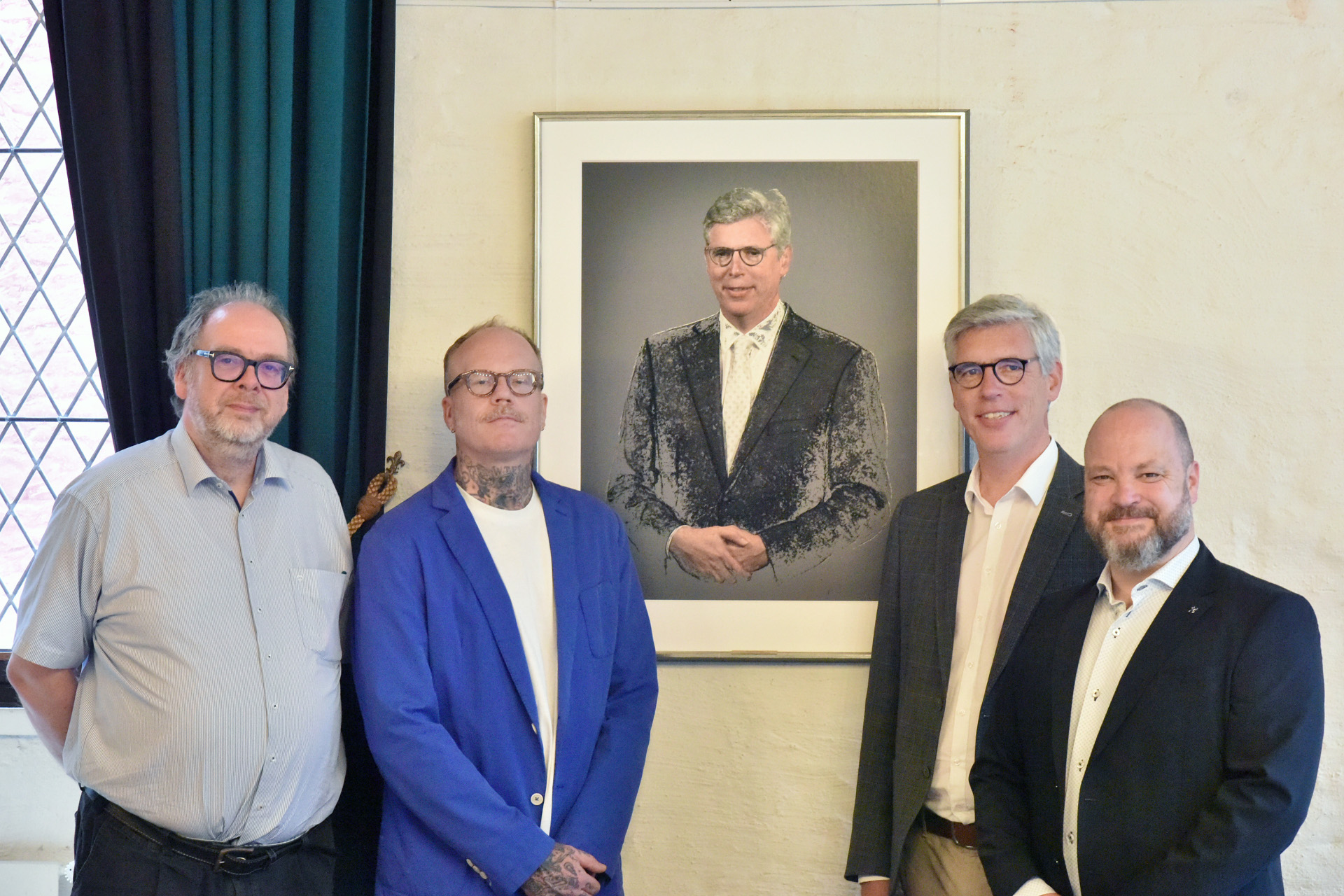
No, you’re not seeing double: (from left) Dr. Frank Pohle, director of Route Charlemagne; artist Tim Berresheim; former Mayor Marcel Philipp; and Mayor Dr. Michael Ziemons present the new portrait.
You can subscribe to our RSS feed for our press releases here https://www.aachen.de/rss-feed-pressemitteilungen/rss.xml