Diese Seite wurde automatisch übersetzt. Es kann daher zu Abweichungen oder Ungenauigkeiten im Text kommen. Verbindlich ist ausschließlich die Originalfassung. Rechtsansprüche aus Inhalten der übersetzten Version sind ausgeschlossen.

New changing room building Hander Weg 2026

New building with youth and training room and janitor's apartment


In the time bar of the project phases, this project is in the construction phase.
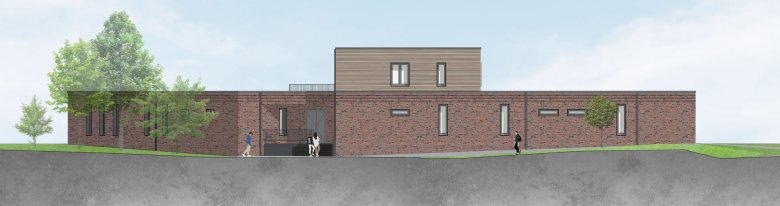
Views


Occasion and goal

The existing infrastructure of the Hander Weg sports facility is inadequate for the numerous users and the strong growth of the clubs (including VFL Laurensberg (soccer) and Rugby Club Aachen (one of the largest rugby clubs in Germany). In particular, there is a lack of modern changing and shower facilities. For over 10 years there has only been a temporary facility built by the clubs without showers.

A new changing room building is also a prerequisite for abandoning the Rathausstraße sports ground, which is in need of renovation, and concentrating its use on Hander Weg.
  • Key data

    • Planned completion: 2026
    • Architects: Werrens & Hansen Architects
    • PV system

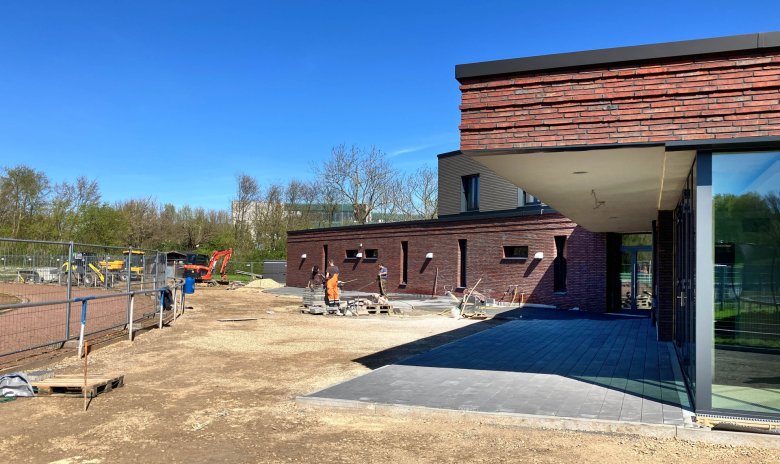
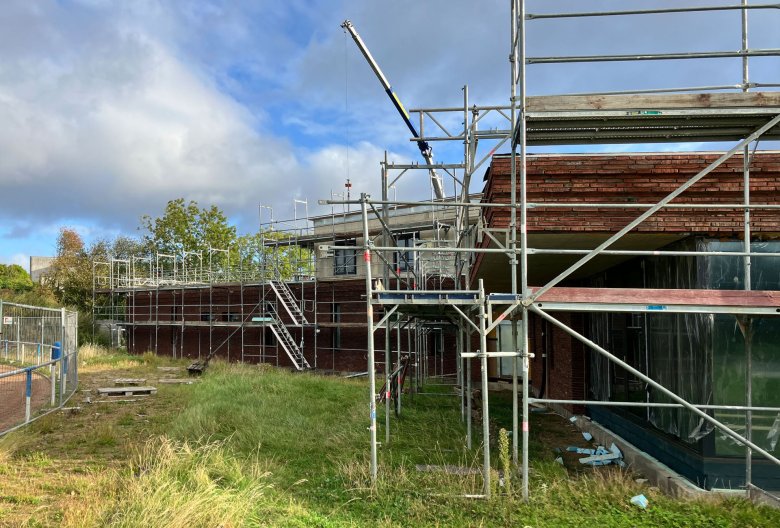
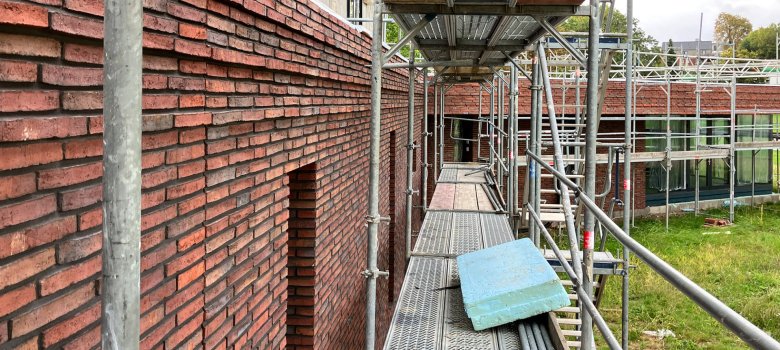
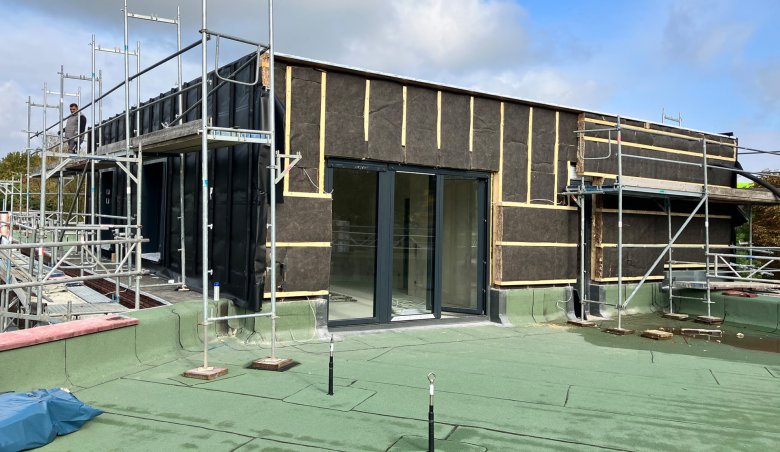
Construction site photos

  • 2026

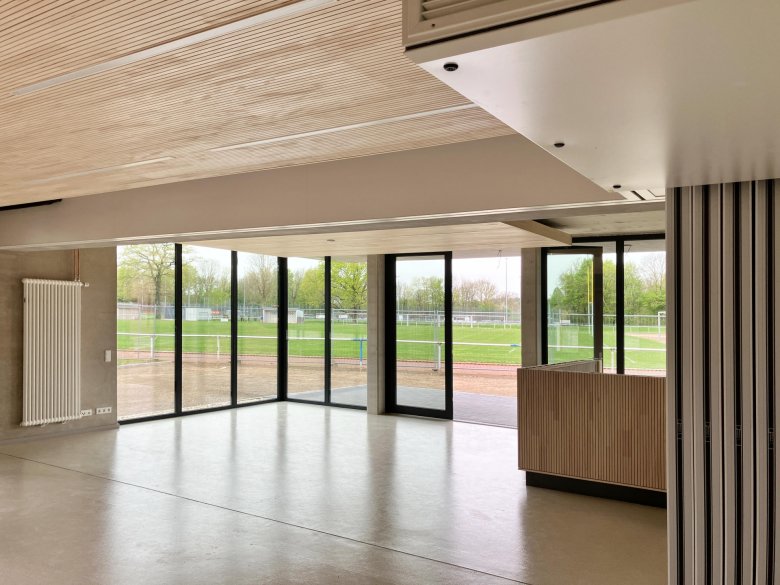
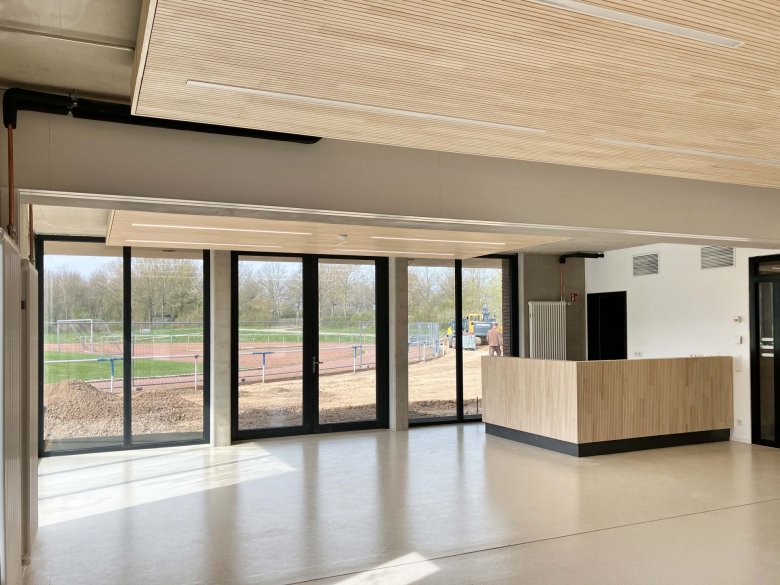
    Youth and training room with bar
    Youth and training room with bar
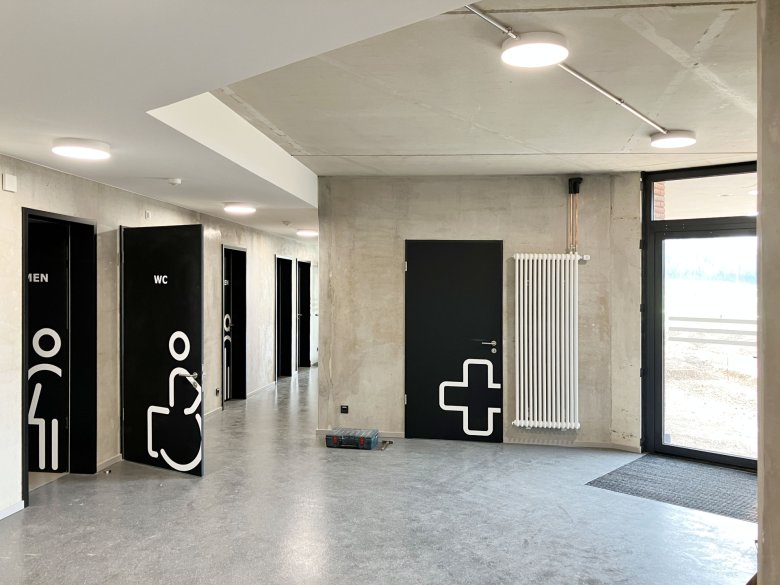
    Corridor area and access to the changing and sanitary areas
    Corridor area and access to the changing and sanitary areas
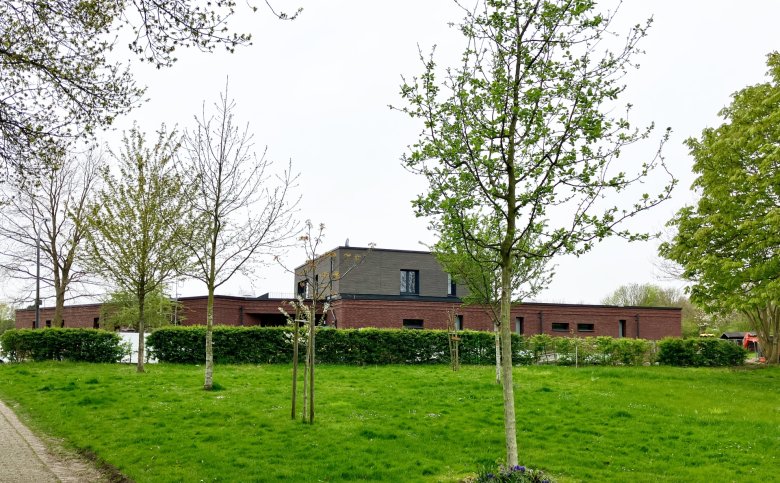
    Exterior view
    Exterior view
    The covered access area
    The covered access area
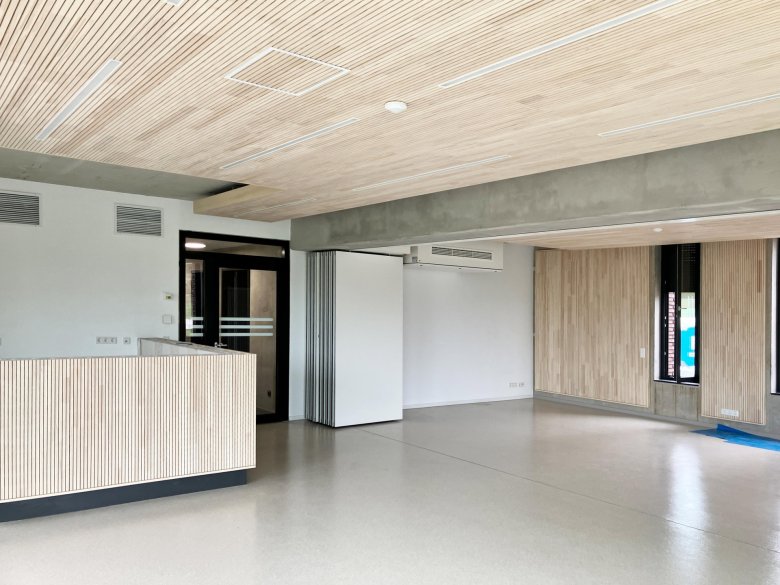
    Youth and training room with retracted partition wall
    Youth and training room with retracted partition wall
    Training room with acoustically effective wooden panels
    Training room with acoustically effective wooden panels


  • 2025

    Construction site impression
    Construction site impression
    Facade
    Facade
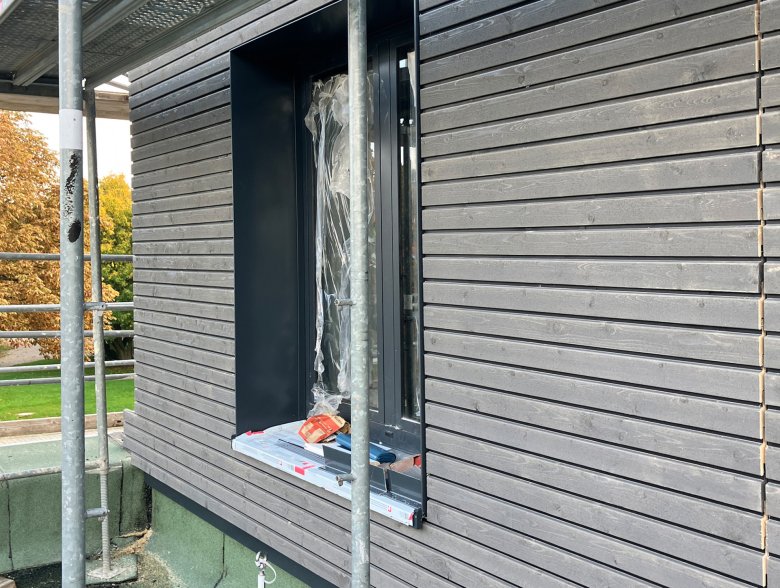
    The substructure of the timber façade on the staggered storey
    The substructure of the timber façade on the staggered storey
    Wooden facade
    Wooden facade

Draft

Building
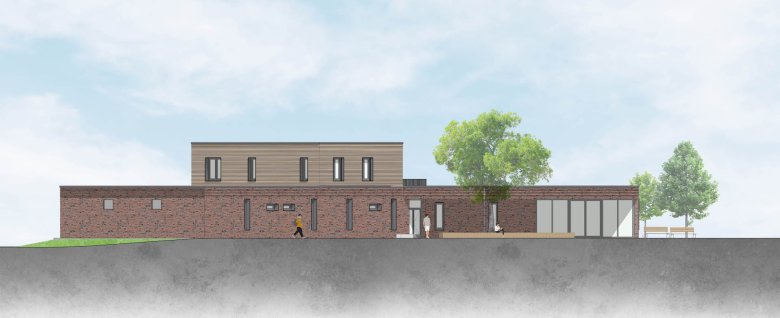
StructureThe building structure consists of two sections rotated relative to one another, which provide a sheltered (recreational) area facing the
sports fields and are oriented
toward and open up to the sports complex.
Views
View

Uses
: One wing of the building houses the locker rooms, mechanical and electrical equipment, a referee’s room, and access to the
custodian’s apartment; the other wing contains barrier-free restrooms for
visitors, another referee’s room, a first-aid room, offices, a kitchenette with storage, and a multipurpose youth and training room.

An almost square structure sits atop both sections of the building and houses the
caretaker's apartment. A covered area facing the street provides sheltered access to the caretaker's apartment and serves as a delivery point for the clubs.

Roofs
: All parts of the building will have flat roofs, some of which will feature green roofs and most of which will be equipped with
photovoltaic panels.


Help with accessibility

  • General

    We make every effort to ensure that our websites are accessible. You can find details on this in our accessibility statement. You can send us suggestions for improvement using our"Report a barrier" feedback form.

  • Font size

    To adjust the font size, please use the following key combinations:

    Larger

    ⌘command
    +

    Smaller

    ⌘command

    Larger

    Ctrl
    +

    Smaller

    Ctrl
  • Keyboard navigation

    Use TAB and SHIFT + TAB to navigate through next/previous links, form elements and buttons.

    Use ENTER to open links and interact with elements.

  • Contrast mode

    Press the following key combination to reduce or increase the contrast:

    Enlarge

    ⌃control
    ⌥option
    ⌘command
    .

    Decrease

    ⌃control
    ⌥option
    ⌘command
    ,
    Note: The shortcuts must be activated in the system settings of the operating system.

    Press left ALT + left SHIFT + PRINT to quickly switch the high contrast mode on or off.

  • Invert colors

    Press the following key combination to switch the color inversion on and off:

    ⌃control
    ⌥option
    ⌘command
    8
    Note: The shortcuts must be activated in the system settings of the operating system.

    First activate the screen magnifier and then switch the color inversion on and off with the following key combinations:

    1. screen magnifier

    +

    2. invert colors

    Ctrl
    Old
    I
  • Screen magnifier

    Press the following key combinations to use the screen magnifier:

    Switch on/off

    ⌥option
    ⌘command
    8

    Enlarge view

    ⌥option
    ⌘command
    =

    Reduce view

    ⌥option
    ⌘command
    Note: The shortcuts must be activated in the system settings of the operating system.

    Switch on / Enlarge view

    +

    Reduce view