Bike stations in Aachen can now be booked via radbox.nrw
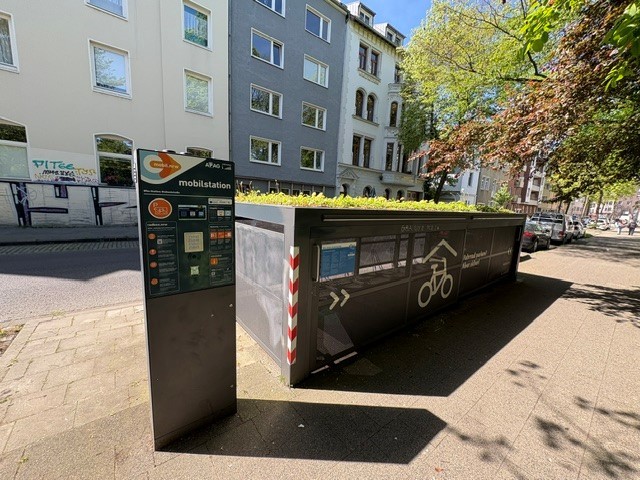
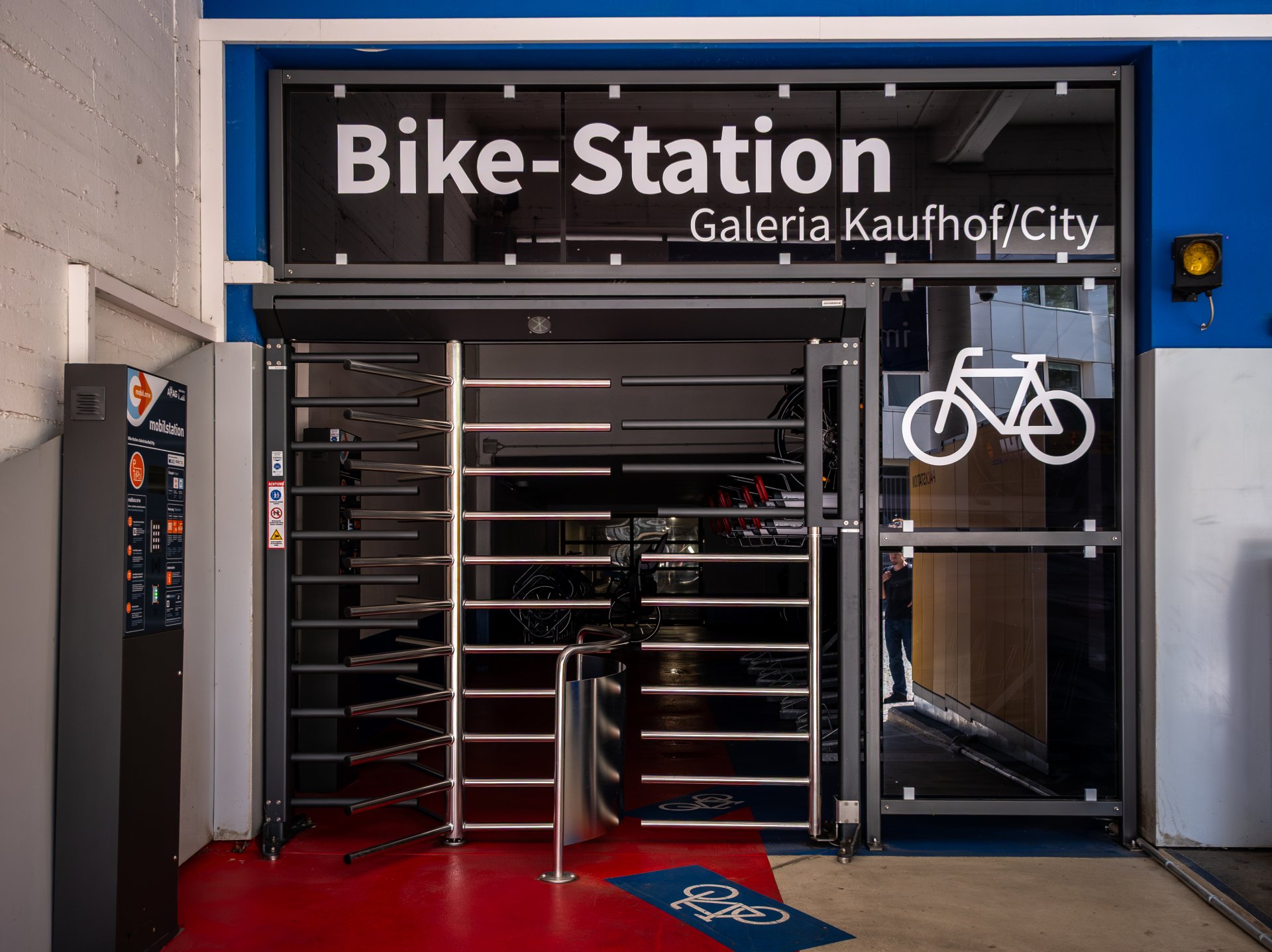
Aachen has eight locked, covered and secure bicycle parking facilities, also known as "Bike Stations". They can be used around the clock. The bike stations can be found at the following locations in Aachen: Jakobstraße (8 parking spaces), Brabantstraße (8), Büchel (16), at Schanz train station (32), at the APAG parking garages Rathaus (20), Galeria-Kaufhof/City (57), and Adalbertsteinweg (13) as well as at Franziskuskrankenhaus (32).
Seven of the eight bicycle parking facilities were built as part of the EU funding project "European Regional Development Fund" (ERDF). In addition, an eighth facility on Jakobstraße was put into operation in August 2024.
The Aachen Parking Garage Company (APAG) operates the Bike Stations. Anyone who previously used the facilities with an APAG “Mobility Key” can now easily book and use a bike parking space via the website or app at https://radbox.nrw.
More flexibility and reliability at the same time
Only people who lived in Aachen could obtain the APAG "mobility key". This meant that travelers and commuters from outside the city could not use the stations. The switch to the state-wide booking system radbox.nrw will significantly increase the number of potential users. Interested parties can book a parking space up to four weeks in advance.
A parking space can be booked after registration via app or via the website radbox.nrw. Users can access the selected facility using a TAN code or QR code. Different booking periods are available. A parking space can be booked for the following parking times:
• 3 hours (€0.25)
• 6 hours (€0.50)
• 1 day (€1.50)
• 1 week (€5)
A parking space can also be booked for longer periods at five locations for 15 euros per month. This is possible at the following facilities: Brabantstraße, Bahnhof Schanz and at the APAG parking garages Rathaus, Galeria-Kaufhof/City and Adalbertsteinweg.
A 24-hour hotline service for urgent matters (phone: +49-2223-9147869) provided by radbox.nrw is available to assist customers with questions or problems. APAG remains the operator of the facilities and is the on-site contact: phone 1688-5000 or email info@apag.de.
Changeover made easy
All those who were already using APAG's "Mobility Key" for the bike stations received information about the switch by email from APAG in advance. This letter explained all the necessary steps for switching to radbox.nrw.
All the important information about the new system and how to register can be found here: https://radbox.nrw/so-funktionierts/
Internet:
Bicycle Parking in Aachen:
https://www.aachen.de/in-aachen-leben/mobilitaet-verkehr/parken/fahrradparken/#accordion-1-2
Mobility Committee Proposal:
FB68/0246/WP18 Bike Station Proposal
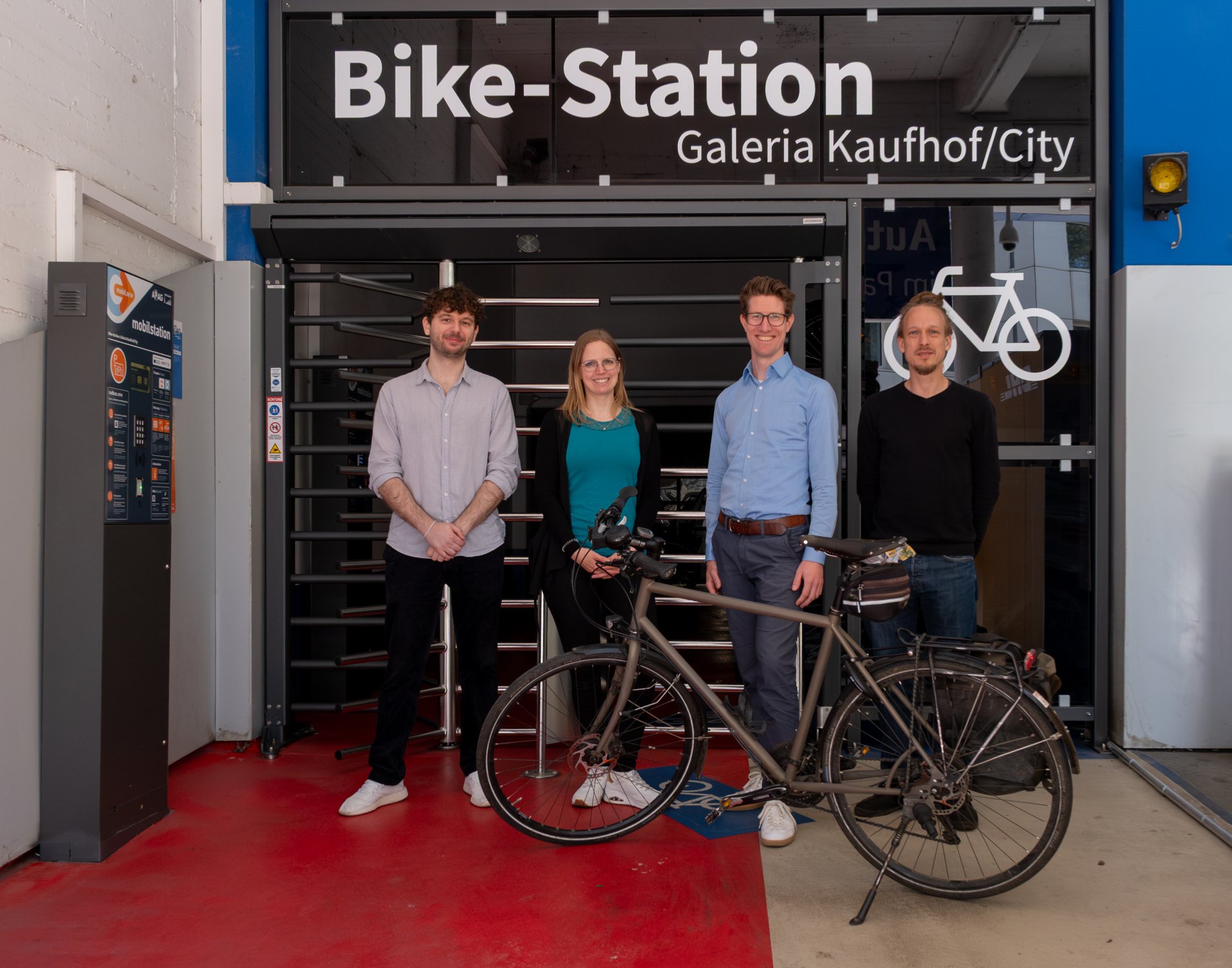
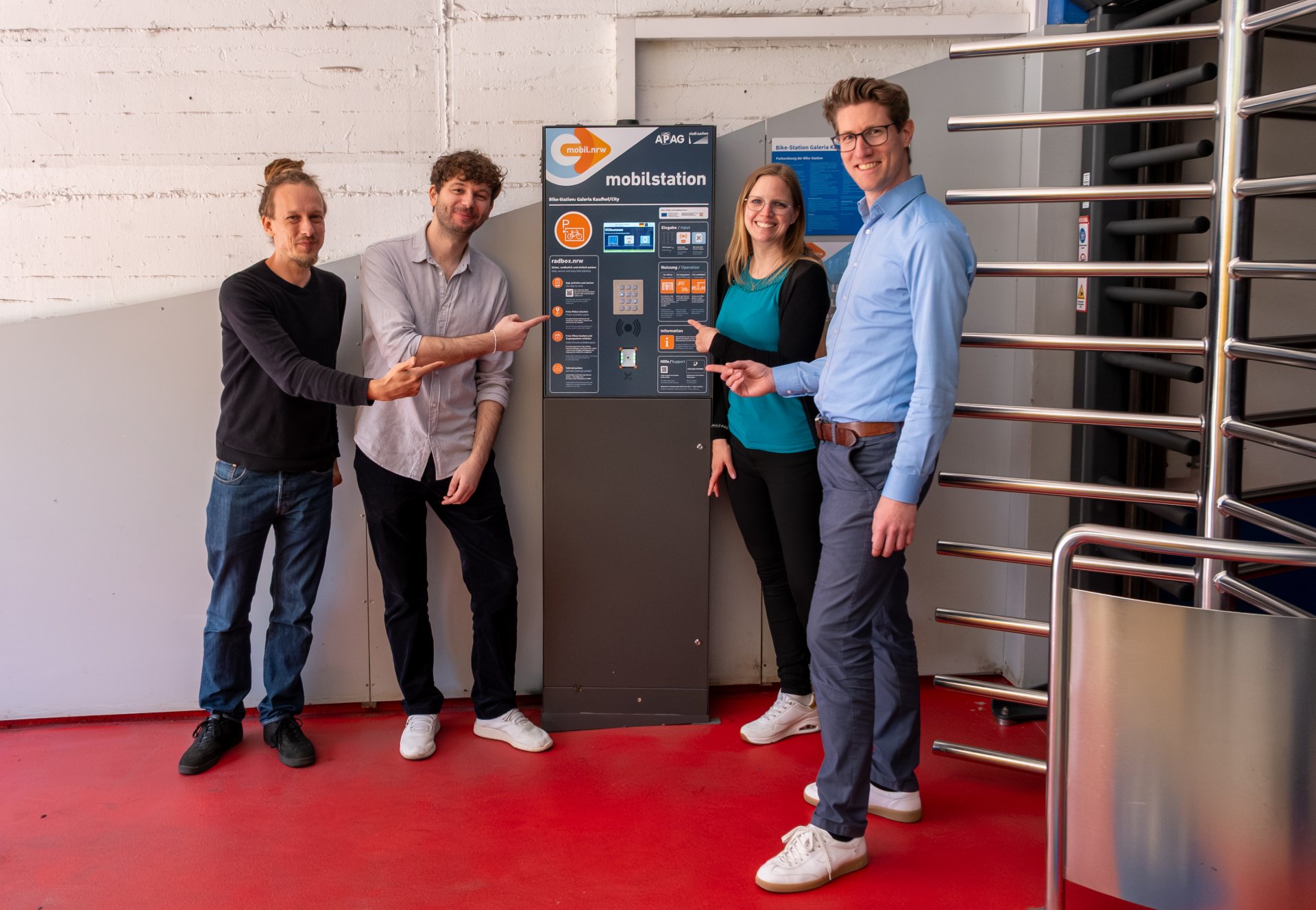
Over the past few months, they have worked to ensure that the parking spaces at the eight bike stations in the city of Aachen can be booked via the radbox.nrw system (from left to right): Alexej Creutz, (APAG), project manager Sabrina Horbach and department head Michael Schrömbges (both City of Aachen, Department of Mobility and Transport) as well as André Katzenberger (goRheinland). They are standing in front of the turnstile of the bike station in the Galeria-Kaufhof/City parking garage on Wirichsbongardstraße.
You can subscribe to our RSS feed for our press releases here https://www.aachen.de/rss-feed-pressemitteilungen/rss.xml