A Thousand Views of Your Own City
- Final stretch for the interactive exhibition “Urban Sketching – Draw Your City!” at the Centre Charlemagne – Aachen’s New City Museum
- The 1,000th drawing submitted depicts Aachen Cathedral
- Closing event on Sunday, August 9, with the Aachen Urban Sketching Group—free admission
!
Drawing inspires—as evidenced by the enthusiastic response to the hands-on project “Draw Your City!” at the Centre Charlemagne. Hundreds of artists from the city of Aachen and the surrounding region have already set out with pen and paper to capture their very own perspective on the local scenery. Whether young or old, beginner or pro: all of the participants’ sketches are displayed in the museum. Over 1,000 drawings have already been collected in this way.
Drawing number 1000 is by student Yeokyung Chang and depicts a view of Aachen Cathedral—one of the most popular subjects. However, there is much more to discover in the exhibition than just the well-known landmarks. In keeping with the spirit of “urban sketching,” the prominent buildings are joined by the quirky, the unfinished, and the comical. Among other things, the exhibition features food stands, schools, construction sites, hospitals, playgrounds, gas stations, and many other places of everyday urban life. Anyone who would like to participate can submit their own drawing by the end of July (Tuesdays through Fridays from 10 a.m. to 3 p.m. at the ticket office of the Centre Charlemagne).
On Sunday, August 9, the grand finale of the interactive exhibition will take place. With free admission, the Centre Charlemagne invites you to visit the exhibition—featuring over 1,000 drawings—one last time. Members of the Aachen Urban Sketching Group will be sketching live on site and will be available to talk with interested visitors about their work and the art of urban sketching. The exhibition is open daily (except Mondays) from 10 a.m. to 6 p.m. through August 9 at the Centre Charlemagne on Katschhof.
For more information: urbansketchingaachen.de
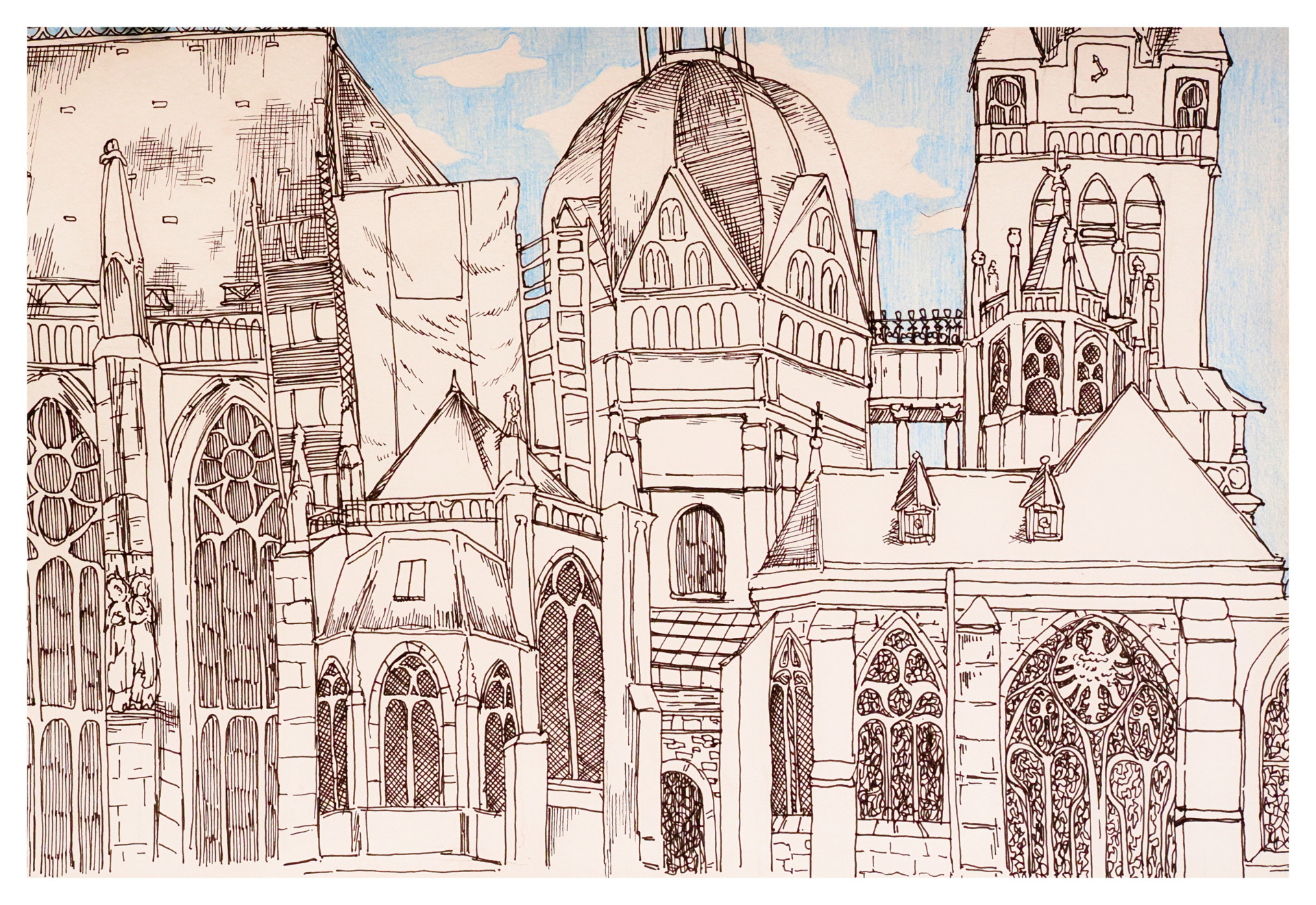
The 1,000th drawing depicts Aachen Cathedral
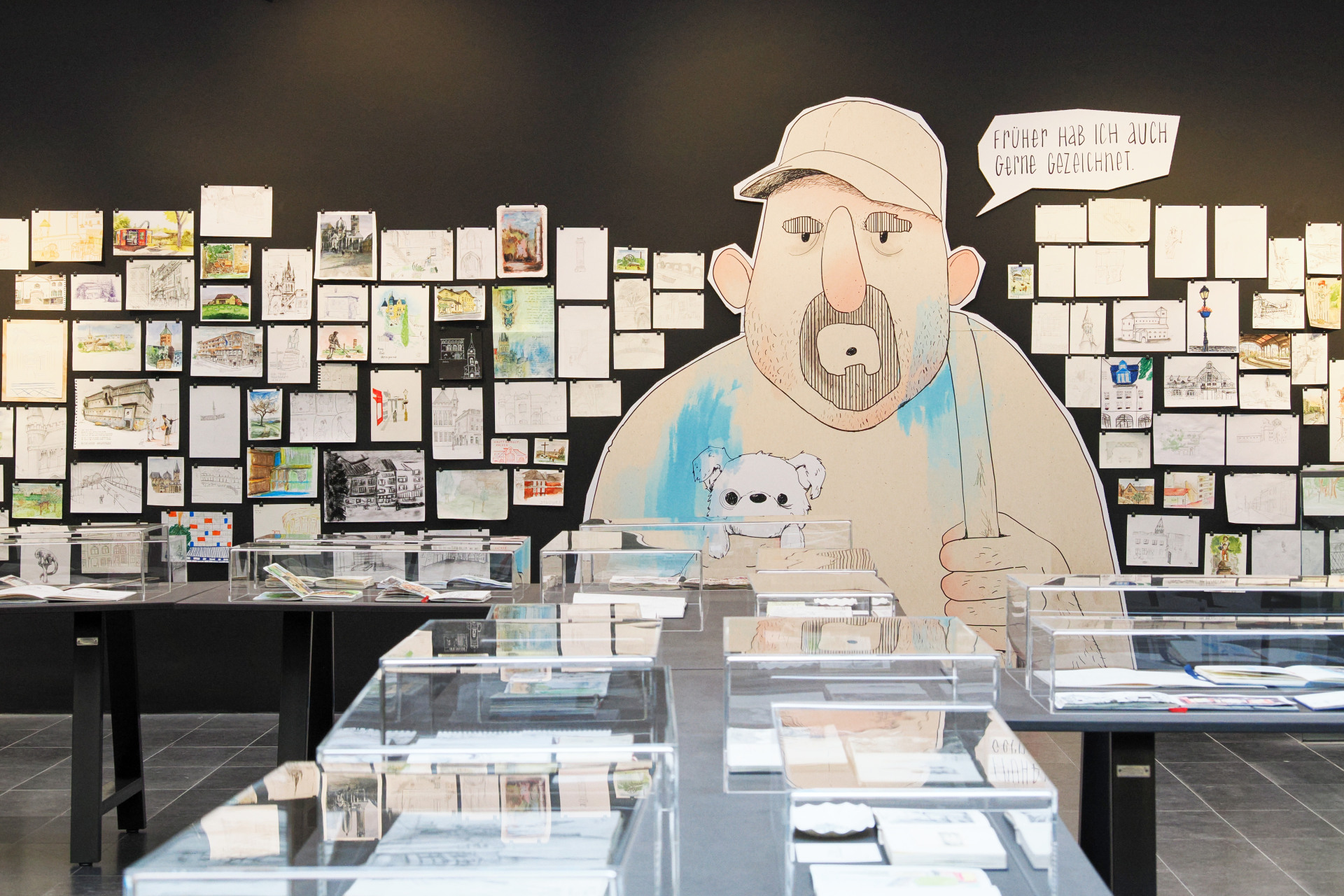
A Look at the "Urban Sketching" Exhibition
You can subscribe to our RSS feed for our press releases here https://www.aachen.de/rss-feed-pressemitteilungen/rss.xml