Trainees at Aachen's municipal utility celebrate successful graduation
Ten apprentices from Aachen’s municipal utilities recently celebrated the successful completion of their training: The ten gardeners—specializing in ornamental plant cultivation, cemetery gardening, and garden and landscape design—achieved outstanding results on their exams in their respective fields, as did the apprentices in road construction and road maintenance. Nine graduates are now looking forward to new challenges at Stadtbetrieb, as they will be working for the City of Aachen in various teams within the organization.
On behalf of Aachen City Services, Indra Balsam, Operations Manager of Aachen City Services, warmly congratulated the graduates: “You can be very proud of yourselves for having completed your training so successfully. We are delighted that you will continue to help shape the city of Aachen in many different ways as part of our large team at Stadtbetrieb.”
Deputy Operations Manager Marlon Knops echoed the congratulations: “We are pleased that, in addition to our trainees, we are able to honor 13 other colleagues today who have successfully completed various continuing education and certification programs over the past few months. We are proud that you will now be supporting the work of the municipal utility with your additional expertise.” Among the graduates are two gardeners specializing in horticulture and landscaping who, thanks to their many years of professional experience, were able to complete the “Gardener in Six Weeks” training program. The four master gardeners, as well as a master road builder and a civil engineering technician, also achieved excellent results on their exams. They, too, will play a key role in shaping the city of Aachen in their respective fields in the future.
At the graduation ceremony, in addition to plenty of praise for the achievements of the past few months, there was also great appreciation and thanks for the instructors who successfully guided the trainees and employees through their continuing education.
Those interested in the new apprenticeship positions for the 2027 training year can apply at https://karriere.aachen.de/ausbildung.
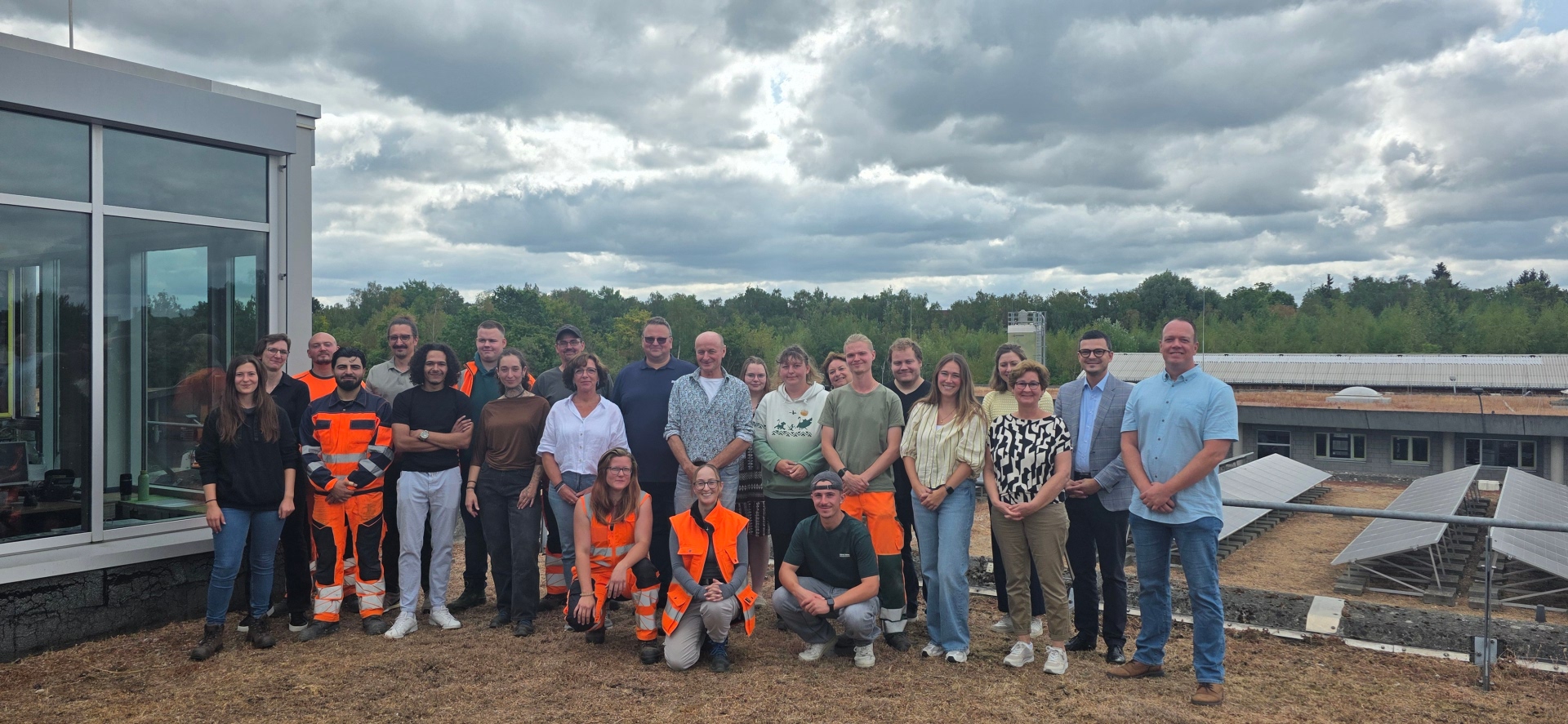
Ten trainees and 13 employees of Aachen’s municipal utility recently celebrated the successful completion of their training and continuing education programs.
You can subscribe to our RSS feed for our press releases here https://www.aachen.de/rss-feed-pressemitteilungen/rss.xml