Help from the digital vending machine: Aachen solution optimizes school media concepts
- An innovative question-and-answer tool from Aachen uncovers gaps in school media concepts and promotes dialog.
- First the concept, then the equipment with digital media.
- Bundling of tasks: The web-based Konzept-O-Mat links educational projects with technology that promotes learning.
How a school wants to use digital media and teach media skills is defined in its media concept. Nowadays, all schools are required to develop such a concept, update it regularly and adapt it to the individual challenges on site. However, the digital transformation is also accelerating educational processes enormously. This poses major challenges for school development work. From now on, schools will receive support from the Konzept-O-Mat, a web-based application for updating school media concepts. The question-and-answer tool was developed by the Euregional Center for Digital Education.
"In order to equip schools with technology that is conducive to learning in line with their educational plans, we as education providers are dependent on updated media concepts," says Markus Terodde, Head of Education, Youth and Structural Development at StädteRegion Aachen. The fact that schools need help with this major future task is always in the back of his mind. This is why he has been running the Euregional Center for Digital Education together with Heinrich Brötz, the Aachen City Councilor for Education, Youth and Culture, and the partner East Belgium for a long time.
A digital question-and-answer tool instead of a printed brochure
There are numerous brochures available to support educational institutions in the use of digital media. However, none of them address the current status of the respective school. This is now changing. Over the past few months, the local education officers have been working together with the Cologne district government's head of education in the digital world on a digital tool for updating school media concepts. With the help of a targeted filter function, this solution uncovers gaps in the concept and offers assistance in closing them. "The Concept-O-Mat provides a well-founded insight into the development work of a school. It invites the entire teaching staff as well as outsiders to share ideas," says Ulrich Nachtkamp, head of the Cologne district government. The teaching of media skills and the use of digital media for individual support and to break down educational barriers is now a huge task that can only succeed if everyone works together.
Meeting today's challenges competently with digital media
The Konzept-O-Mat also provides various templates for bundling agreements and requirements for download and links all elements of a school media concept with each other in a meaningful way. This makes it easier for schools to record the complex content in a networked form and at the same time provides school authorities with a formally standardized overview of equipment requirements. "When developing the application, it was very important to us to take the specific needs of each school into account, as there is no 'one size fits all' approach to updating media concepts. In view of the numerous challenges facing schools today in areas such as inclusion, integration and a shortage of skilled workers, individual concepts remain an important prerequisite for successful teaching and learning processes," explains Ms. Langfort-Riepe, Head of the Euregional Centre for Digital Education. She came up with the idea for the application and implemented it together with her colleague Anna Metzger.
A lot of technical work was invested in the Konzept-O-Mat, as the integration of artificial intelligence was not yet satisfactorily possible at this stage. Before new major funding programs to equip schools with digital media are launched, schools can use the Konzept-O-Mat to update their media concept effectively and quickly.
The Konzept-O-Mat is now available via the following website: www.konzeptomat.de
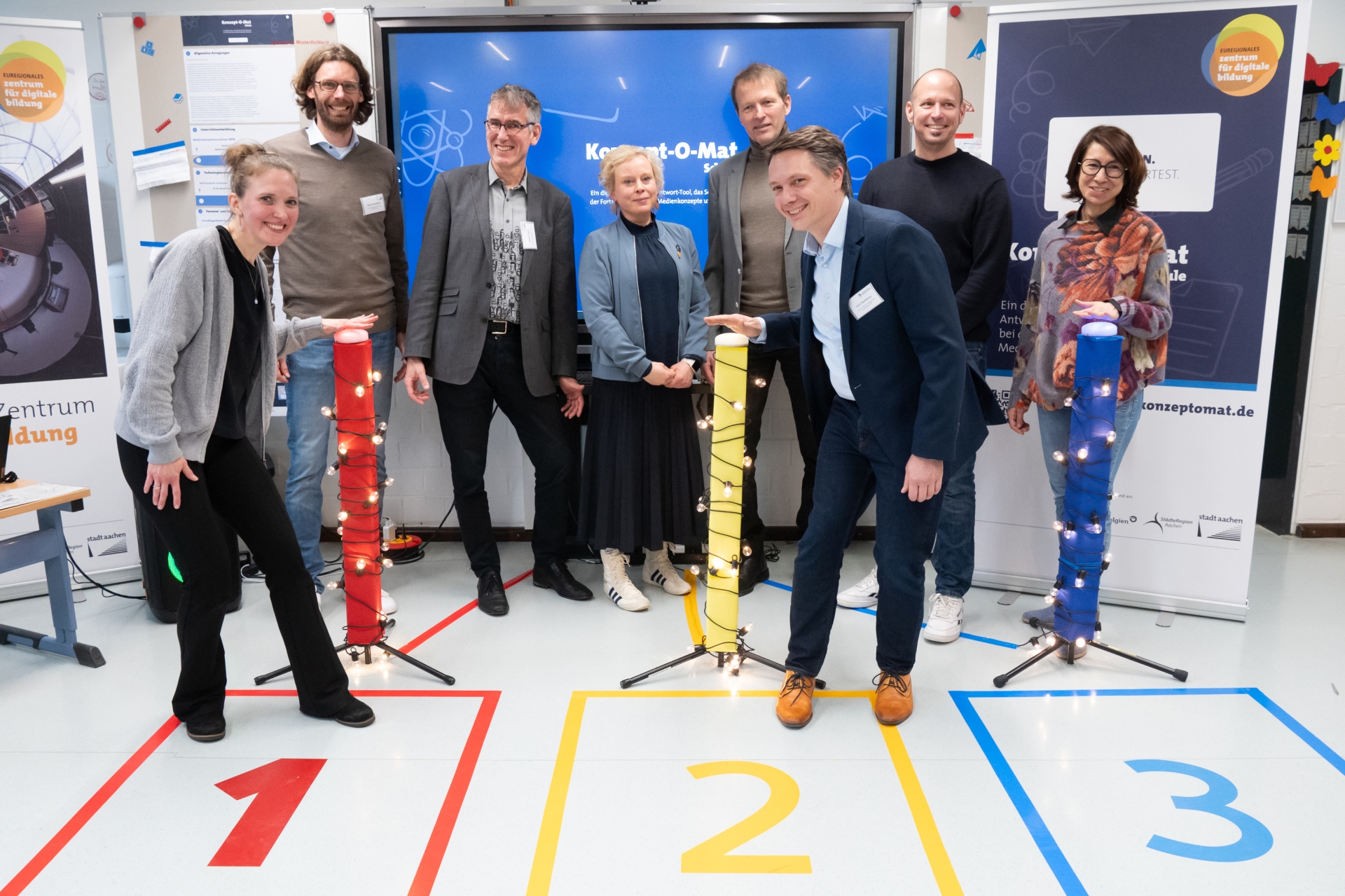
Enthusiastic about the new Konzept-O-Mat: (from left to right).) Consultant for Media Education Anna Metzger, Head of the "Youth and Schools" department of the City of Aachen Tobias Grundmann, Alderman for "Education, Youth and Culture" of the City of Aachen Heinrich Brötz, Head of the Euregional Center for Digital Education Lara Langfort-Riepe, Head of "Education, Youth and Structural Development" of the StädteRegion Aachen Markus Terodde, Head of "Education in the Digital World" of the District Government of Cologne Ulrich Nachtkamp, Director of Education for the StädteRegion Aachen Jörg Funk and Head of the Education Office of the StädteRegion Aachen Nadejda Podeva.
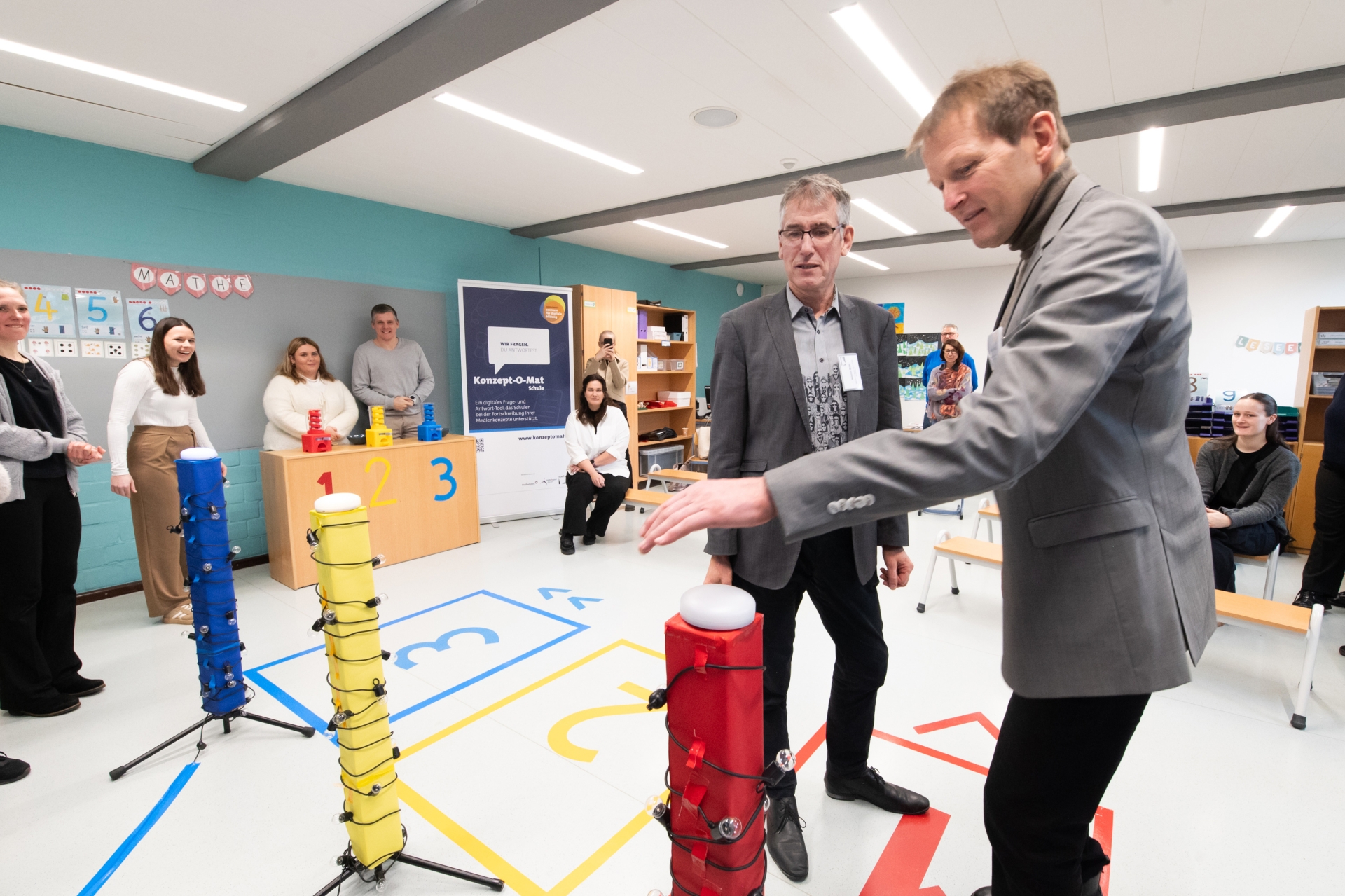
Heinrich Brötz (left), Alderman for "Education, Youth and Culture" of the City of Aachen, and Markus Terodde, Head of "Education, Youth and Structural Development" of the StädteRegion Aachen, were impressed by the question-and-answer tool during a playful presentation.
You can subscribe to our RSS feed for our press releases here https://www.aachen.de/rss-feed-pressemitteilungen/rss.xml