Diese Seite wurde automatisch übersetzt. Es kann daher zu Abweichungen oder Ungenauigkeiten im Text kommen. Verbindlich ist ausschließlich die Originalfassung. Rechtsansprüche aus Inhalten der übersetzten Version sind ausgeschlossen.

Press releases

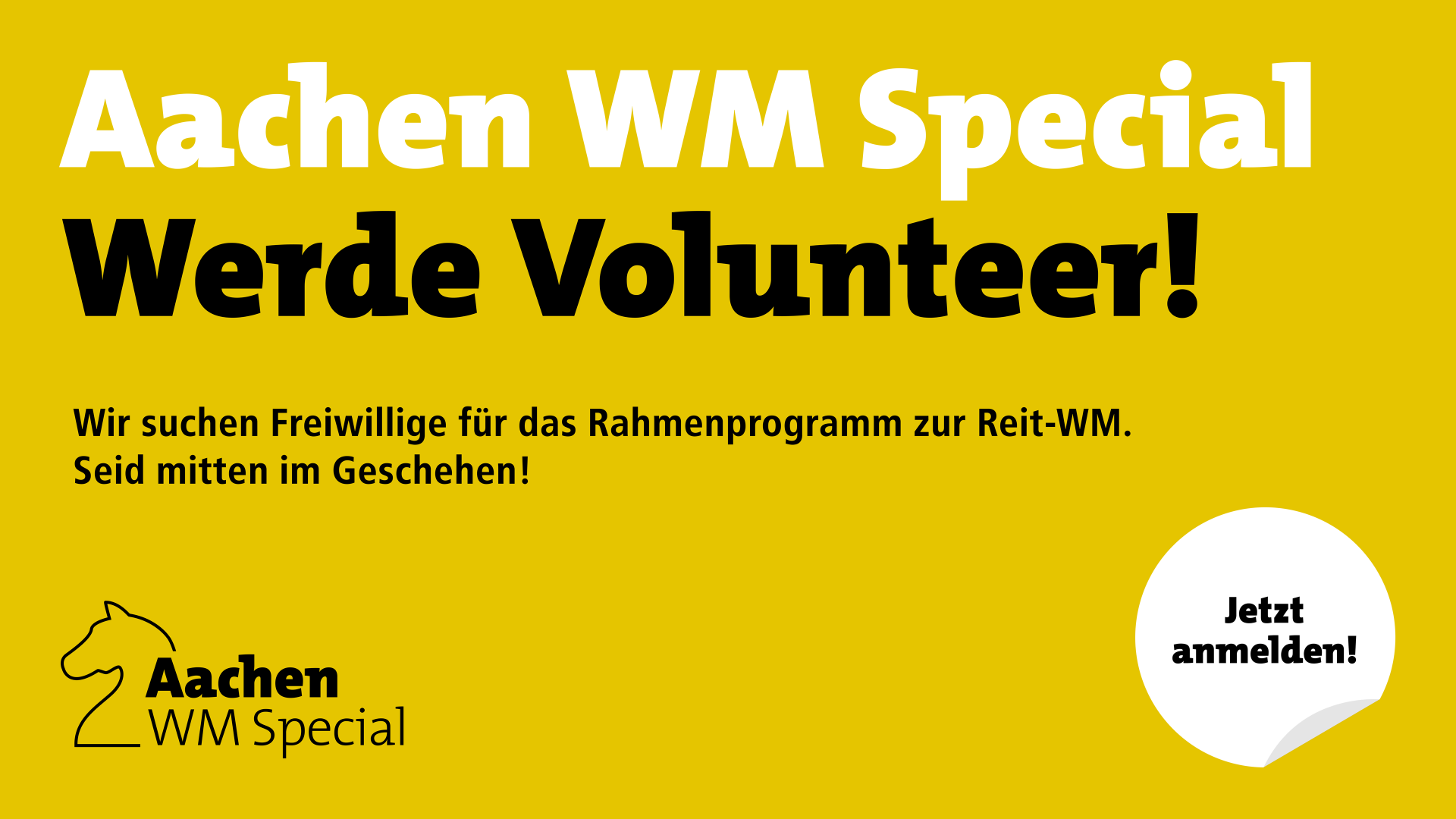
Aachen WM Special: Volunteers wanted

The 2026 World Equestrian Games are just around the corner - and for almost two weeks in August, Aachen will be the meeting place for equestrian sport fans from all over the world. While exciting competitions take place in the Soers, a colourful supporting program in the city centre will provide special moments and encounters.

To ensure that everything runs smoothly, we are looking for friendly, committed volunteers who would like to be part of this special event and fill the city with life.

The World Equestrian Games will take place from August 11 to 23. The assignments can be planned flexibly - either from 12 to 5 p.m. or from 5 to 10 p.m., in the city center or in the Soers.

As volunteers, they are right in the thick of things: they distribute program booklets, help visitors with questions and make people from all over the world feel welcome in Aachen with their open manner. It is often that friendly smile or a quick helpful tip that makes all the difference.

What should you bring with you? Above all, you should enjoy interacting with people, have a bit of team spirit and be willing to lend a hand. If you are enthusiastic about equestrian sports, all the better - but not a must. You should be at least 18 years old. A good knowledge of German is also helpful, and another language is also welcome.

What they get in return may not be big or exclusive - but it is still particularly valuable: they experience the atmosphere of a World Cup up close, meet people from all over the world and become part of a big picture. They also receive a volunteer kit, an official certificate and a small thank-you at the end.

If you're interested in participating, you can apply at www.aachenwmspecial.de by June 15, 2026.

If you have any questions, the Elections Department of the City of Aachen will be happy to assist you—by email at wahlen@mail.aachen.de or by phone at 0241 432-1601.

You can subscribe to our RSS feed for our press releases here https://www.aachen.de/rss-feed-pressemitteilungen/rss.xml

Help with accessibility

  • General

    We make every effort to ensure that our websites are accessible. You can find details on this in our accessibility statement. You can send us suggestions for improvement using our"Report a barrier" feedback form.

  • Font size

    To adjust the font size, please use the following key combinations:

    Larger

    ⌘command
    +

    Smaller

    ⌘command

    Larger

    Ctrl
    +

    Smaller

    Ctrl
  • Keyboard navigation

    Use TAB and SHIFT + TAB to navigate through next/previous links, form elements and buttons.

    Use ENTER to open links and interact with elements.

  • Contrast mode

    Press the following key combination to reduce or increase the contrast:

    Enlarge

    ⌃control
    ⌥option
    ⌘command
    .

    Decrease

    ⌃control
    ⌥option
    ⌘command
    ,
    Note: The shortcuts must be activated in the system settings of the operating system.

    Press left ALT + left SHIFT + PRINT to quickly switch the high contrast mode on or off.

  • Invert colors

    Press the following key combination to switch the color inversion on and off:

    ⌃control
    ⌥option
    ⌘command
    8
    Note: The shortcuts must be activated in the system settings of the operating system.

    First activate the screen magnifier and then switch the color inversion on and off with the following key combinations:

    1. screen magnifier

    +

    2. invert colors

    Ctrl
    Old
    I
  • Screen magnifier

    Press the following key combinations to use the screen magnifier:

    Switch on/off

    ⌥option
    ⌘command
    8

    Enlarge view

    ⌥option
    ⌘command
    =

    Reduce view

    ⌥option
    ⌘command
    Note: The shortcuts must be activated in the system settings of the operating system.

    Switch on / Enlarge view

    +

    Reduce view