Diese Seite wurde automatisch übersetzt. Es kann daher zu Abweichungen oder Ungenauigkeiten im Text kommen. Verbindlich ist ausschließlich die Originalfassung. Rechtsansprüche aus Inhalten der übersetzten Version sind ausgeschlossen.

Press releases

Magnificent fall season: the municipal company plants 55,000 plants

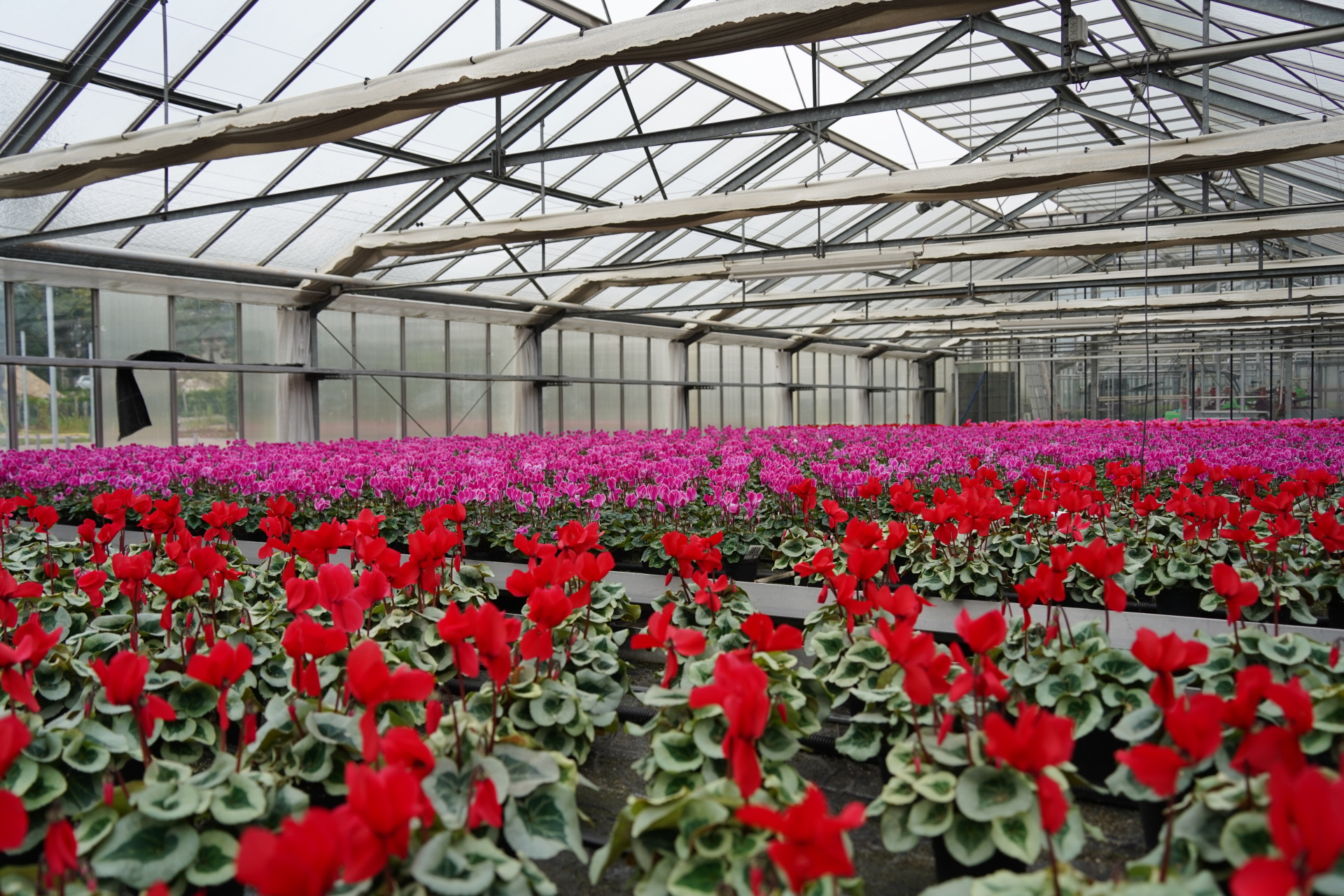
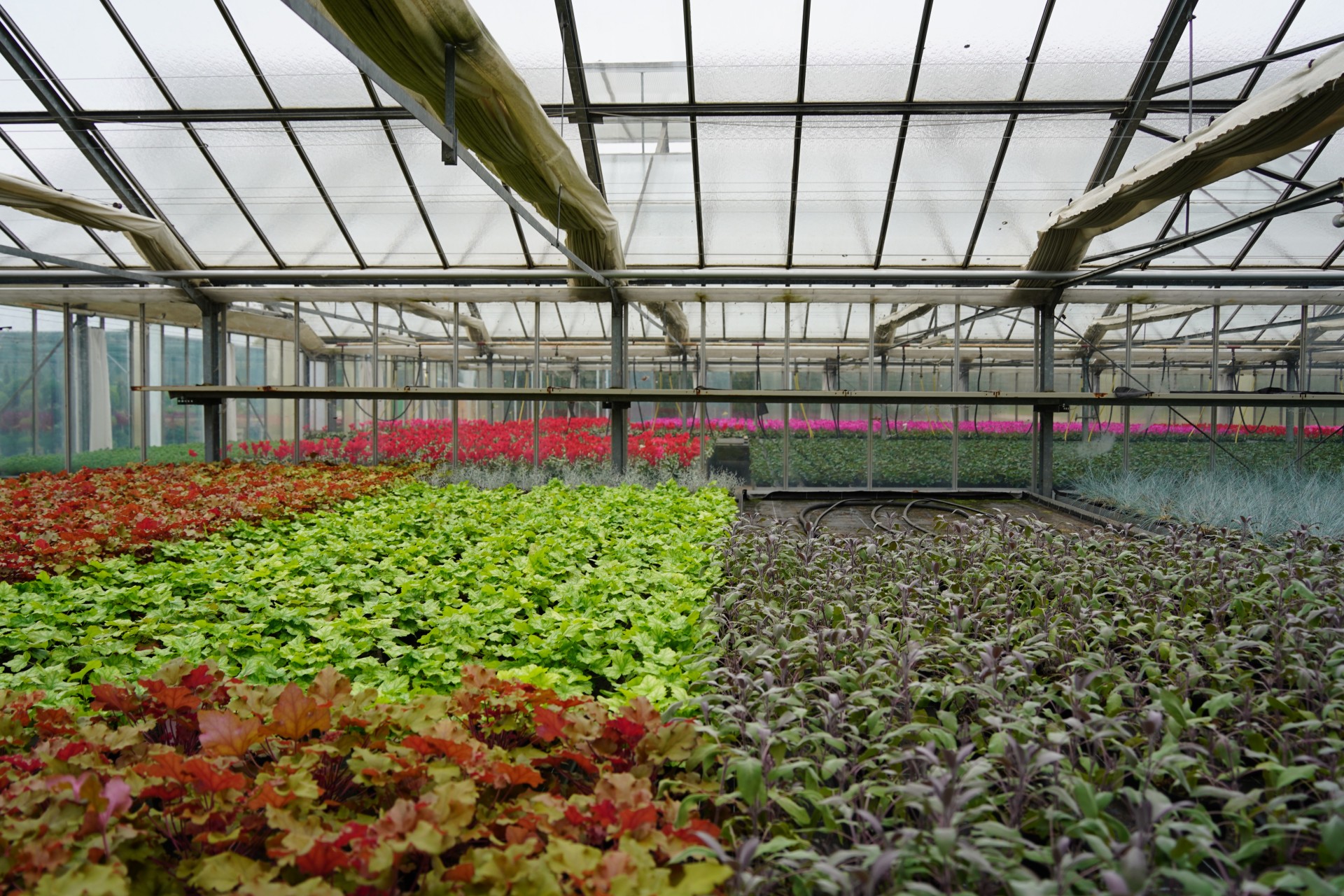
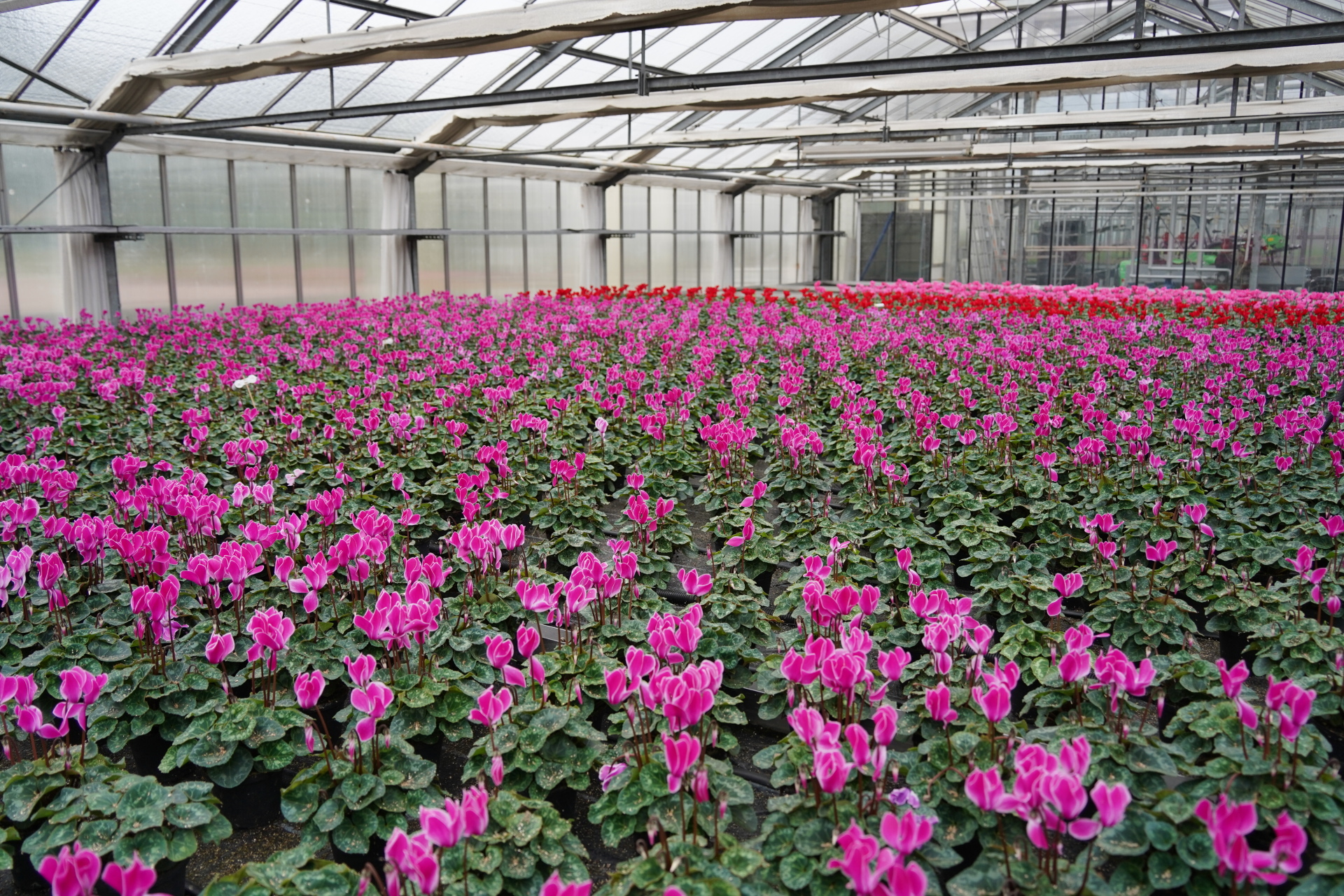
Cyclamen, pansies, callunas, perennials and grasses: trolleys full of plants are pulled out of the city nursery's van and parked at the Elisengarten. Today, the beds in the park are being replanted; it's time for the fall flowers.

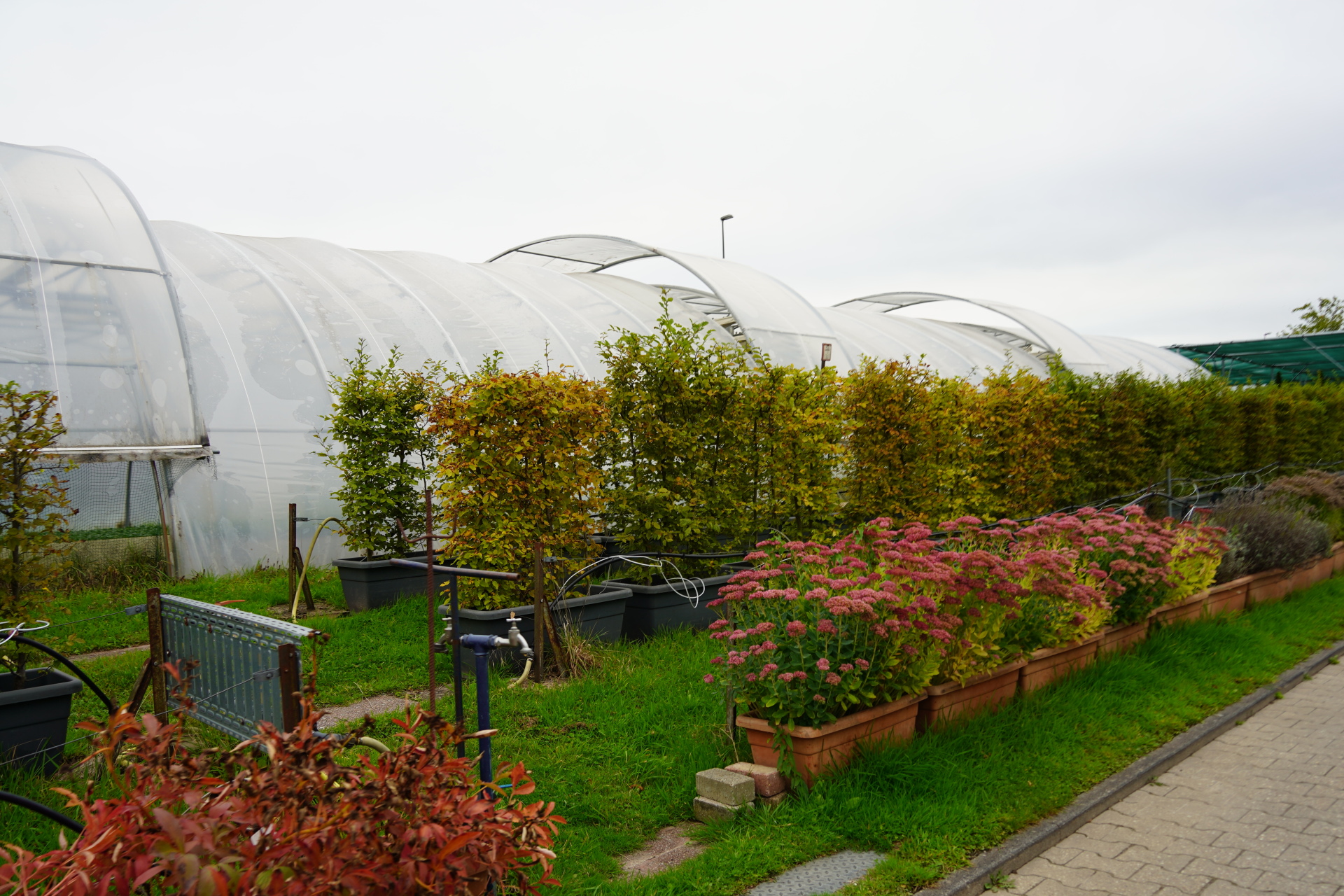
Over the past few weeks, around 55,000 plants have been grown in Aachen's municipal nursery and are now being distributed to the flowerbeds in the city center, the municipal cemeteries and the outlying districts and planted by the respective green crews.

In the Elisengarten, the bed at the upper entrance becomes an eye-catcher in the green area. Three trainees from the municipal nursery remove the faded flowers from the summer planting and prepare the beds. "We put the Elisengarten in the hands of the trainees," explains Laia Kirn. Together with her colleague Filmon Brhane, the master gardener for flowers and ornamental plants has taken over the management of the trainee project in the Elisengarten. "You have to learn to work in public, busy places," says Kirn. "We want to give our trainees the opportunity to gain experience and familiarize themselves with their processes. They are confronted with different tasks here and are given more responsibility." The team is on site every week with a changing line-up, because: "All trainees from all apprenticeship years are given equal consideration," says Laia Kirn.

The gardeners-in-training plant the autumn flowers ambitiously and are delighted with the direct positive feedback from residents.
You can subscribe to our RSS feed for our press releases here https://www.aachen.de/rss-feed-pressemitteilungen/rss.xml

Help with accessibility

  • General

    We make every effort to ensure that our websites are accessible. You can find details on this in our accessibility statement. You can send us suggestions for improvement using our"Report a barrier" feedback form.

  • Font size

    To adjust the font size, please use the following key combinations:

    Larger

    ⌘command
    +

    Smaller

    ⌘command
    –

    Larger

    Ctrl
    +

    Smaller

    Ctrl
    –
  • Keyboard navigation

    Use TAB and SHIFT + TAB to navigate through next/previous links, form elements and buttons.

    Use ENTER to open links and interact with elements.

  • Contrast mode

    Press the following key combination to reduce or increase the contrast:

    Enlarge

    ⌃control
    ⌥option
    ⌘command
    .

    Decrease

    ⌃control
    ⌥option
    ⌘command
    ,
    Note: The shortcuts must be activated in the system settings of the operating system.

    Press left ALT + left SHIFT + PRINT to quickly switch the high contrast mode on or off.

  • Invert colors

    Press the following key combination to switch the color inversion on and off:

    ⌃control
    ⌥option
    ⌘command
    8
    Note: The shortcuts must be activated in the system settings of the operating system.

    First activate the screen magnifier and then switch the color inversion on and off with the following key combinations:

    1. screen magnifier

    +

    2. invert colors

    Ctrl
    Old
    I
  • Screen magnifier

    Press the following key combinations to use the screen magnifier:

    Switch on/off

    ⌥option
    ⌘command
    8

    Enlarge view

    ⌥option
    ⌘command
    =

    Reduce view

    ⌥option
    ⌘command
    –
    Note: The shortcuts must be activated in the system settings of the operating system.

    Switch on / Enlarge view

    +

    Reduce view

    –