Diese Seite wurde automatisch übersetzt. Es kann daher zu Abweichungen oder Ungenauigkeiten im Text kommen. Verbindlich ist ausschließlich die Originalfassung. Rechtsansprüche aus Inhalten der übersetzten Version sind ausgeschlossen.

Press releases

Shaping Haaren together: Citizens' dialog with the mayor

Do you have ideas on how Haaren can be made even more liveable? Would you like to address challenges and express your wishes?

The City of Aachen invites all interested citizens to an open dialog with Lord Mayor Sibylle Keupen and the head of the Haaren district office, Michael Geber, on Tuesday, February 4, from 5 to 7 pm in the Haaren district office meeting room (rear building), Germanusstraße 38. The event offers an opportunity to exchange views in a relaxed atmosphere on topics relating to citizens such as traffic, urban development, social services or personal concerns.

Mayor Sibylle Keupen emphasizes: "I am always impressed by the passion and commitment of the people in our districts. Haaren is a lively district with a lot of potential. I would like to know what challenges you see, what visions you have and how we can work together to make Haaren even more attractive."

If you have a specific request, you can send it in advance by email to the Citizens' Dialogue team: buerger_innendialog@mail.aachen.de.
For more information, please call Sabrina Hoenen on 0241 432-7318.
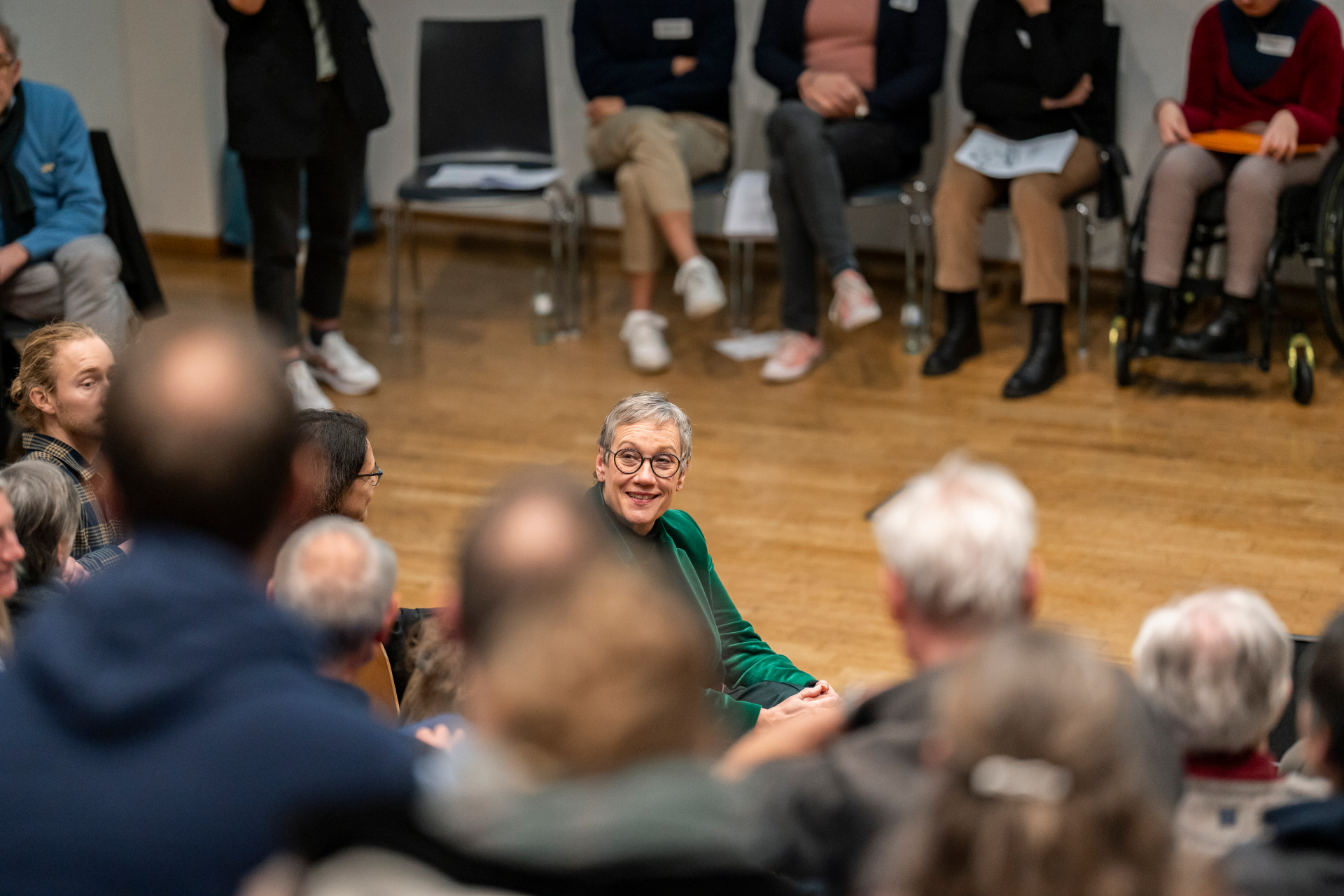
The Citizens' Dialogue offers a direct opportunity for exchange in a relaxed atmosphere


You can subscribe to our RSS feed for our press releases here https://www.aachen.de/rss-feed-pressemitteilungen/rss.xml

Help with accessibility

  • General

    We make every effort to ensure that our websites are accessible. You can find details on this in our accessibility statement. You can send us suggestions for improvement using our"Report a barrier" feedback form.

  • Font size

    To adjust the font size, please use the following key combinations:

    Larger

    ⌘command
    +

    Smaller

    ⌘command
    –

    Larger

    Ctrl
    +

    Smaller

    Ctrl
    –
  • Keyboard navigation

    Use TAB and SHIFT + TAB to navigate through next/previous links, form elements and buttons.

    Use ENTER to open links and interact with elements.

  • Contrast mode

    Press the following key combination to reduce or increase the contrast:

    Enlarge

    ⌃control
    ⌥option
    ⌘command
    .

    Decrease

    ⌃control
    ⌥option
    ⌘command
    ,
    Note: The shortcuts must be activated in the system settings of the operating system.

    Press left ALT + left SHIFT + PRINT to quickly switch the high contrast mode on or off.

  • Invert colors

    Press the following key combination to switch the color inversion on and off:

    ⌃control
    ⌥option
    ⌘command
    8
    Note: The shortcuts must be activated in the system settings of the operating system.

    First activate the screen magnifier and then switch the color inversion on and off with the following key combinations:

    1. screen magnifier

    +

    2. invert colors

    Ctrl
    Old
    I
  • Screen magnifier

    Press the following key combinations to use the screen magnifier:

    Switch on/off

    ⌥option
    ⌘command
    8

    Enlarge view

    ⌥option
    ⌘command
    =

    Reduce view

    ⌥option
    ⌘command
    –
    Note: The shortcuts must be activated in the system settings of the operating system.

    Switch on / Enlarge view

    +

    Reduce view

    –