Diese Seite wurde automatisch übersetzt. Es kann daher zu Abweichungen oder Ungenauigkeiten im Text kommen. Verbindlich ist ausschließlich die Originalfassung. Rechtsansprüche aus Inhalten der übersetzten Version sind ausgeschlossen.

Press releases

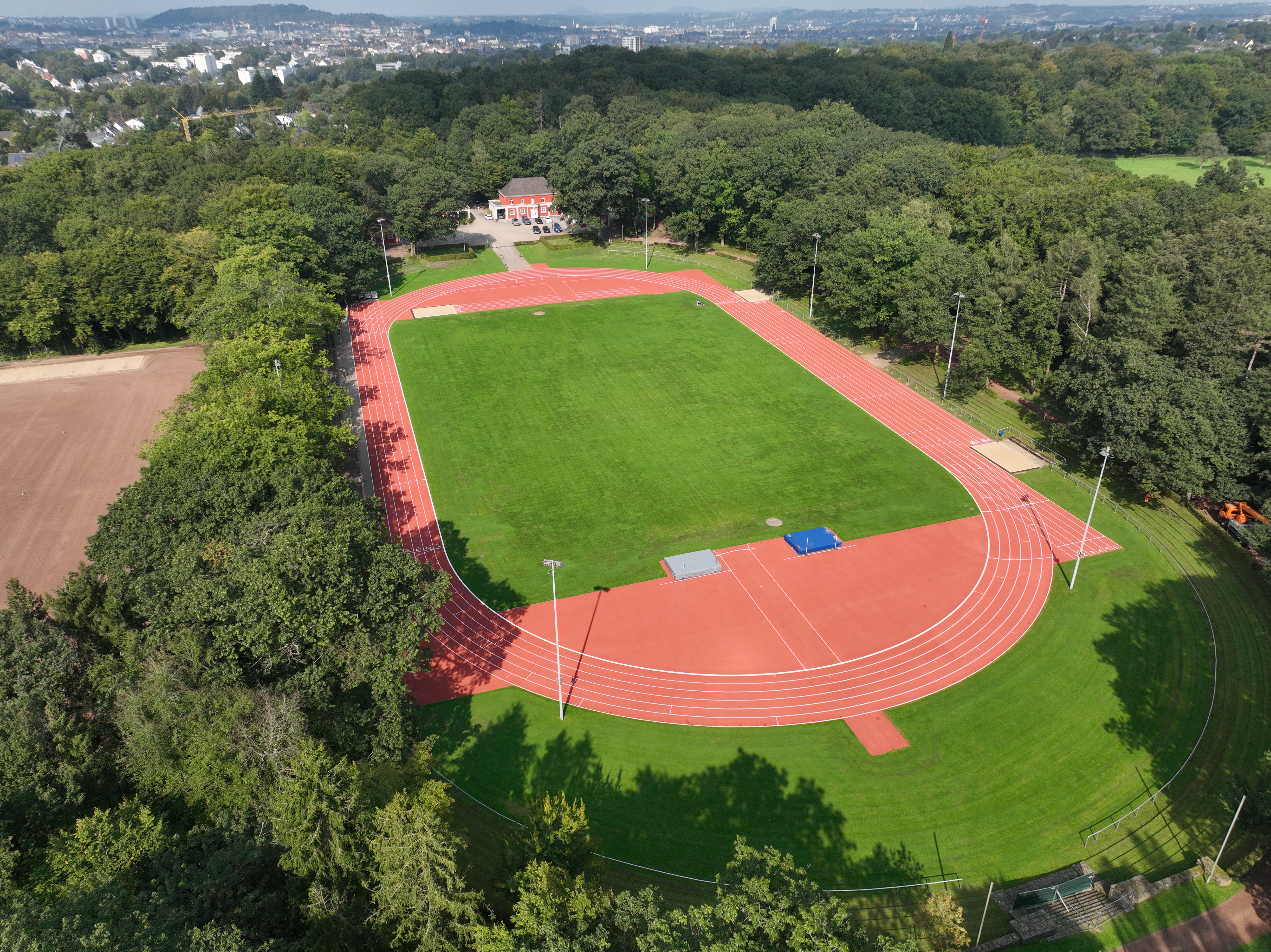
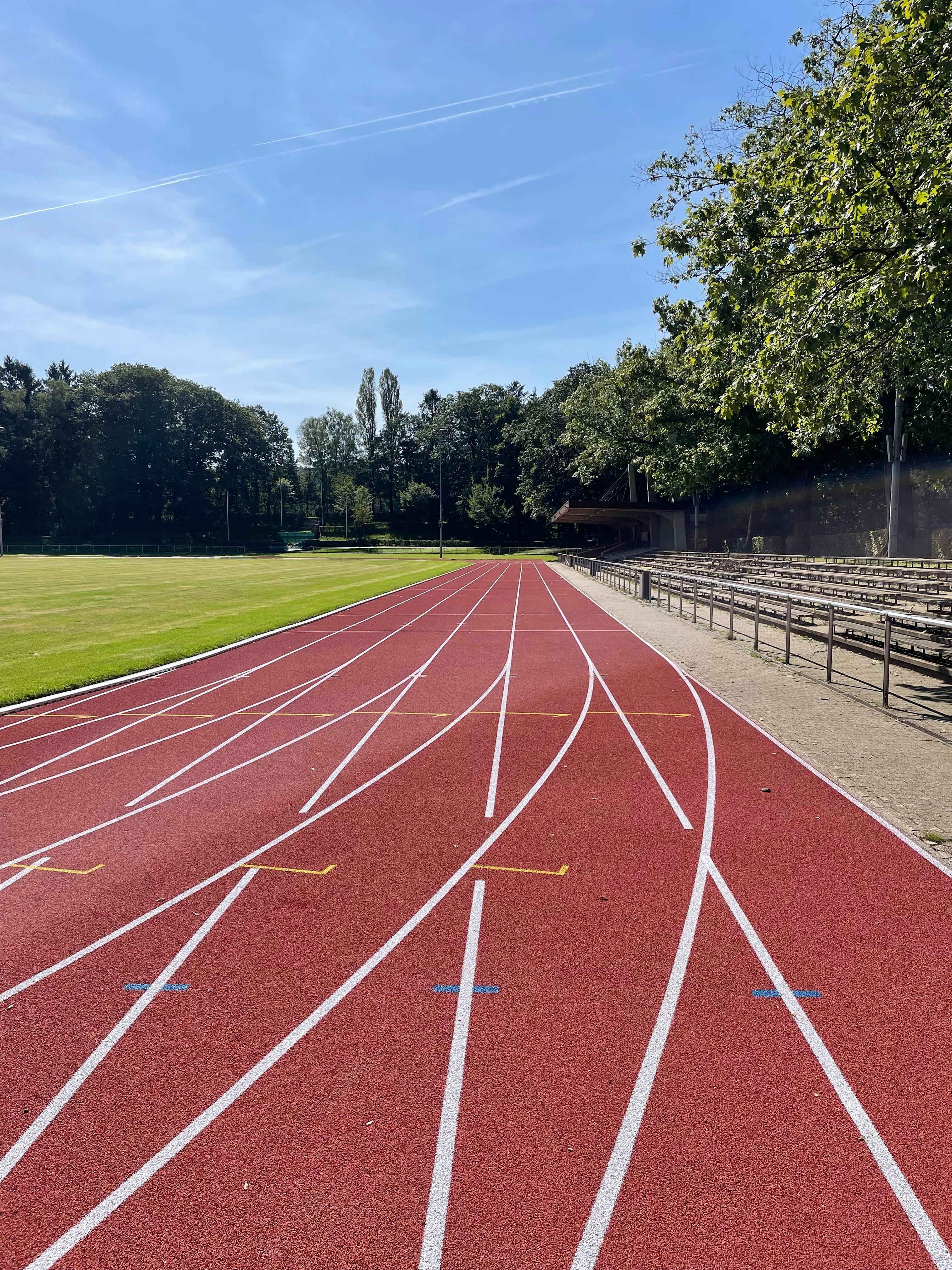
Waldstadion has a new running track

The running track at Aachen's Waldstadion has been completely renovated and now shines again in a bright red with white dividing stripes. In addition, the ditch obstacle has been made height-adjustable. This means that the women's obstacle course in the stadium is now also suitable for competitions. Finally, the barriers for the public have been renovated.

The Waldstadion has enjoyed great popularity for decades. Athletics clubs train here and hold many competitions. Aachen schools use it as a venue for national youth games or school sports festivals.

The stadium is also very popular with the general public. On Sundays from 1 p.m. to 5 p.m., "Running for everyone" takes place here all year round. In the winter months, interested people can also use the facility for running and training on Mondays and Fridays. You do not need to belong to a club.

The previous running track was clearly getting on in years due to heavy use and needed a thorough renovation. The work began in the 2024 summer vacation and was completed in September. The municipal departments of Sport and Climate and Environment, Aachener Stadtbetrieb and a specialist company worked closely together on the renovation. Aachen's athletics clubs were involved in the planning and implementation.
You can subscribe to our RSS feed for our press releases here https://www.aachen.de/rss-feed-pressemitteilungen/rss.xml

Help with accessibility

  • General

    We make every effort to ensure that our websites are accessible. You can find details on this in our accessibility statement. You can send us suggestions for improvement using our"Report a barrier" feedback form.

  • Font size

    To adjust the font size, please use the following key combinations:

    Larger

    ⌘command
    +

    Smaller

    ⌘command
    –

    Larger

    Ctrl
    +

    Smaller

    Ctrl
    –
  • Keyboard navigation

    Use TAB and SHIFT + TAB to navigate through next/previous links, form elements and buttons.

    Use ENTER to open links and interact with elements.

  • Contrast mode

    Press the following key combination to reduce or increase the contrast:

    Enlarge

    ⌃control
    ⌥option
    ⌘command
    .

    Decrease

    ⌃control
    ⌥option
    ⌘command
    ,
    Note: The shortcuts must be activated in the system settings of the operating system.

    Press left ALT + left SHIFT + PRINT to quickly switch the high contrast mode on or off.

  • Invert colors

    Press the following key combination to switch the color inversion on and off:

    ⌃control
    ⌥option
    ⌘command
    8
    Note: The shortcuts must be activated in the system settings of the operating system.

    First activate the screen magnifier and then switch the color inversion on and off with the following key combinations:

    1. screen magnifier

    +

    2. invert colors

    Ctrl
    Old
    I
  • Screen magnifier

    Press the following key combinations to use the screen magnifier:

    Switch on/off

    ⌥option
    ⌘command
    8

    Enlarge view

    ⌥option
    ⌘command
    =

    Reduce view

    ⌥option
    ⌘command
    –
    Note: The shortcuts must be activated in the system settings of the operating system.

    Switch on / Enlarge view

    +

    Reduce view

    –