
City of Aachen / Jonas Hellmann
Changed opening hours for swimming pools
The Swimming Pools
The city of Aachen maintains four indoor swimming pools and one outdoor pool. Schwimmhalle Ost is operated by Aachener Bad & Sport GmbH.

City of Aachen / Jonas Hellmann
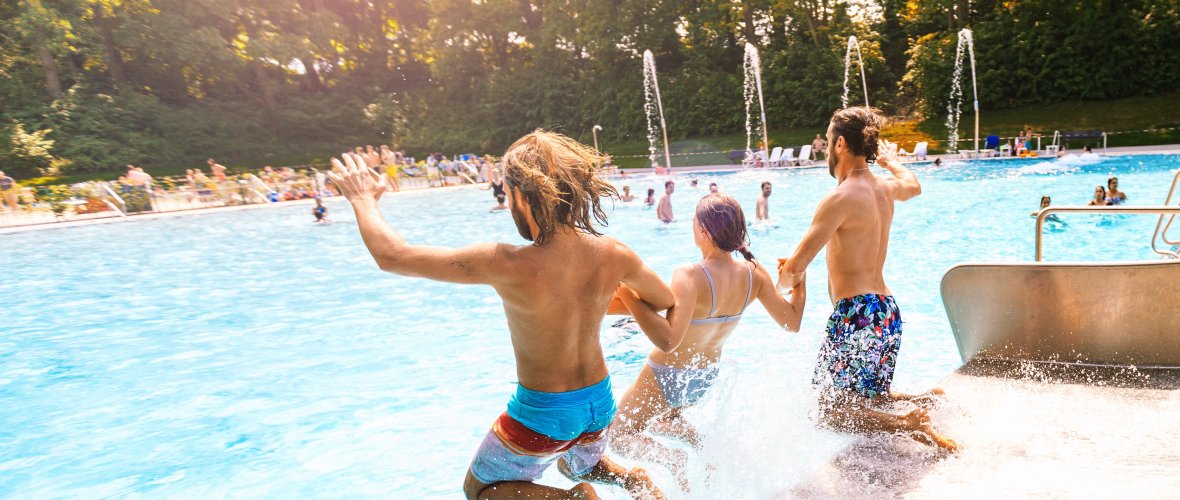
Hangeweiher outdoor pool
Water cannons, a wide slide and a shady sunbathing lawn: The modern outdoor pool guarantees great swimming fun - surrounded by greenery but close to the city center.
More

City of Aachen / Pascalina Vretinari
Brand indoor swimming pool
The small hall with the large catchment area: Aachen's smallest indoor swimming pool is rather cozy and informal, with many regulars, some of whom even travel from the Eifel. And everything is completely wheelchair accessible. There are special sanitary facilities, toilets and changing rooms for people with disabilities.
More

© City of Aachen / Jane Kaimer
South swimming pool
The family swimming pool: the little ones love the winding stream with the elephant to slide down, the water carousel and many other play options.
More
City of Aachen / Andreas Herrmann
Elisabeth Hall
The secret star among Aachen's indoor swimming pools: The swimming pool in the middle of the old town impresses with its magnificent Art Nouveau architecture.
More

© City of Aachen / Sarah Koll
Ulla Klinger Hall
The sportiest of Aachen's indoor swimming pools: The diving facility with the ten-meter tower and the 4.50-meter deep pool are impressive. Many ambitious swimmers do their laps in the swimming pool. But the hall is suitable for all swimmers.
More
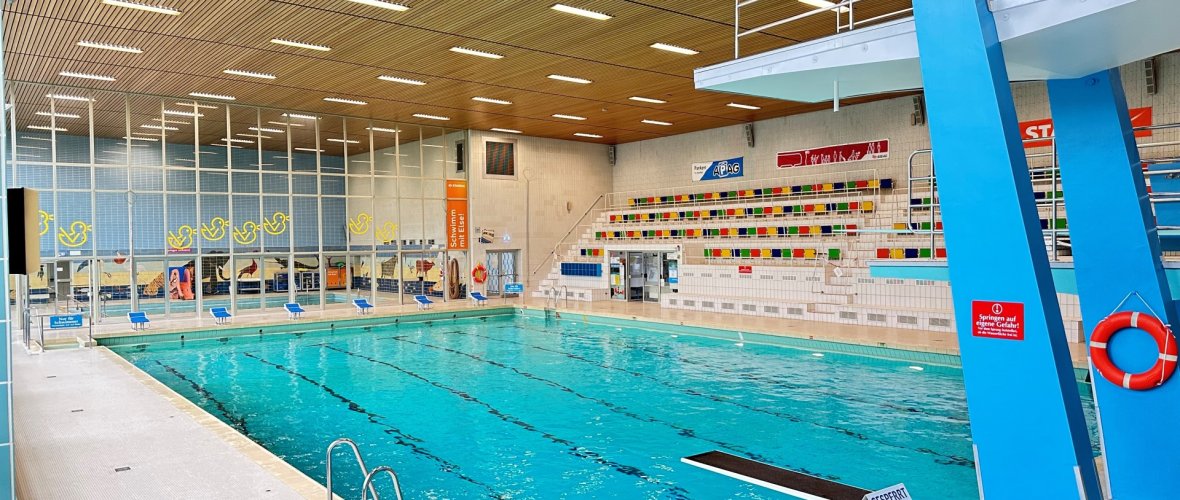
Swimming pool east
 © Aachener Bad und Sport gGmbH
Schwimmhalle Ost - right next to Aachen's Josefskirche church on Adalbertsteinweg - is leased and operated by Aachener Bad & Sport gGmbH, a subsidiary of Stadtsportbund Aachen.
Swimming courses
The city of Aachen offers various swimming courses in the Schwimmhalle Süd, Schwimmhalle Brand and Ulla-Klinger-Halle. If you would like to register or receive further information, you can do so by calling the above telephone numbers or on site.
Closures
The swimming pools may be closed due to sporting events. Please enquire at the telephone numbers given in the swimming pools and check our News section.
Fee regulations, user regulations and application
Permission from the Sports Department is required for the use of a sports facility. Permission for use is granted if there is sufficient time available and the conditions of the Transfer and usage regulations for sports facilities (PDF) of the City of Aachen are met. To ensure that your requirements can be checked, please send an application to the sports administration using the appropriate form (PDF).
Applications for the use of a municipal sports facility must be received by the office responsible for the allocation at least three full weeks before the start of the event.For sporting events that are to be held during the summer, Easter or Christmas vacations, applications must be submitted at least three full weeks before the start of the vacation.
If this deadline is not met, processing cannot be guaranteed.
Download
Hygiene
The swimming pools are constantly monitored by the Aachen City Region Health Department.