Through the KLIMACS funding project—Climate Protection Through Bicycle Mobility on the Aachen Campus—RWTH Aachen University and the City of Aachen are working together to promote climate-friendly mobility around the Aachen campus. The goal is to improve the cycling infrastructure and thereby make cycling more appealing to students, employees, and other users.
For more information on the funded project, the planned measures, and the current status, please visit the RWTH Aachen project page.
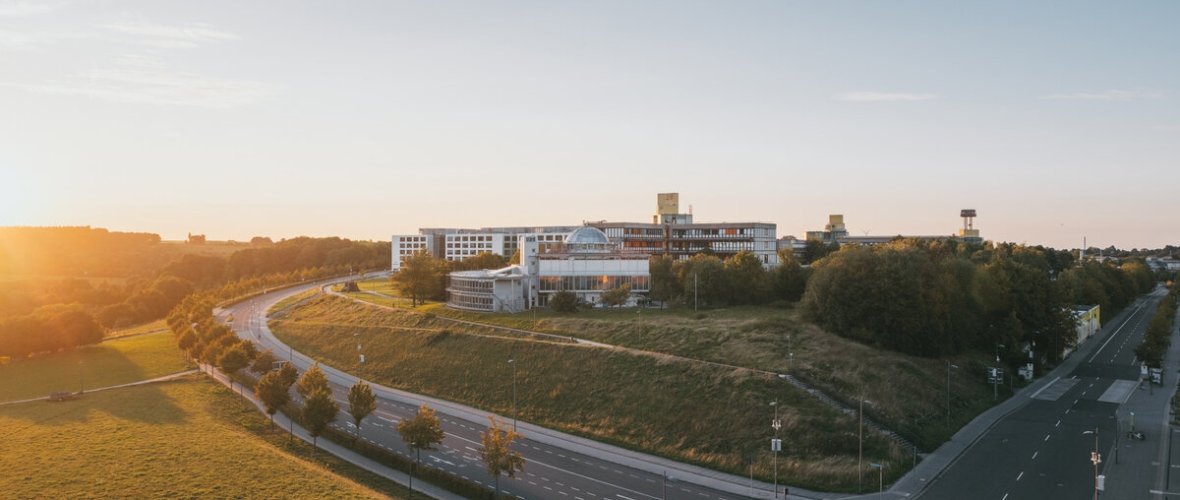
Alexander Müller, © Alexander Müller
The collaborative project “KLIMACS – Climate Protection through Bicycle Mobility on the Aachen Campus,” a joint initiative of RWTH Aachen University and the City of Aachen, is funded by the Federal Ministry for Economic Affairs and Climate Action as part of the National Climate Protection Initiative.
This funding will make cycling more appealing on the Aachen campus, thereby making it easier for people to switch from driving to cycling. This will be achieved through the following measures:
- Improving the bicycle network by connecting the RWTH campus areas to the City of Aachen’s priority bicycle route, thereby creating a continuous, easily navigable network of bicycle paths
- Improvements to bike paths (paving using permeable asphalt)
- Eliminating existing points of conflict and obstacles for cyclists by painting crosswalks red and creating safe crossings
- Installation of higher-quality bicycle parking facilities (covered, some of which are lockable and equipped with charging stations)
- Installation of DIY repair shop tools, including air pumps, to quickly fix minor breakdowns
- Replacing front wheel holders with high-quality bike racks that also provide better protection against theft
- Reducing Car Trips Through the Purchase of Electric Bicycles for Department 10
Combined with other measures, such as the purchase of e-bikes for the university administration, this is bringing about a modal shift in favor of eco-friendly transportation on and around the RWTH Aachen campus.
The overarching goal is to make the shift from motor vehicle travel to cycling more attractive through the measures taken, thereby contributing to a reduction in greenhouse gas emissions and other air pollutants. At the same time, the goal is to reduce the amount of space occupied by parked vehicles.
The City of Aachen’s mobility dashboard also provides a daily update on bicycle traffic on campus. It displays both traffic volume data from continuous-counting stations and data on other modes of transportation.
Download
Contact us
Search results are loaded
No employees found.