Diese Seite wurde automatisch übersetzt. Es kann daher zu Abweichungen oder Ungenauigkeiten im Text kommen. Verbindlich ist ausschließlich die Originalfassung. Rechtsansprüche aus Inhalten der übersetzten Version sind ausgeschlossen.

Press releases

Dr. Lothar Becker Elected First Deputy Mayor

Yesterday, November 18, the Aachen City Council unanimously elected Dr. Lothar Becker as Deputy Mayor for Law, Public Order, and Contractual Affairs and appointed him First Deputy Mayor. He thus succeeds Annekathrin Grehling. His term of office is eight years. He is expected to take office on February 1, 2027.

Dr. Becker holds a doctorate in law and has been a civil servant for the City of Cologne since 2000. Throughout his career, this father of three has held various legal, administrative, and managerial positions. In the selection process, he emerged as the most suitable candidate from among 16 applicants.

Until the new First Deputy takes office, City Treasurer Thomas Hissel will temporarily serve as the Mayor’s general representative in the event of a vacancy beginning January 1, 2027.
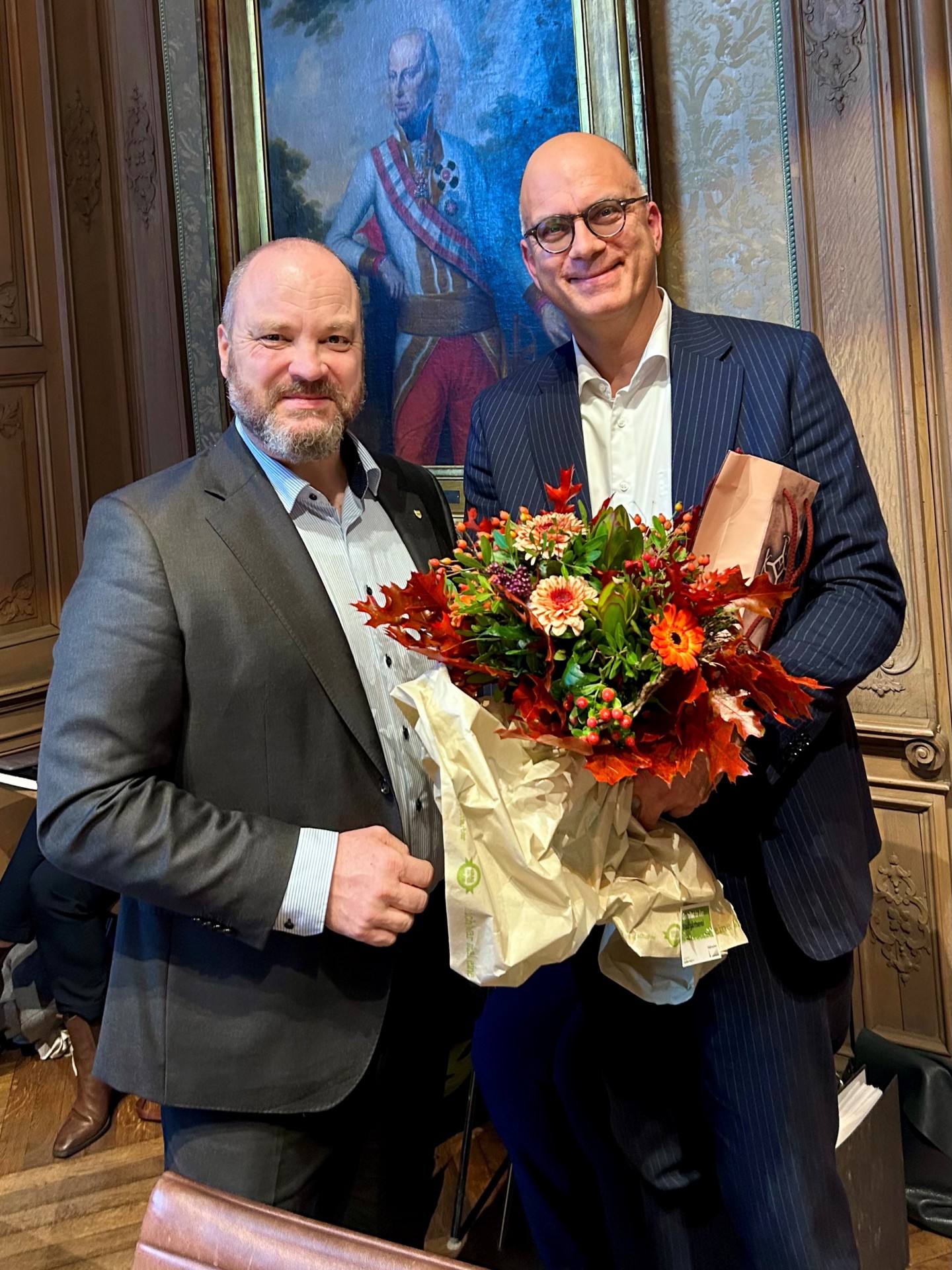
Elected: Mayor Dr. Michael Ziemons (left) congratulates Dr. Lothar Becker on his election as First Deputy Mayor.


You can subscribe to our RSS feed for our press releases here https://www.aachen.de/rss-feed-pressemitteilungen/rss.xml

Help with accessibility

  • General

    We make every effort to ensure that our websites are accessible. You can find details on this in our accessibility statement. You can send us suggestions for improvement using our"Report a barrier" feedback form.

  • Font size

    To adjust the font size, please use the following key combinations:

    Larger

    ⌘command
    +

    Smaller

    ⌘command
    –

    Larger

    Ctrl
    +

    Smaller

    Ctrl
    –
  • Keyboard navigation

    Use TAB and SHIFT + TAB to navigate through next/previous links, form elements and buttons.

    Use ENTER to open links and interact with elements.

  • Contrast mode

    Press the following key combination to reduce or increase the contrast:

    Enlarge

    ⌃control
    ⌥option
    ⌘command
    .

    Decrease

    ⌃control
    ⌥option
    ⌘command
    ,
    Note: The shortcuts must be activated in the system settings of the operating system.

    Press left ALT + left SHIFT + PRINT to quickly switch the high contrast mode on or off.

  • Invert colors

    Press the following key combination to switch the color inversion on and off:

    ⌃control
    ⌥option
    ⌘command
    8
    Note: The shortcuts must be activated in the system settings of the operating system.

    First activate the screen magnifier and then switch the color inversion on and off with the following key combinations:

    1. screen magnifier

    +

    2. invert colors

    Ctrl
    Old
    I
  • Screen magnifier

    Press the following key combinations to use the screen magnifier:

    Switch on/off

    ⌥option
    ⌘command
    8

    Enlarge view

    ⌥option
    ⌘command
    =

    Reduce view

    ⌥option
    ⌘command
    –
    Note: The shortcuts must be activated in the system settings of the operating system.

    Switch on / Enlarge view

    +

    Reduce view

    –