Inclusion from the Start: Educational Network Group Briefs Aachen’s Mayor on Its Work
From lunchboxes to picture books to rain pants: The day-to-day life of the “Inclusion” Educational Network Group is colorful, diverse, emotional, and often noisy and challenging. It was precisely this day-to-day reality and their important work that the group was able to share with Aachen’s mayor, Dr. Michael Ziemons, during his visit to Aachen City Hall. The mayor and the network group engaged in an in-depth discussion about the current state of inclusion and ideas for its practical implementation.
The Aachen group, consisting of education professionals—such as social workers and special education teachers—most of whom work in daycare centers, has been in existence for two years now. The initiative to establish the network came from the University of Applied Sciences for Small and Medium-Sized Businesses in Bielefeld and the Simmerath/Stolberg Vocational College.
The questions the network group addresses are very practical and always focused on inclusion, everyday life in daycare centers, and parents. How do we handle it when children exhibit challenging behavior? How can we structure daily life at the daycare center so that everyone can participate in everything? This applies regardless of whether they use a wheelchair or a hearing aid, or communicate through speech, sign language, or a computer. What questions do parents have, and what support can we provide?
The representatives also brought their latest project to City Hall and presented it to Mayor Ziemons: A flyer is set to be distributed soon to pediatric practices, maternity hospitals, and other institutions in Aachen and the surrounding area as a concise guide for parents of children with special needs.
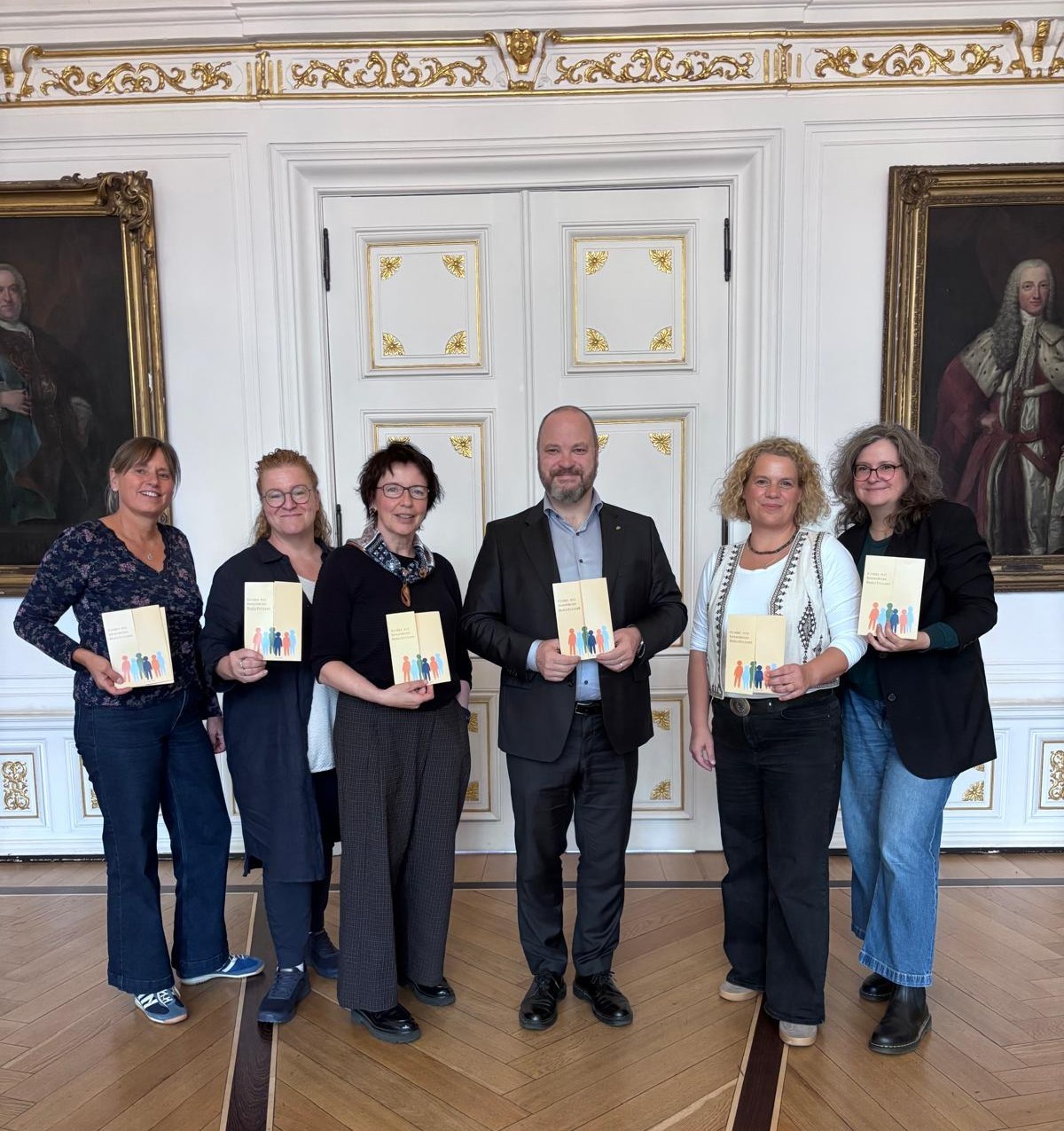
Impressed by their important work in the area of inclusion: Mayor Dr. Michael Ziemons welcomed representatives of the Educational Network Group—Simone Schmadalla, Ulli Lühring, coordinator Dr. Sabine van Nek, Anja Köhler, and Kathrin Weisensee—to City Hall (from left).
You can subscribe to our RSS feed for our press releases here https://www.aachen.de/rss-feed-pressemitteilungen/rss.xml