New Treasurer: Thomas Hissel Appointed Effective January 1, 2027
At its meeting yesterday, July 15, the Aachen City Council voted by a majority to appoint Deputy Mayor Thomas Hissel as City Treasurer, effective January 1, 2027. The City Treasurer’s department (Department II) will then comprise the organizational units “Financial Management” (FB20), “Taxes and Cashier’s Office” (FB22), “Economy, Science, and Europe” (FB02), “Housing, Social Affairs, and Integration” (FB56), and, initially, “Aachen Event” (E 88).
“Thomas Hissel is an experienced deputy mayor. He has already headed the finance department in Düren for over eight years and has proven that he is up to the task. I look forward to working with him. He is a real asset to our city, both personally and professionally,” said Mayor Dr. Michael Ziemons one day after the council’s decision.
Hissel, a native of Aachen, has served as Deputy Mayor for Housing, Social Affairs, and Economic Affairs since June 2024. Prior to that, he served for more than eight years as First Deputy Mayor and City Treasurer of Düren. In that role, he was responsible, among other things, for the Finance Department, the City Administration Office, the Social Services Office, and the Economic Affairs and Investment Management divisions. His new responsibilities include, in particular, drafting and managing the city budget, developing financial strategy, and ensuring the city’s financial capacity to act.
“I would like to thank the Aachen City Council for the trust they have placed in me. I am well aware of how challenging the current financial situation facing municipalities is, how great the responsibility of this office is, and the high standards set by the current officeholder. At the same time, I am very much looking forward to the tasks ahead and to working with both my longtime and new colleagues. My goal is to work together with the City Council, the mayor, and the administration to ensure Aachen’s financial capacity to act, while at the same time responsibly facilitating the necessary investments in the future—in infrastructure, housing, the economy, climate protection, and social inclusion,” explains Hissel.
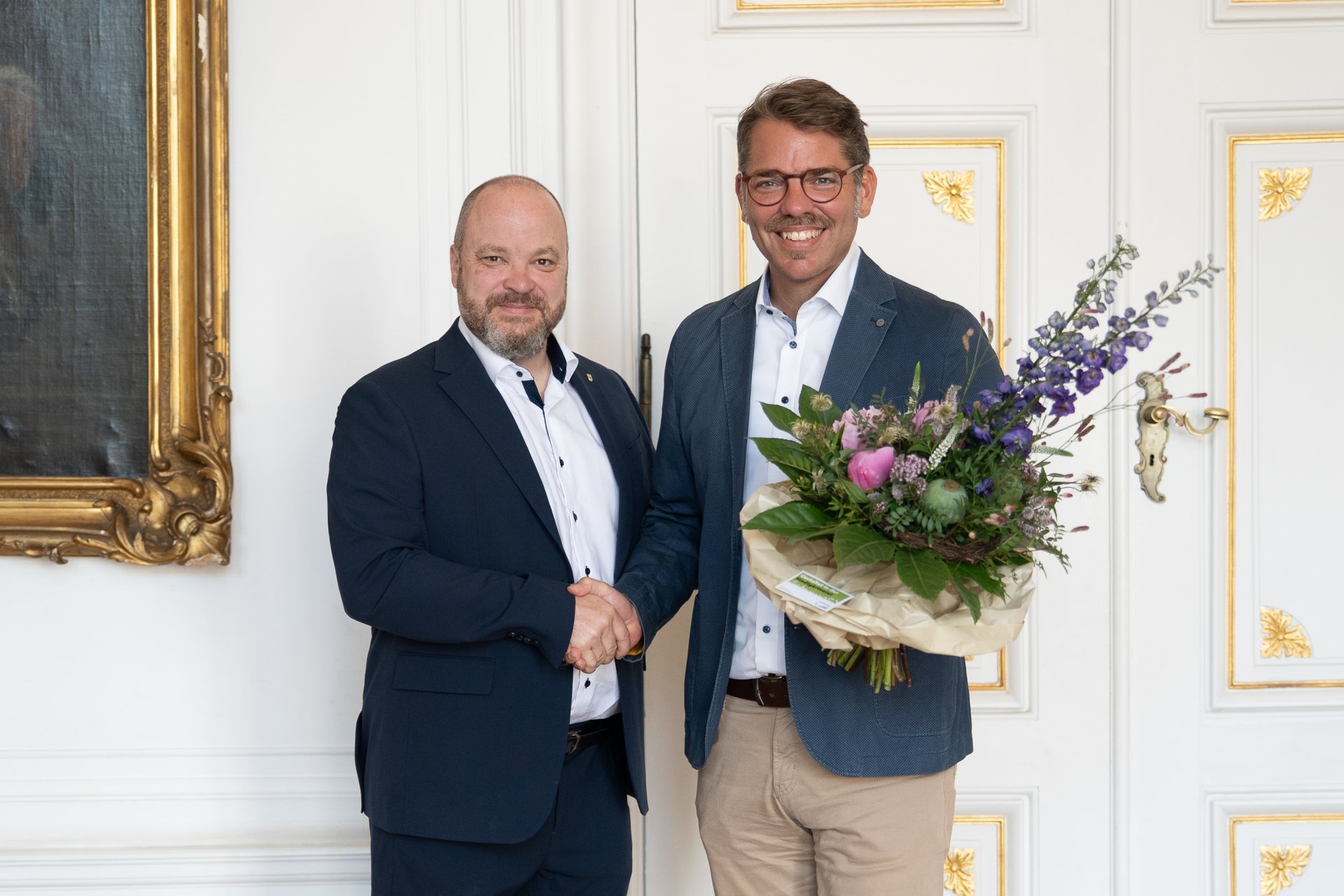
Mayor Dr. Michael Ziemons (left) congratulates Thomas Hissel on his appointment as treasurer.
You can subscribe to our RSS feed for our press releases here https://www.aachen.de/rss-feed-pressemitteilungen/rss.xml