Diese Seite wurde automatisch übersetzt. Es kann daher zu Abweichungen oder Ungenauigkeiten im Text kommen. Verbindlich ist ausschließlich die Originalfassung. Rechtsansprüche aus Inhalten der übersetzten Version sind ausgeschlossen.

Press releases

Language Summer in Aachen

Mayor Dr. Ralf Otten welcomed 16 students from Ningbo University—the City of Aachen’s partner university—to the White Hall today, July 13. The 16 young people are participating in this year’s summer language program in Aachen.

All participants are between 19 and 20 years old and are studying German language and literature. They spend four weeks in Aachen. In the mornings, they attend German language classes; in the afternoons, they take part in various recreational activities, including trips to Monschau and the Dreiländereck, as well as museum visits. On the weekends, the program includes excursions to places such as Cologne and Brussels. This gives them the opportunity to experience German and European culture and history firsthand.

Since 2024, Ningbo University has participated annually in the Aachen Language Academy’s summer language program, which is supported both organizationally and financially by the Aachen-Ningbo Sister City Association. Board member Udo Mathes also welcomed the students at City Hall.
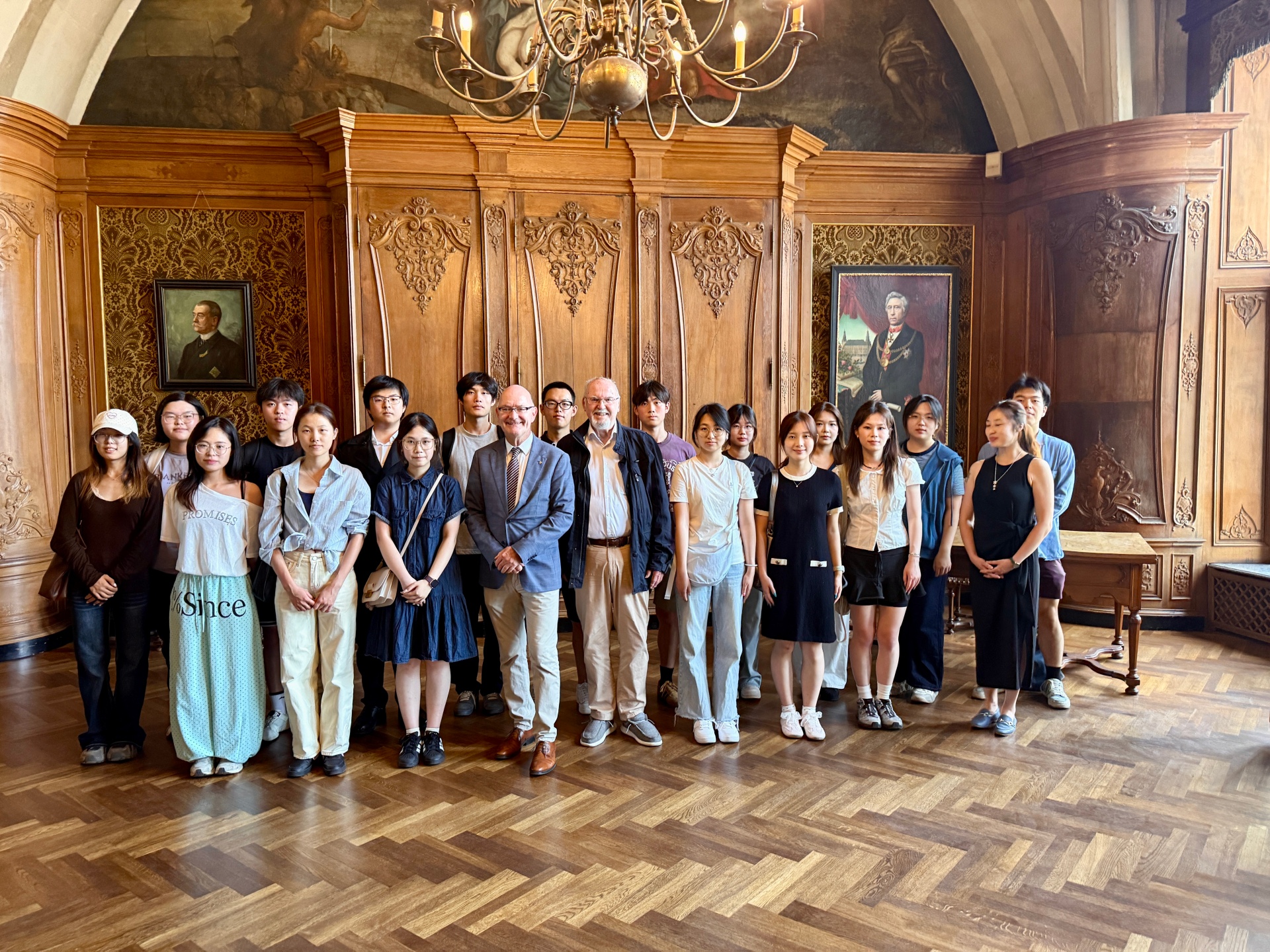
Mayor Dr. Ralf Otten (5th from left), together with Udo Mathes, a board member of the Aachen-Ningbo Sister City Association (6th from left), welcomes students from Ningbo University at City Hall.


You can subscribe to our RSS feed for our press releases here https://www.aachen.de/rss-feed-pressemitteilungen/rss.xml

Help with accessibility

  • General

    We make every effort to ensure that our websites are accessible. You can find details on this in our accessibility statement. You can send us suggestions for improvement using our"Report a barrier" feedback form.

  • Font size

    To adjust the font size, please use the following key combinations:

    Larger

    ⌘command
    +

    Smaller

    ⌘command

    Larger

    Ctrl
    +

    Smaller

    Ctrl
  • Keyboard navigation

    Use TAB and SHIFT + TAB to navigate through next/previous links, form elements and buttons.

    Use ENTER to open links and interact with elements.

  • Contrast mode

    Press the following key combination to reduce or increase the contrast:

    Enlarge

    ⌃control
    ⌥option
    ⌘command
    .

    Decrease

    ⌃control
    ⌥option
    ⌘command
    ,
    Note: The shortcuts must be activated in the system settings of the operating system.

    Press left ALT + left SHIFT + PRINT to quickly switch the high contrast mode on or off.

  • Invert colors

    Press the following key combination to switch the color inversion on and off:

    ⌃control
    ⌥option
    ⌘command
    8
    Note: The shortcuts must be activated in the system settings of the operating system.

    First activate the screen magnifier and then switch the color inversion on and off with the following key combinations:

    1. screen magnifier

    +

    2. invert colors

    Ctrl
    Old
    I
  • Screen magnifier

    Press the following key combinations to use the screen magnifier:

    Switch on/off

    ⌥option
    ⌘command
    8

    Enlarge view

    ⌥option
    ⌘command
    =

    Reduce view

    ⌥option
    ⌘command
    Note: The shortcuts must be activated in the system settings of the operating system.

    Switch on / Enlarge view

    +

    Reduce view