"Welcome to the Team": 186 new hires begin their careers with the City of Aachen
- The city of Aachen is welcoming a total of 186 apprentices this year.
- Mayor Dr. Ralf Otten welcomes the new recruits in the Coronation Hall.
- From administration, education, social work, and firefighting to the industrial and technical fields, the trainees have found their niche.
This Monday, August 3, the City of Aachen welcomed 186 new young professionals. In the Coronation Hall of City Hall, they were warmly welcomed by Mayor Dr. Ralf Otten: “Aachen has a rich history, but Aachen is also constantly reinventing itself. Change requires talent, personality, and, above all, young people who continually reinvent public administration. That’s why I’m delighted that you’ve decided to pursue an apprenticeship with the City of Aachen.”
For many of those present, a new chapter in life and an exciting time are beginning. Dr. Markus Kremer, Director of Human Resources, emphasizes the importance of this journey: “It’s wonderful to see all these new faces, because you are a great asset to the administration.” At the same time, he reminds them: “May you find happiness here with us, have a wonderful time, and above all, look out for one another.”
186 Trainees Across a Total of 40 Apprenticeship
Programs Dr. Kremer highlighted the impressive number of trainees at the City of Aachen, noting that there are currently around 390 people enrolled in a total of 40 different apprenticeship programs with the city. In her closing remarks, Training Manager Birgit Krott encouraged the new apprentices and welcomed them once again to the large City of Aachen team: “Get actively involved and ask questions. A breath of fresh air is always good. But you’re in an apprenticeship: it’s okay to feel unsure, it’s okay not to know everything, and it’s okay to make mistakes sometimes. You’re not only the new faces of the future—the administration of tomorrow—but during your apprenticeship, you’re also the City of Aachen’s right-hand people.”
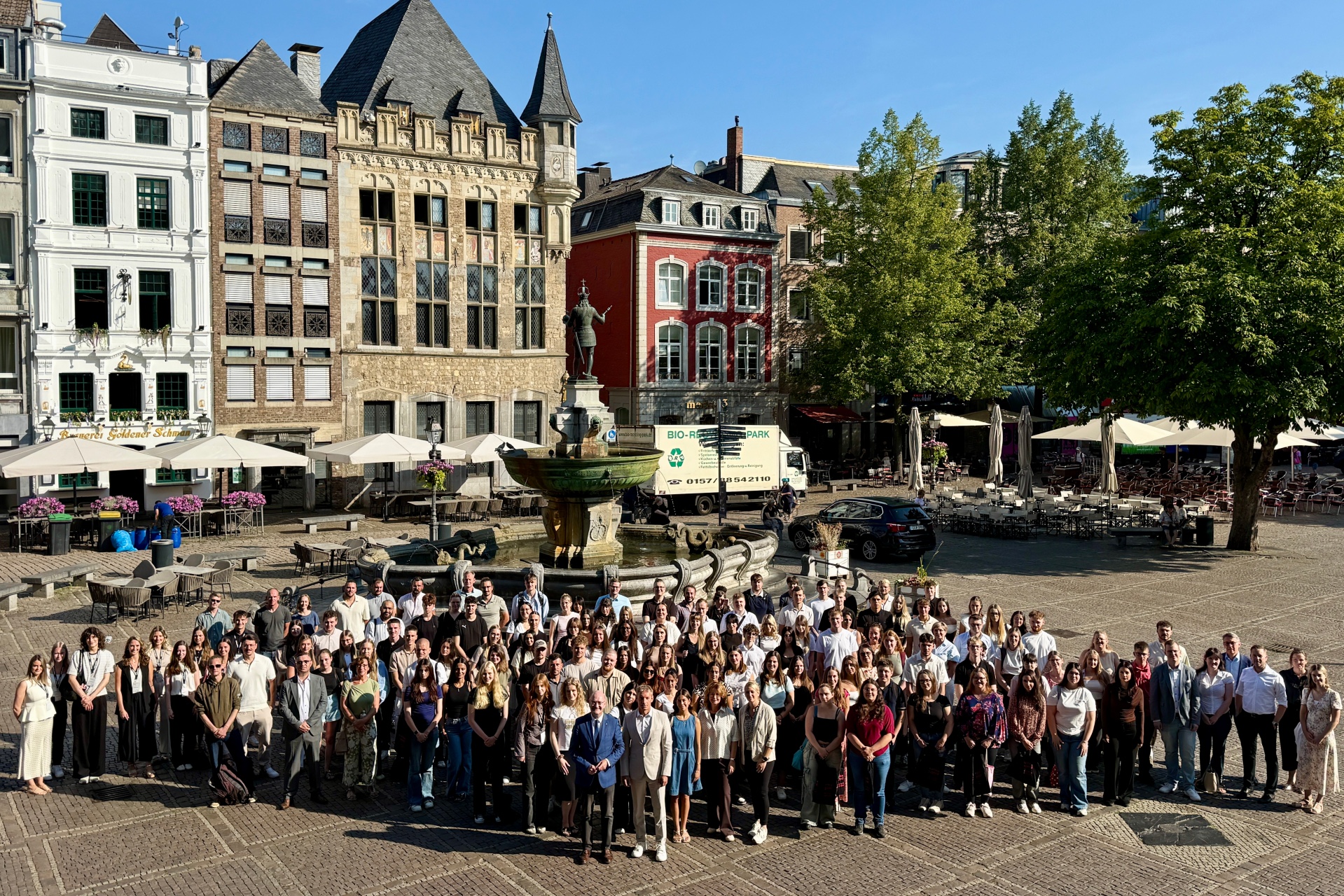
Mayor Dr. Ralf Otten (far left in the front row) and Director of Human Resources Dr. Markus Kremer (far right in the front row) join the Training Team in welcoming the new trainees.
You can subscribe to our RSS feed for our press releases here https://www.aachen.de/rss-feed-pressemitteilungen/rss.xml