Diese Seite wurde automatisch übersetzt. Es kann daher zu Abweichungen oder Ungenauigkeiten im Text kommen. Verbindlich ist ausschließlich die Originalfassung. Rechtsansprüche aus Inhalten der übersetzten Version sind ausgeschlossen.

Press releases

"KiTa-Nachwuchs" launched: 49 young people are trained in municipal KiTas

They have all chosen a job that has not always been very popular in recent years: Educator or childcare worker in a daycare center. 49 young people have now started as junior staff in Aachen's municipal daycare centers. They have decided to learn how to look after the little ones from scratch over the next few years and thus not only provide important early childhood education, but also relieve the burden on Aachen's families. André Kaldenbach, Head of the City's Daycare and Childcare Department, has now personally welcomed the new recruits in the Coronation Hall of Aachen Town Hall. "With the task of educating, caring for and supporting children, you have chosen one of the most beautiful but also most responsible areas of work in the City of Aachen for your professional development," said Kaldenbach, giving the young people a helping hand on their way into working life with the City of Aachen.

Ten PiA childcare assistants and 31 PiA nursery teachers have started. In this case, PiA stands for "practice-integrated training" and means that the staff are also deployed in the daycare centers from the very beginning, with the proportion of theoretical lessons at the technical college decreasing from year to year and the practical hours increasing. In addition, there are eight so-called vocational trainees who have chosen the route of a two-year technical college course and a one-year internship.
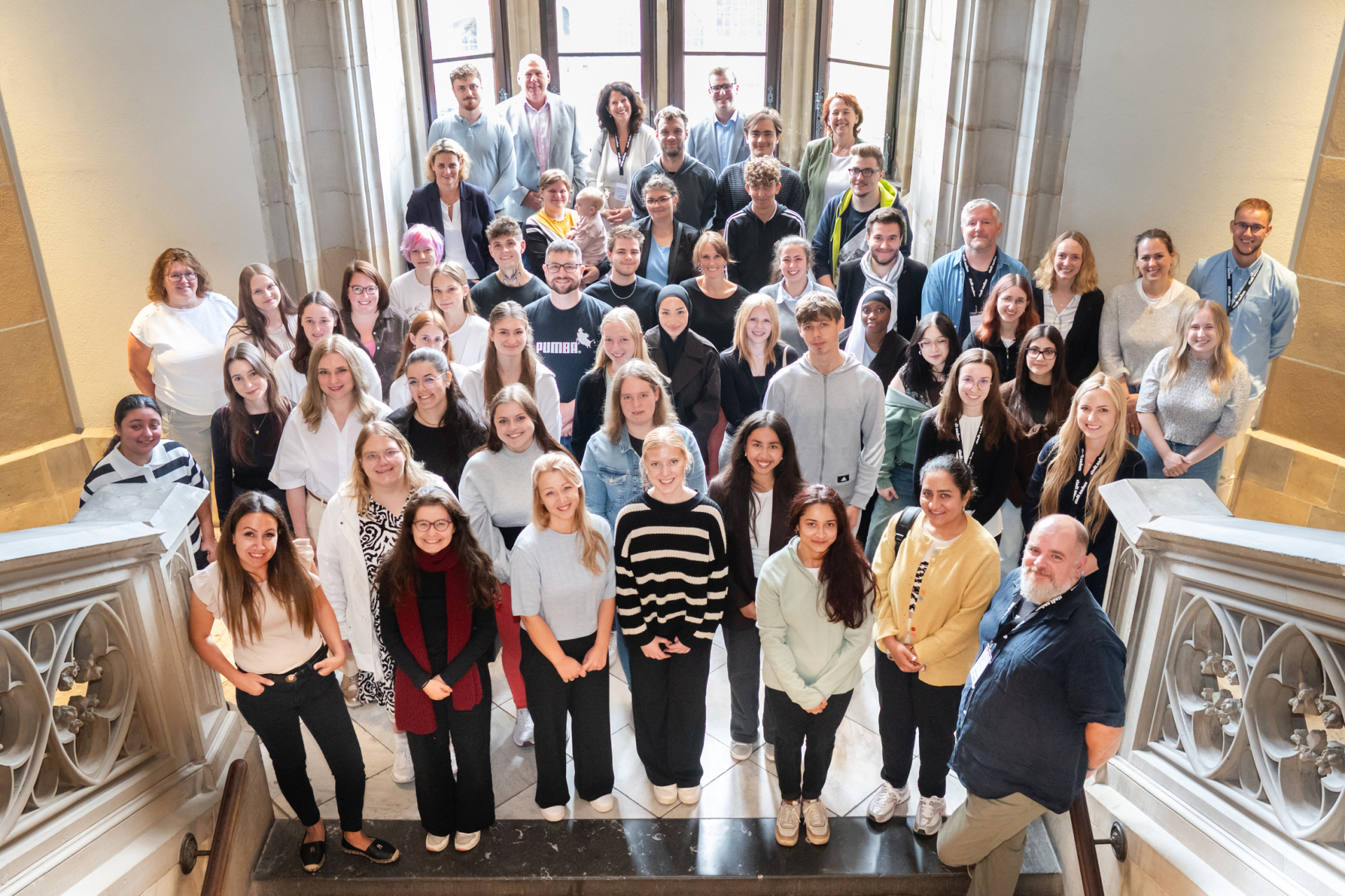
André Kaldenbach (back left) and his colleagues from the daycare center and childcare department personally welcomed the new recruits from the city's daycare centers at Aachen City Hall


You can subscribe to our RSS feed for our press releases here https://www.aachen.de/rss-feed-pressemitteilungen/rss.xml

Help with accessibility

  • General

    We make every effort to ensure that our websites are accessible. You can find details on this in our accessibility statement. You can send us suggestions for improvement using our"Report a barrier" feedback form.

  • Font size

    To adjust the font size, please use the following key combinations:

    Larger

    ⌘command
    +

    Smaller

    ⌘command
    –

    Larger

    Ctrl
    +

    Smaller

    Ctrl
    –
  • Keyboard navigation

    Use TAB and SHIFT + TAB to navigate through next/previous links, form elements and buttons.

    Use ENTER to open links and interact with elements.

  • Contrast mode

    Press the following key combination to reduce or increase the contrast:

    Enlarge

    ⌃control
    ⌥option
    ⌘command
    .

    Decrease

    ⌃control
    ⌥option
    ⌘command
    ,
    Note: The shortcuts must be activated in the system settings of the operating system.

    Press left ALT + left SHIFT + PRINT to quickly switch the high contrast mode on or off.

  • Invert colors

    Press the following key combination to switch the color inversion on and off:

    ⌃control
    ⌥option
    ⌘command
    8
    Note: The shortcuts must be activated in the system settings of the operating system.

    First activate the screen magnifier and then switch the color inversion on and off with the following key combinations:

    1. screen magnifier

    +

    2. invert colors

    Ctrl
    Old
    I
  • Screen magnifier

    Press the following key combinations to use the screen magnifier:

    Switch on/off

    ⌥option
    ⌘command
    8

    Enlarge view

    ⌥option
    ⌘command
    =

    Reduce view

    ⌥option
    ⌘command
    –
    Note: The shortcuts must be activated in the system settings of the operating system.

    Switch on / Enlarge view

    +

    Reduce view

    –