Diese Seite wurde automatisch übersetzt. Es kann daher zu Abweichungen oder Ungenauigkeiten im Text kommen. Verbindlich ist ausschließlich die Originalfassung. Rechtsansprüche aus Inhalten der übersetzten Version sind ausgeschlossen.

Brown Bag Lunch: AI in Practice
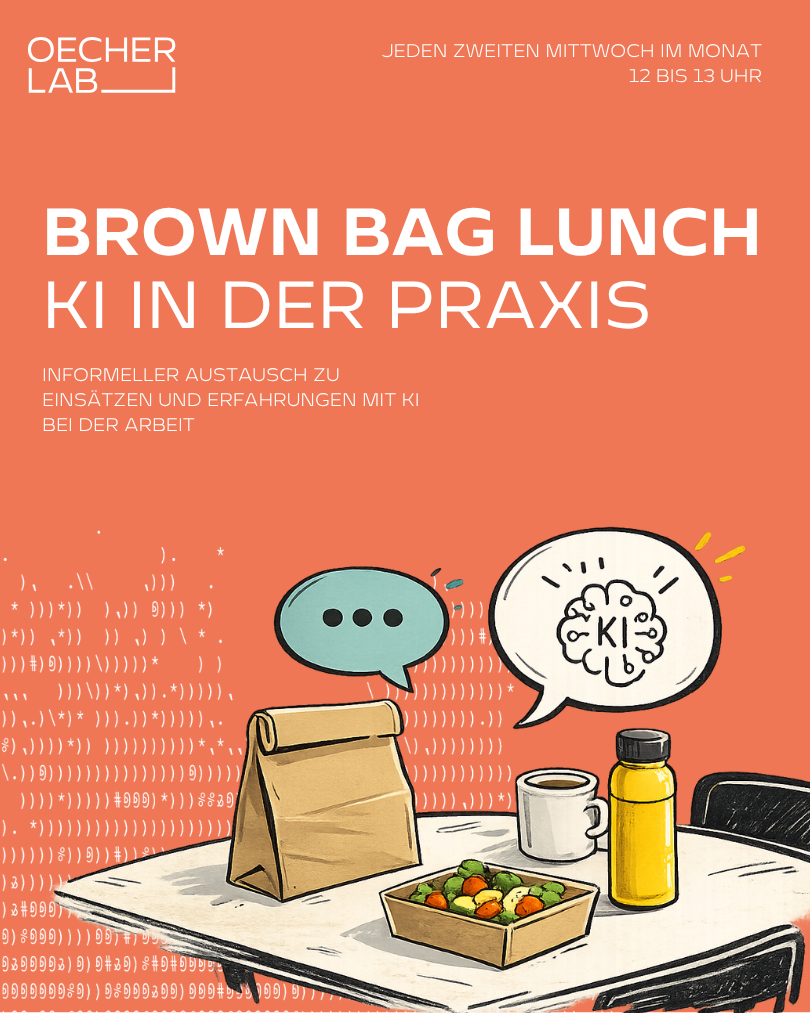
OecherLab Kickoff Poster - 1
Wifoe_Aachen, © OecherLab
Science

Category: Science

Brown Bag Lunch: AI in Practice

Every second Wednesday of the month | 12:00–13:00 |

OecherLabAI is changing our daily work lives—often faster than we have time to talk about it.

With our Brown Bag Lunch, we’re creating an open space for informal discussion about experiences, questions, ideas, and specific use cases related to artificial intelligence in our professional lives.

This event is aimed in particular at employees from government, business, academia, and other organizations who are already using AI, are gaining their first experiences with it, or are simply curious about how others work with it. Here’s what to expect

:

🥪 Everyone brings their own lunch.
☕ We provide the space, the opportunity for exchange, and conversation partners.
💬 No registration required. No obligation to present. No prior knowledge required.

The focus is on personal experiences:

Which AI tools are you already using?
What works surprisingly well?
Where are the limitations and challenges?
Which use cases have proven successful?
What questions are you currently grappling with?
Occasionally, we supplement the format with brief insights or practical examples from the region. However, the primary focus is on peer-to-peer exchange.

The Brown Bag Lunch is part of the “AI, au banan?!” future space at OecherLab and is designed as an open learning and networking format for everyone who wants to not only observe AI but also understand and shape it together.

Just stop by, bring your lunch, and join the discussion.

  • OecherLab

Help with accessibility

  • General

    We make every effort to ensure that our websites are accessible. You can find details on this in our accessibility statement. You can send us suggestions for improvement using our"Report a barrier" feedback form.

  • Font size

    To adjust the font size, please use the following key combinations:

    Larger

    ⌘command
    +

    Smaller

    ⌘command
    –

    Larger

    Ctrl
    +

    Smaller

    Ctrl
    –
  • Keyboard navigation

    Use TAB and SHIFT + TAB to navigate through next/previous links, form elements and buttons.

    Use ENTER to open links and interact with elements.

  • Contrast mode

    Press the following key combination to reduce or increase the contrast:

    Enlarge

    ⌃control
    ⌥option
    ⌘command
    .

    Decrease

    ⌃control
    ⌥option
    ⌘command
    ,
    Note: The shortcuts must be activated in the system settings of the operating system.

    Press left ALT + left SHIFT + PRINT to quickly switch the high contrast mode on or off.

  • Invert colors

    Press the following key combination to switch the color inversion on and off:

    ⌃control
    ⌥option
    ⌘command
    8
    Note: The shortcuts must be activated in the system settings of the operating system.

    First activate the screen magnifier and then switch the color inversion on and off with the following key combinations:

    1. screen magnifier

    +

    2. invert colors

    Ctrl
    Old
    I
  • Screen magnifier

    Press the following key combinations to use the screen magnifier:

    Switch on/off

    ⌥option
    ⌘command
    8

    Enlarge view

    ⌥option
    ⌘command
    =

    Reduce view

    ⌥option
    ⌘command
    –
    Note: The shortcuts must be activated in the system settings of the operating system.

    Switch on / Enlarge view

    +

    Reduce view

    –