Diese Seite wurde automatisch übersetzt. Es kann daher zu Abweichungen oder Ungenauigkeiten im Text kommen. Verbindlich ist ausschließlich die Originalfassung. Rechtsansprüche aus Inhalten der übersetzten Version sind ausgeschlossen.

"FahrRad in Aachen" - basic pedelec course
Mobility and traffic

Category: Mobility and traffic

"FahrRad in Aachen" - basic pedelec course

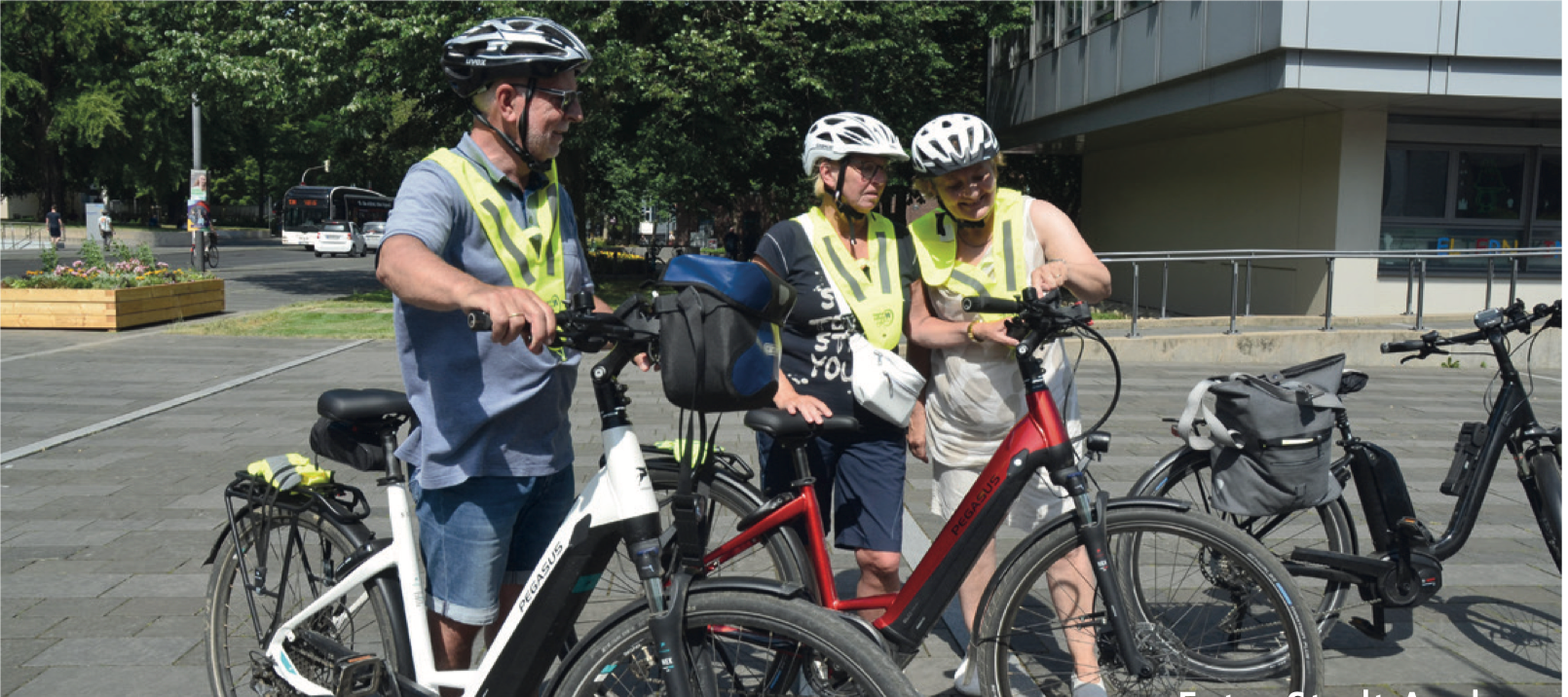
Take the opportunity to learn to assess your own cycling better and increase your sense of safety in road traffic - take part in a pedelec training course in Aachen.

A pedelec also makes it easier to ride longer or steeper routes. The motorized bike makes cycling in the fresh air easier and makes it easier to avoid car journeys. However, there is also a difficulty when riding a pedelec: many people underestimate the weight and speed at which they are traveling. This leads to accidents time and again. In the basic and advanced courses for pedelecs, participants practice with their own bikes and familiarize themselves with the technology. Participants gain a better understanding of the different levels of assistance, how to shift gears correctly and how to use the electric assistance.

In two compact modules that build on each other, participants practise sitting position, smooth shifting, efficient braking and safe cornering - perfectly tailored to everyday life in the city. The basic rules of the road traffic regulations are explained and valuable tips for safe cycling behavior are given. A bike check shows you how you can always check your bike for safety and defects.

You can register here: fahrrad-in-aachen@mail.aachen.de.
You must bring your own pedelec and bike helmet. Registration for the free course is required.

  • Electromobility
  • Cycling

Help with accessibility

  • General

    We make every effort to ensure that our websites are accessible. You can find details on this in our accessibility statement. You can send us suggestions for improvement using our"Report a barrier" feedback form.

  • Font size

    To adjust the font size, please use the following key combinations:

    Larger

    ⌘command
    +

    Smaller

    ⌘command
    –

    Larger

    Ctrl
    +

    Smaller

    Ctrl
    –
  • Keyboard navigation

    Use TAB and SHIFT + TAB to navigate through next/previous links, form elements and buttons.

    Use ENTER to open links and interact with elements.

  • Contrast mode

    Press the following key combination to reduce or increase the contrast:

    Enlarge

    ⌃control
    ⌥option
    ⌘command
    .

    Decrease

    ⌃control
    ⌥option
    ⌘command
    ,
    Note: The shortcuts must be activated in the system settings of the operating system.

    Press left ALT + left SHIFT + PRINT to quickly switch the high contrast mode on or off.

  • Invert colors

    Press the following key combination to switch the color inversion on and off:

    ⌃control
    ⌥option
    ⌘command
    8
    Note: The shortcuts must be activated in the system settings of the operating system.

    First activate the screen magnifier and then switch the color inversion on and off with the following key combinations:

    1. screen magnifier

    +

    2. invert colors

    Ctrl
    Old
    I
  • Screen magnifier

    Press the following key combinations to use the screen magnifier:

    Switch on/off

    ⌥option
    ⌘command
    8

    Enlarge view

    ⌥option
    ⌘command
    =

    Reduce view

    ⌥option
    ⌘command
    –
    Note: The shortcuts must be activated in the system settings of the operating system.

    Switch on / Enlarge view

    +

    Reduce view

    –