Diese Seite wurde automatisch übersetzt. Es kann daher zu Abweichungen oder Ungenauigkeiten im Text kommen. Verbindlich ist ausschließlich die Originalfassung. Rechtsansprüche aus Inhalten der übersetzten Version sind ausgeschlossen.

Aachen City Children's Forum
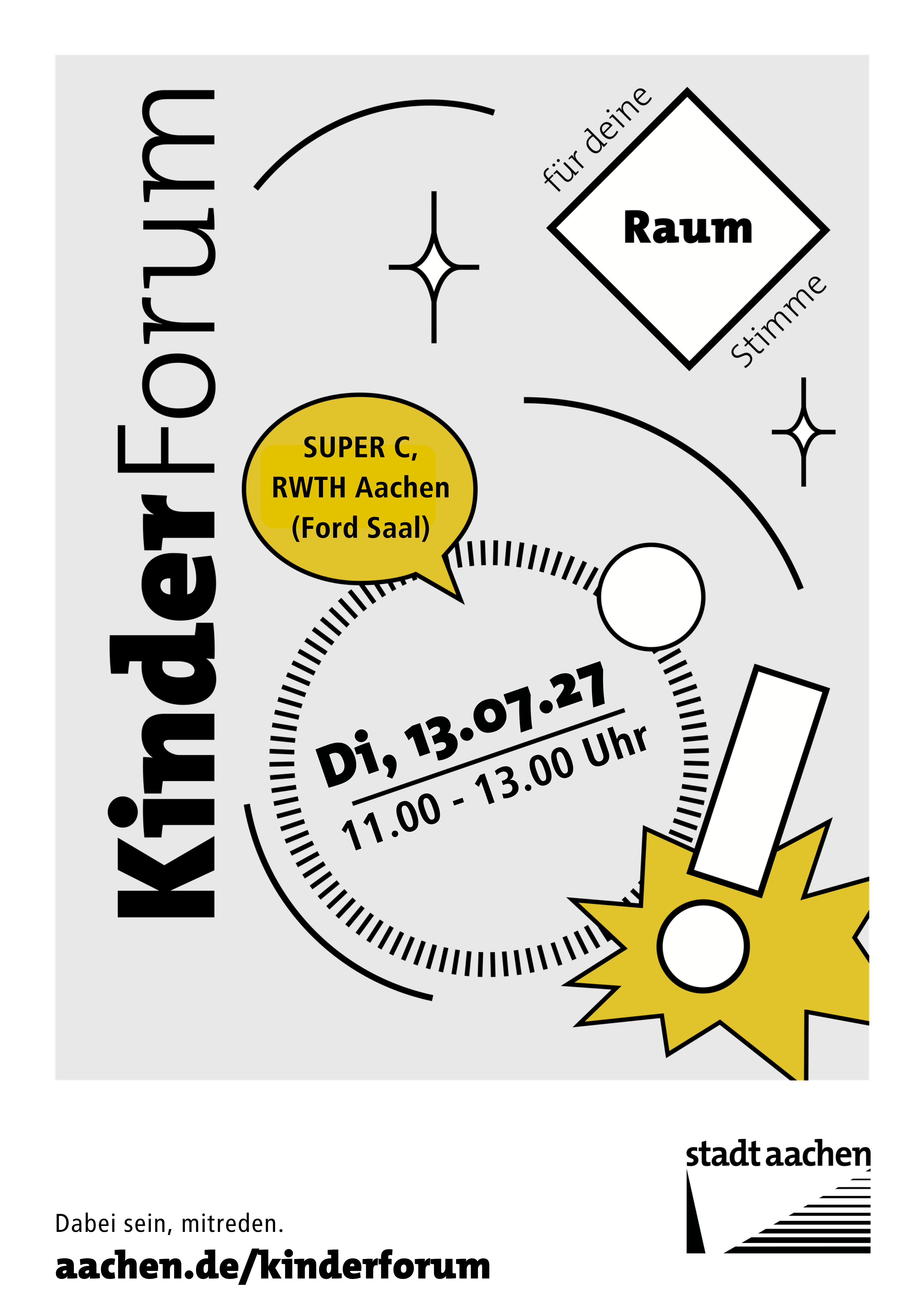
Poster_Children's Forum 2027.pdf - 2
Ines Alberding, © City of Aachen
Politics

Category: Politics

Aachen City Children's Forum

The Children’s Forum offers children the opportunity to bring their concerns and ideas into local politics and to actively experience democratic processes.

The Children’s Forum provides even young school-age children with a platform where they can present their concerns and wishes directly to a committee of city council members and knowledgeable citizens. It not only brings the politics of the City of Aachen to life but also teaches even the youngest children that they have a voice that is heard.

Modeled after the format of the Citizens’ Forum, the Children’s Forum creates a space where children can present their suggestions and ideas in a format that is understandable and appealing to them. However, it does so without losing the value and structure of a regular committee meeting.

Proposals from students at Aachen’s elementary schools are presented on-site by the young proposers. The city administration presents responses, and the children can participate in the discussion of these responses.

The Children’s Forum is an extension of the existing Citizens’ Dialogue and is specifically tailored to the needs of children, without neglecting the structures and procedures of a regular committee meeting. As a special session of the Citizens’ Forum, it is based on clear legal foundations while also taking into account the requirements for child and youth participation. This creates a space where the youngest members of the community can present their ideas in a format that is understandable and appealing to them.

  • Participation

Help with accessibility

  • General

    We make every effort to ensure that our websites are accessible. You can find details on this in our accessibility statement. You can send us suggestions for improvement using our"Report a barrier" feedback form.

  • Font size

    To adjust the font size, please use the following key combinations:

    Larger

    ⌘command
    +

    Smaller

    ⌘command
    –

    Larger

    Ctrl
    +

    Smaller

    Ctrl
    –
  • Keyboard navigation

    Use TAB and SHIFT + TAB to navigate through next/previous links, form elements and buttons.

    Use ENTER to open links and interact with elements.

  • Contrast mode

    Press the following key combination to reduce or increase the contrast:

    Enlarge

    ⌃control
    ⌥option
    ⌘command
    .

    Decrease

    ⌃control
    ⌥option
    ⌘command
    ,
    Note: The shortcuts must be activated in the system settings of the operating system.

    Press left ALT + left SHIFT + PRINT to quickly switch the high contrast mode on or off.

  • Invert colors

    Press the following key combination to switch the color inversion on and off:

    ⌃control
    ⌥option
    ⌘command
    8
    Note: The shortcuts must be activated in the system settings of the operating system.

    First activate the screen magnifier and then switch the color inversion on and off with the following key combinations:

    1. screen magnifier

    +

    2. invert colors

    Ctrl
    Old
    I
  • Screen magnifier

    Press the following key combinations to use the screen magnifier:

    Switch on/off

    ⌥option
    ⌘command
    8

    Enlarge view

    ⌥option
    ⌘command
    =

    Reduce view

    ⌥option
    ⌘command
    –
    Note: The shortcuts must be activated in the system settings of the operating system.

    Switch on / Enlarge view

    +

    Reduce view

    –