Diese Seite wurde automatisch übersetzt. Es kann daher zu Abweichungen oder Ungenauigkeiten im Text kommen. Verbindlich ist ausschließlich die Originalfassung. Rechtsansprüche aus Inhalten der übersetzten Version sind ausgeschlossen.

Remediation Forum: “Tracking Down Contaminants”
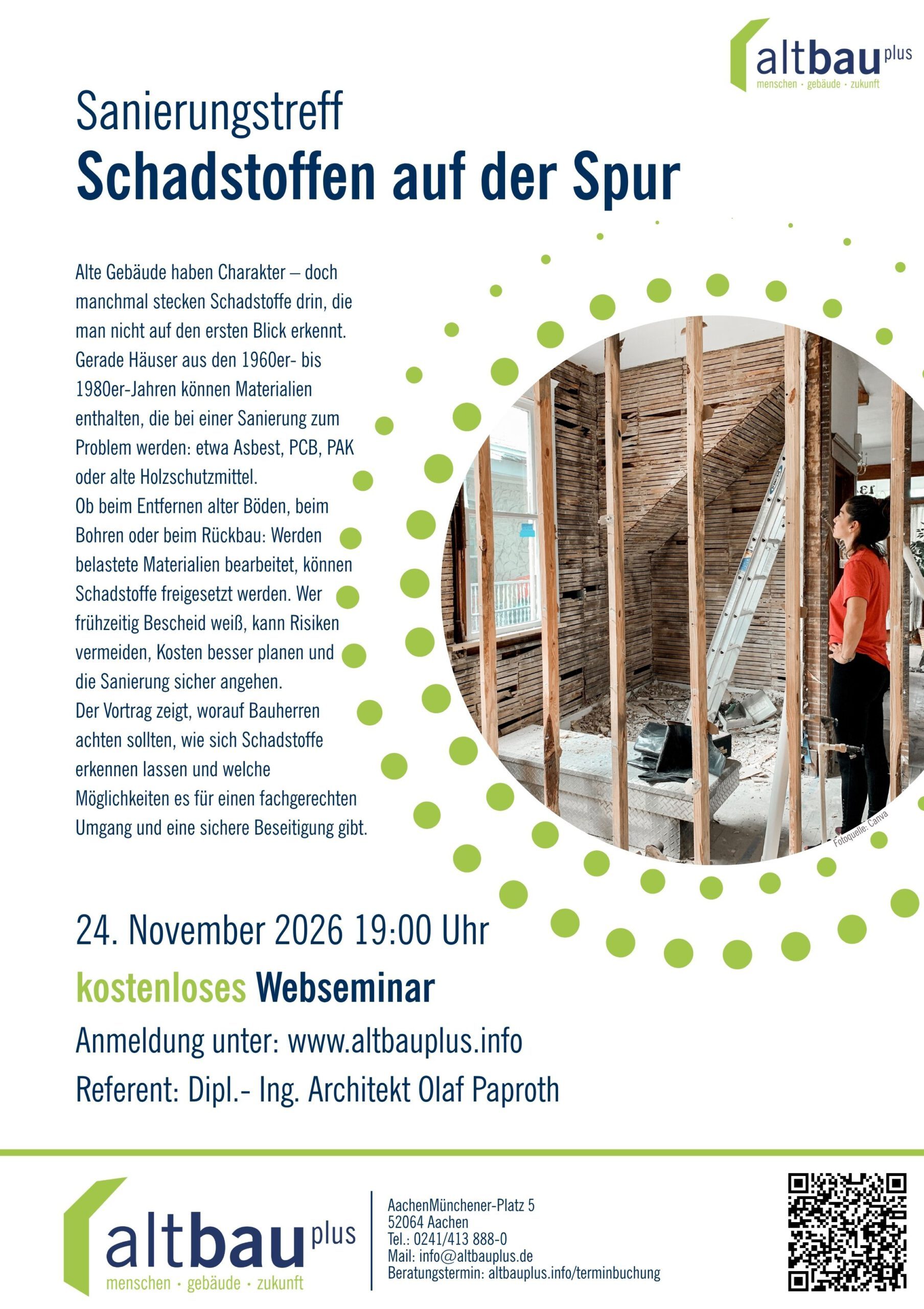
SAN 24-11 - 1
Anne A, © altbau plus
Climate and environment

Category: Climate and environment

Remediation Forum: “Tracking Down Contaminants”

Safe Renovation: Identifying Hazardous Substances in Buildings and Taking

the Right Action Old buildings have character—but sometimes they contain hazardous substances that aren’t immediately apparent. Homes built between the 1960s and 1980s, in particular, may contain materials that become a problem during renovation—such as asbestos, PCBs, PAHs, or old wood preservatives.

Whether removing old flooring, drilling, or demolishing: When contaminated materials are handled, hazardous substances can be released. Knowing about these risks early on allows you to avoid them, plan costs more effectively, and approach the renovation safely.

The presentation will explain what building owners should look out for, how to identify hazardous substances, and what options are available for proper handling and safe disposal.

Renovate with the right information—live healthily, build sustainably, and secure the long-term value of your property.

The speaker is Dipl. Ing. Architect Olaf Paproth | altbau plus

. Register at: https://altbauplus.info/veranstaltungen/sanierungstreff-schadstoffe/

Date:November 24, 2026

Time:from 19:00

Organizer

old building plus

info@altbauplus.de

altbauplus.info

  • old building plus

Help with accessibility

  • General

    We make every effort to ensure that our websites are accessible. You can find details on this in our accessibility statement. You can send us suggestions for improvement using our"Report a barrier" feedback form.

  • Font size

    To adjust the font size, please use the following key combinations:

    Larger

    ⌘command
    +

    Smaller

    ⌘command
    –

    Larger

    Ctrl
    +

    Smaller

    Ctrl
    –
  • Keyboard navigation

    Use TAB and SHIFT + TAB to navigate through next/previous links, form elements and buttons.

    Use ENTER to open links and interact with elements.

  • Contrast mode

    Press the following key combination to reduce or increase the contrast:

    Enlarge

    ⌃control
    ⌥option
    ⌘command
    .

    Decrease

    ⌃control
    ⌥option
    ⌘command
    ,
    Note: The shortcuts must be activated in the system settings of the operating system.

    Press left ALT + left SHIFT + PRINT to quickly switch the high contrast mode on or off.

  • Invert colors

    Press the following key combination to switch the color inversion on and off:

    ⌃control
    ⌥option
    ⌘command
    8
    Note: The shortcuts must be activated in the system settings of the operating system.

    First activate the screen magnifier and then switch the color inversion on and off with the following key combinations:

    1. screen magnifier

    +

    2. invert colors

    Ctrl
    Old
    I
  • Screen magnifier

    Press the following key combinations to use the screen magnifier:

    Switch on/off

    ⌥option
    ⌘command
    8

    Enlarge view

    ⌥option
    ⌘command
    =

    Reduce view

    ⌥option
    ⌘command
    –
    Note: The shortcuts must be activated in the system settings of the operating system.

    Switch on / Enlarge view

    +

    Reduce view

    –