Diese Seite wurde automatisch übersetzt. Es kann daher zu Abweichungen oder Ungenauigkeiten im Text kommen. Verbindlich ist ausschließlich die Originalfassung. Rechtsansprüche aus Inhalten der übersetzten Version sind ausgeschlossen.

Neighborhood Dialogue: Unterforst & Altforst
Planning and building

Category: Planning and building

Neighborhood Dialogue: Unterforst & Altforst

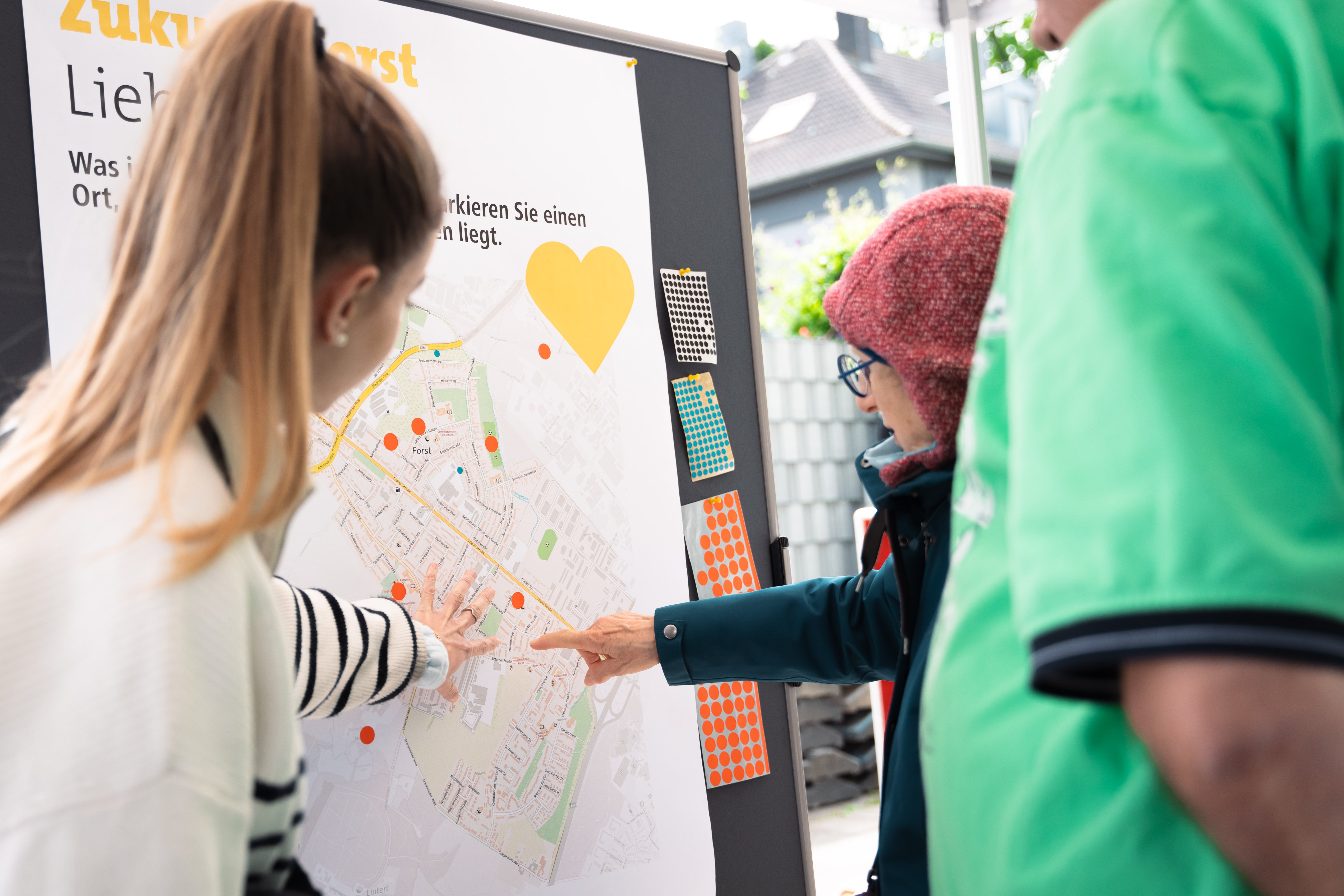
Forst is becoming more attractive. With support from the state, the city will invest in various neighborhoods—Unterforst, Altforst, Schönforst, Forster Linde, and Driescher Hof—over the coming years. The goal is to revitalize these areas and make them more attractive and livable. From the Rothe Erde train station, along both sides of Trierer Straße all the way to Highway 44, the goal is to visibly improve the quality of life and housing and to tangibly strengthen community cohesion. The Integrated Urban Development Concept (ISEK) “Zukunft Forst” will be submitted to the funding agency at the end of October for inclusion in the “Social Cohesion” urban development funding program.

As part of four neighborhood dialogues, all residents are cordially invited to learn about and discuss the contents of the ISEK, the planned measures, and the next steps for development in the individual neighborhoods.

Come on by! No registration is required.

Date: November 13, 2026

Time:17:00 - 19:00

Organizer

Christiane Schwarz

Christiane.Schwarz@mail.aachen.de

  • Citizens' dialog
  • Dialog
  • Forst / Driescher Hof
  • The future
  • Event
  • Home page

Help with accessibility

  • General

    We make every effort to ensure that our websites are accessible. You can find details on this in our accessibility statement. You can send us suggestions for improvement using our"Report a barrier" feedback form.

  • Font size

    To adjust the font size, please use the following key combinations:

    Larger

    ⌘command
    +

    Smaller

    ⌘command
    –

    Larger

    Ctrl
    +

    Smaller

    Ctrl
    –
  • Keyboard navigation

    Use TAB and SHIFT + TAB to navigate through next/previous links, form elements and buttons.

    Use ENTER to open links and interact with elements.

  • Contrast mode

    Press the following key combination to reduce or increase the contrast:

    Enlarge

    ⌃control
    ⌥option
    ⌘command
    .

    Decrease

    ⌃control
    ⌥option
    ⌘command
    ,
    Note: The shortcuts must be activated in the system settings of the operating system.

    Press left ALT + left SHIFT + PRINT to quickly switch the high contrast mode on or off.

  • Invert colors

    Press the following key combination to switch the color inversion on and off:

    ⌃control
    ⌥option
    ⌘command
    8
    Note: The shortcuts must be activated in the system settings of the operating system.

    First activate the screen magnifier and then switch the color inversion on and off with the following key combinations:

    1. screen magnifier

    +

    2. invert colors

    Ctrl
    Old
    I
  • Screen magnifier

    Press the following key combinations to use the screen magnifier:

    Switch on/off

    ⌥option
    ⌘command
    8

    Enlarge view

    ⌥option
    ⌘command
    =

    Reduce view

    ⌥option
    ⌘command
    –
    Note: The shortcuts must be activated in the system settings of the operating system.

    Switch on / Enlarge view

    +

    Reduce view

    –