Diese Seite wurde automatisch übersetzt. Es kann daher zu Abweichungen oder Ungenauigkeiten im Text kommen. Verbindlich ist ausschließlich die Originalfassung. Rechtsansprüche aus Inhalten der übersetzten Version sind ausgeschlossen.

Meeting of the citizens' forum
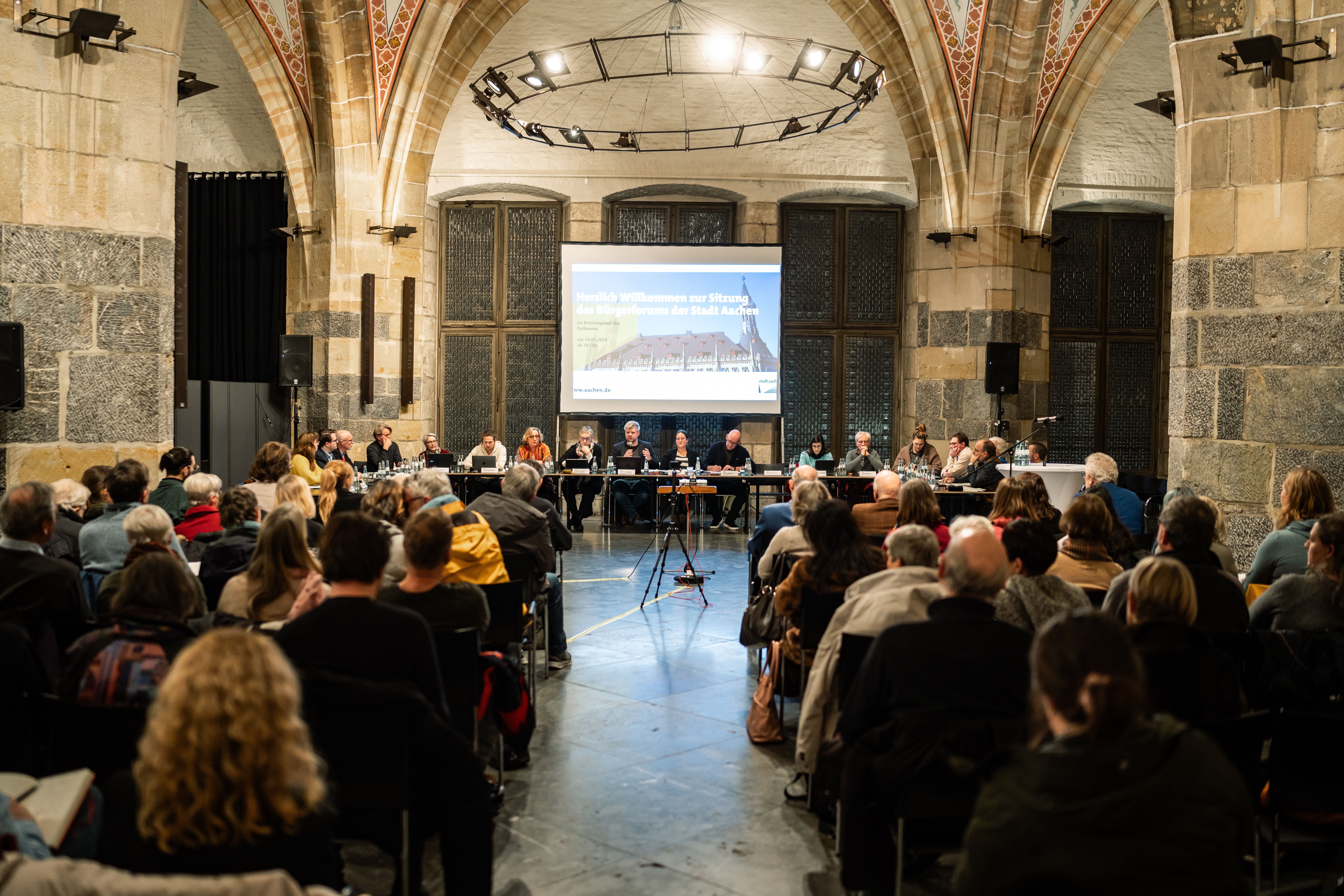
Citizens' Council 16.01.2024
Christian van't Hoen - birdsonaplane.de, © Christian vant Hoen
Citizen participation

Category: Citizen participation

Meeting of the citizens' forum

How can Aachen become and remain cleaner? This year’s Citizens’ Council addressed this question. The result is a set of concrete recommendations for greater cleanliness in public spaces, which have been summarized in a citizens’ report. This report will be publicly presented on Tuesday, November 24, 2026, at 5:00 p.m. during the Citizens’ Forum meeting in the Council Chamber at Aachen City Hall.

In addition to presenting the citizens’ report, the Citizens’ Forum will discuss a citizen’s petition pursuant to Section 24 of the North Rhine-Westphalia Municipal Code. The petition proposes the installation of a large, modern sign bearing the city’s name as a public landmark for Aachen. The installation should be located as centrally as possible and also serve as a photo opportunity for social media.

Organizer

Doreen Stärk

dstaerk@mail.aachen.de

  • Citizens' forum

Help with accessibility

  • General

    We make every effort to ensure that our websites are accessible. You can find details on this in our accessibility statement. You can send us suggestions for improvement using our"Report a barrier" feedback form.

  • Font size

    To adjust the font size, please use the following key combinations:

    Larger

    ⌘command
    +

    Smaller

    ⌘command
    –

    Larger

    Ctrl
    +

    Smaller

    Ctrl
    –
  • Keyboard navigation

    Use TAB and SHIFT + TAB to navigate through next/previous links, form elements and buttons.

    Use ENTER to open links and interact with elements.

  • Contrast mode

    Press the following key combination to reduce or increase the contrast:

    Enlarge

    ⌃control
    ⌥option
    ⌘command
    .

    Decrease

    ⌃control
    ⌥option
    ⌘command
    ,
    Note: The shortcuts must be activated in the system settings of the operating system.

    Press left ALT + left SHIFT + PRINT to quickly switch the high contrast mode on or off.

  • Invert colors

    Press the following key combination to switch the color inversion on and off:

    ⌃control
    ⌥option
    ⌘command
    8
    Note: The shortcuts must be activated in the system settings of the operating system.

    First activate the screen magnifier and then switch the color inversion on and off with the following key combinations:

    1. screen magnifier

    +

    2. invert colors

    Ctrl
    Old
    I
  • Screen magnifier

    Press the following key combinations to use the screen magnifier:

    Switch on/off

    ⌥option
    ⌘command
    8

    Enlarge view

    ⌥option
    ⌘command
    =

    Reduce view

    ⌥option
    ⌘command
    –
    Note: The shortcuts must be activated in the system settings of the operating system.

    Switch on / Enlarge view

    +

    Reduce view

    –