Diese Seite wurde automatisch übersetzt. Es kann daher zu Abweichungen oder Ungenauigkeiten im Text kommen. Verbindlich ist ausschließlich die Originalfassung. Rechtsansprüche aus Inhalten der übersetzten Version sind ausgeschlossen.

75 Years of the Photographic Association! Let us introduce ourselves.
Education

Category: Education

75 Years of the Photographic Association! Let us introduce ourselves.

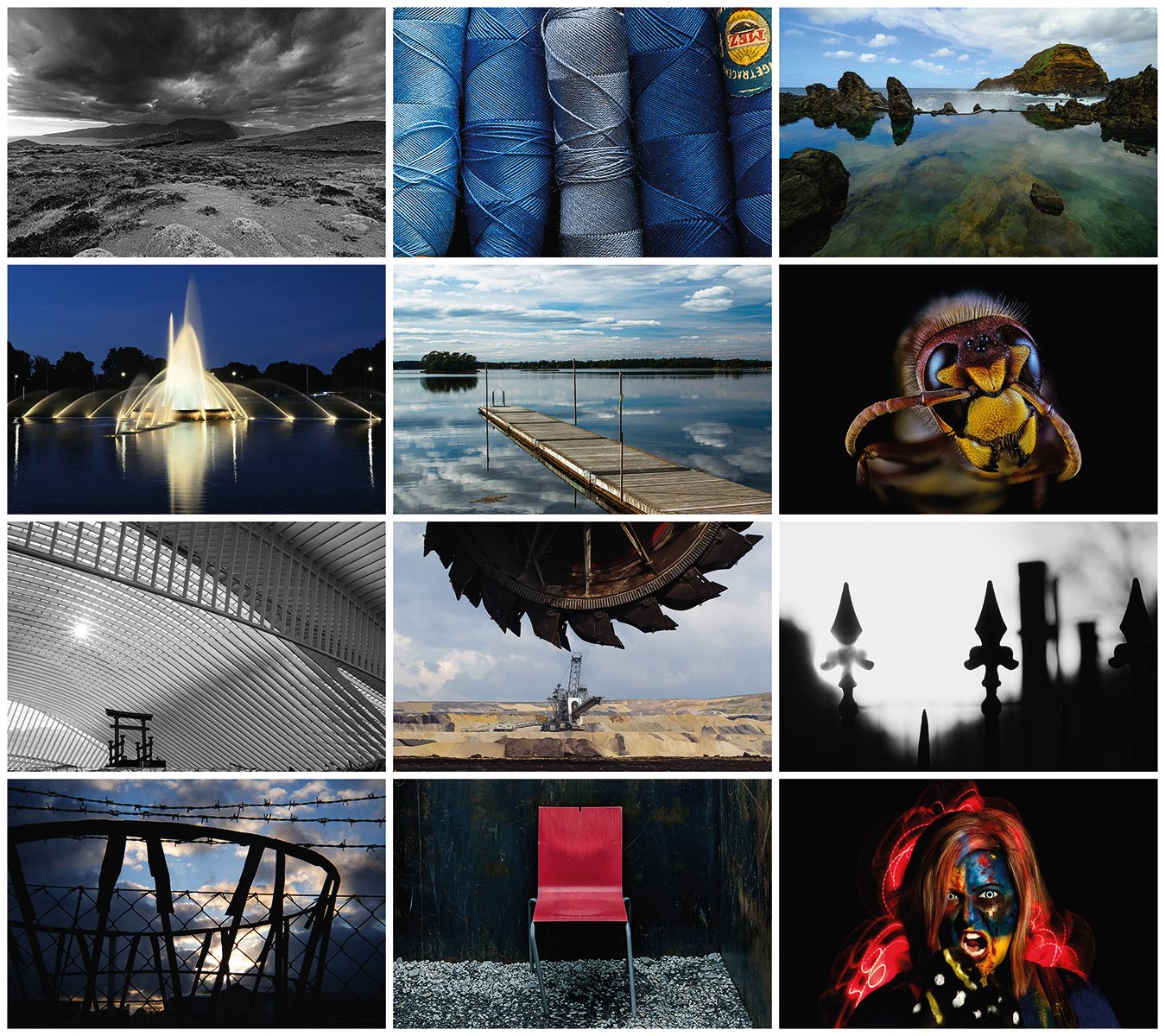
In 1951, the Photographic Association was founded by dedicated amateur photographers at the vhs Aachen. Much has changed since then—many new members, new technical possibilities, and new photographic ideas.

To mark its 75th anniversary, the Aachen Photography Association is presenting photographs by its members. This exhibition brings together a variety of techniques, subjects, and levels of experience, reflecting the diversity of the photographers’ work over the years.

On September 26 and 27, the photographs will be on display from 10 a.m. to 6 p.m. as part of the Aachen Art Route. The photographers will be present on both days and look forward to talking with interested visitors.

The exhibition runs through November 8, 2026, and can be viewed free of charge during the vhs’s regular opening hours.

Date: September 19 – November 8, 2026

Time:All day

Organizer

vhs Aachen

vhs-pr@mail.aachen.de

  • Aachen center
  • Exhibition
  • Education
  • Photography
  • Leisure time
  • Culture

Help with accessibility

  • General

    We make every effort to ensure that our websites are accessible. You can find details on this in our accessibility statement. You can send us suggestions for improvement using our"Report a barrier" feedback form.

  • Font size

    To adjust the font size, please use the following key combinations:

    Larger

    ⌘command
    +

    Smaller

    ⌘command
    –

    Larger

    Ctrl
    +

    Smaller

    Ctrl
    –
  • Keyboard navigation

    Use TAB and SHIFT + TAB to navigate through next/previous links, form elements and buttons.

    Use ENTER to open links and interact with elements.

  • Contrast mode

    Press the following key combination to reduce or increase the contrast:

    Enlarge

    ⌃control
    ⌥option
    ⌘command
    .

    Decrease

    ⌃control
    ⌥option
    ⌘command
    ,
    Note: The shortcuts must be activated in the system settings of the operating system.

    Press left ALT + left SHIFT + PRINT to quickly switch the high contrast mode on or off.

  • Invert colors

    Press the following key combination to switch the color inversion on and off:

    ⌃control
    ⌥option
    ⌘command
    8
    Note: The shortcuts must be activated in the system settings of the operating system.

    First activate the screen magnifier and then switch the color inversion on and off with the following key combinations:

    1. screen magnifier

    +

    2. invert colors

    Ctrl
    Old
    I
  • Screen magnifier

    Press the following key combinations to use the screen magnifier:

    Switch on/off

    ⌥option
    ⌘command
    8

    Enlarge view

    ⌥option
    ⌘command
    =

    Reduce view

    ⌥option
    ⌘command
    –
    Note: The shortcuts must be activated in the system settings of the operating system.

    Switch on / Enlarge view

    +

    Reduce view

    –