Diese Seite wurde automatisch übersetzt. Es kann daher zu Abweichungen oder Ungenauigkeiten im Text kommen. Verbindlich ist ausschließlich die Originalfassung. Rechtsansprüche aus Inhalten der übersetzten Version sind ausgeschlossen.

Reading and Discussion with Tupoka Ogette
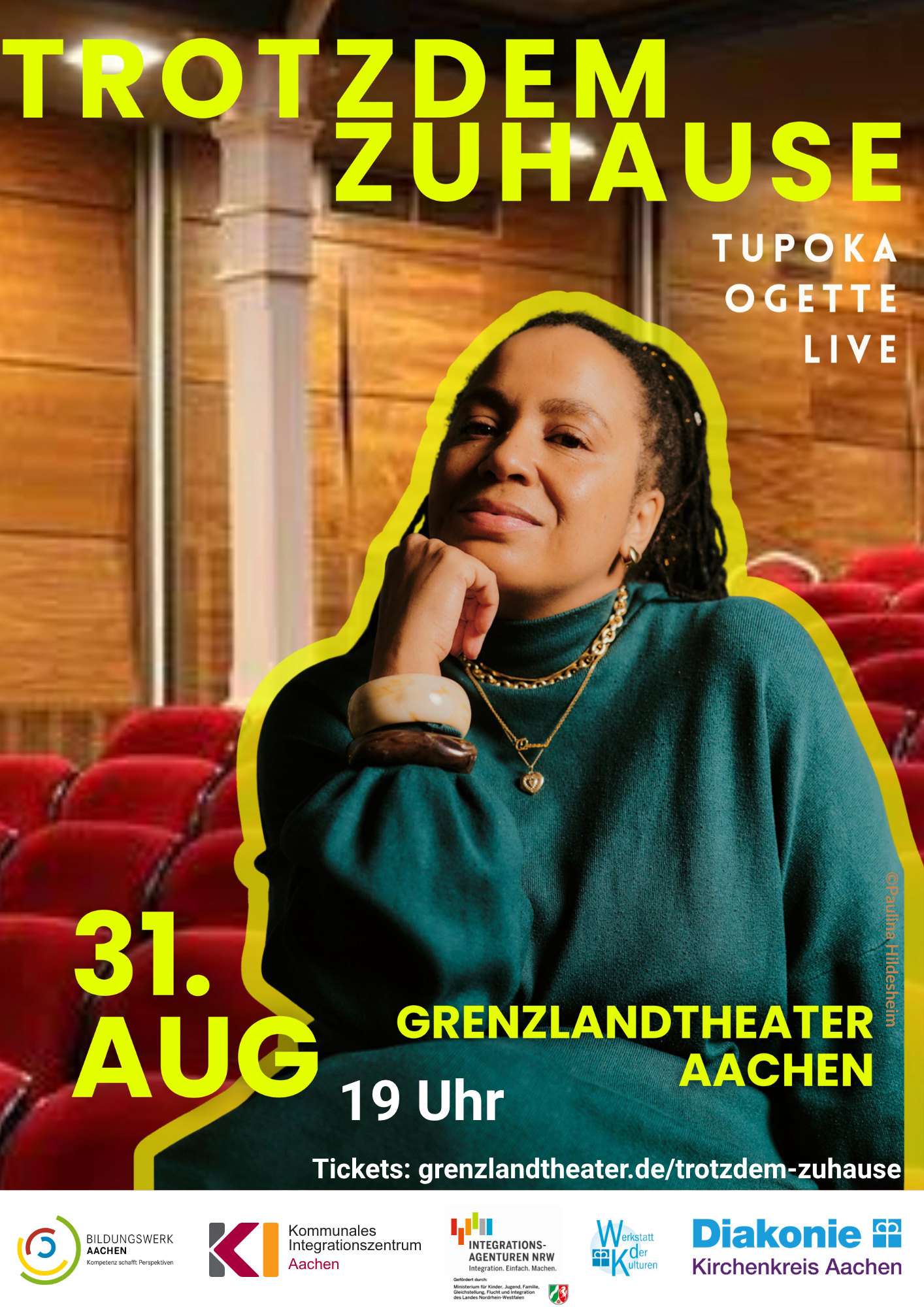
Tupoka Poster 2026 - 1
© Jasmine Brück, Integration Agency NRW, Diakonisches Werk Aachen
Social affairs

Category: Social

Reading and Discussion with Tupoka Ogette

What does “home” mean? When do we feel like we belong? And how do personal stories
shape our understanding of society?

“It’s rare to read texts written with such an open, honest heart.
Tupoka Ogette tells the story of life and survival in Germany. Of struggle and triumph
. Of despair and hope. A masterclass in what it means
to exist in the present.” – Alice HastersBorn

in Leipzig in 1980 as the daughter of a Tanzanian
agricultural student and a German mathematics student, Tupoka Ogette tells her story in her new memoir
*Trotzdem Zuhause*—a story of East and West, loss and new beginnings
, exclusion and connection. Personal, moving, and at the same time
offering insight into social issues that remain relevant to this day.

She describes herself as a “bridge-builder”—someone who stands between different
worlds, experiences, and perspectives. From
this unique vantage point, she explores belonging, identity, and the power to forge
connections where others draw boundaries.

Look forward to a moving evening featuring a reading, a discussion, and the opportunity to reflect
together on what makes a home.

Organizer

Bildungswerk Aachen, Integration Agency NRW, Diakonisches Werk Aachen, Municipal Integration Center of the City of Aachen

Annika.Wilden@mail.aachen.de

aachen.de

  • Society

Help with accessibility

  • General

    We make every effort to ensure that our websites are accessible. You can find details on this in our accessibility statement. You can send us suggestions for improvement using our"Report a barrier" feedback form.

  • Font size

    To adjust the font size, please use the following key combinations:

    Larger

    ⌘command
    +

    Smaller

    ⌘command
    –

    Larger

    Ctrl
    +

    Smaller

    Ctrl
    –
  • Keyboard navigation

    Use TAB and SHIFT + TAB to navigate through next/previous links, form elements and buttons.

    Use ENTER to open links and interact with elements.

  • Contrast mode

    Press the following key combination to reduce or increase the contrast:

    Enlarge

    ⌃control
    ⌥option
    ⌘command
    .

    Decrease

    ⌃control
    ⌥option
    ⌘command
    ,
    Note: The shortcuts must be activated in the system settings of the operating system.

    Press left ALT + left SHIFT + PRINT to quickly switch the high contrast mode on or off.

  • Invert colors

    Press the following key combination to switch the color inversion on and off:

    ⌃control
    ⌥option
    ⌘command
    8
    Note: The shortcuts must be activated in the system settings of the operating system.

    First activate the screen magnifier and then switch the color inversion on and off with the following key combinations:

    1. screen magnifier

    +

    2. invert colors

    Ctrl
    Old
    I
  • Screen magnifier

    Press the following key combinations to use the screen magnifier:

    Switch on/off

    ⌥option
    ⌘command
    8

    Enlarge view

    ⌥option
    ⌘command
    =

    Reduce view

    ⌥option
    ⌘command
    –
    Note: The shortcuts must be activated in the system settings of the operating system.

    Switch on / Enlarge view

    +

    Reduce view

    –