Diese Seite wurde automatisch übersetzt. Es kann daher zu Abweichungen oder Ungenauigkeiten im Text kommen. Verbindlich ist ausschließlich die Originalfassung. Rechtsansprüche aus Inhalten der übersetzten Version sind ausgeschlossen.

In the Shadow of the Tournament – A Criminal Banquet at the 1927 CHIO
Culture

Category: Culture

In the Shadow of the Tournament – A Criminal Banquet at the 1927 CHIO

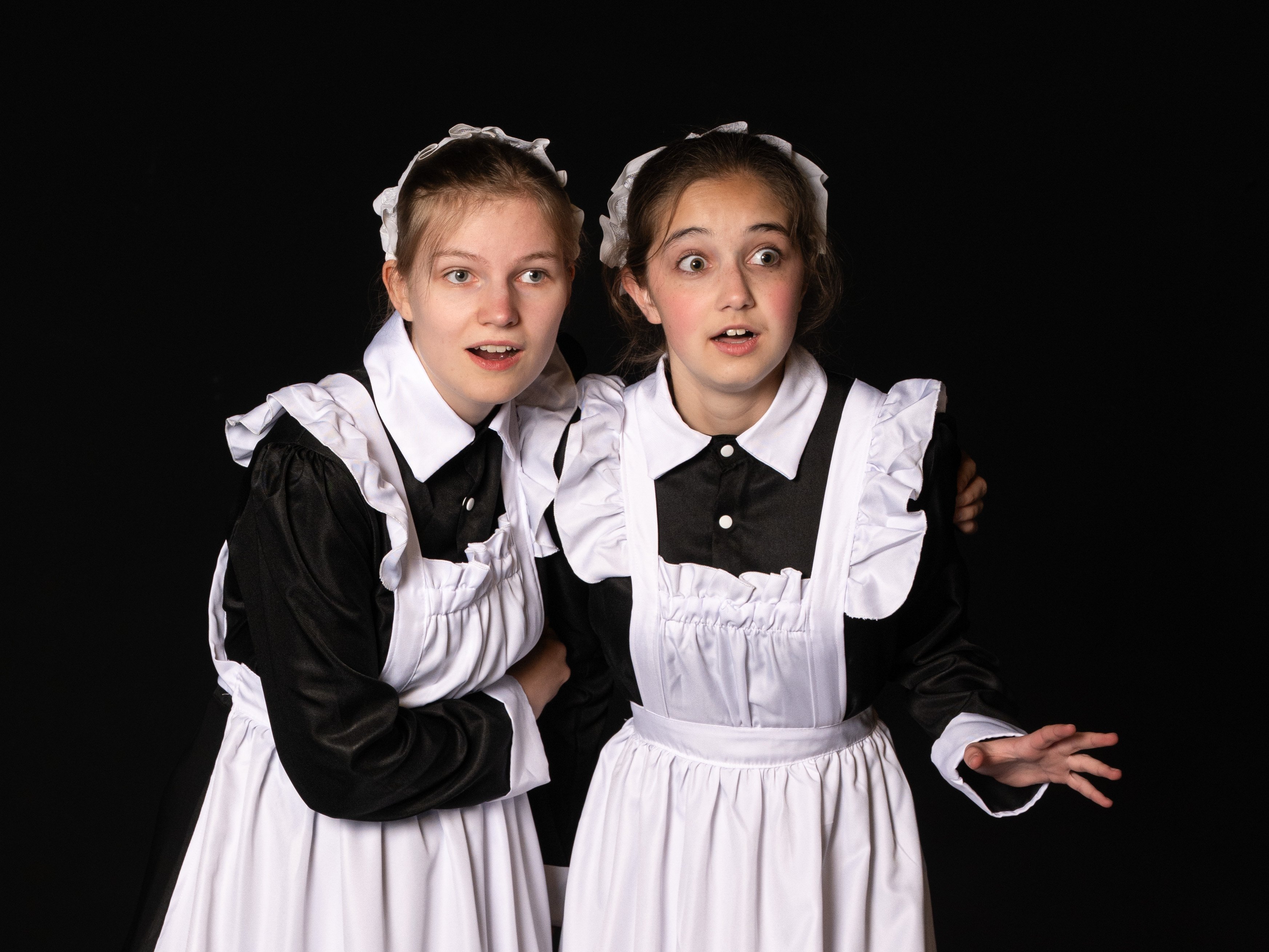
The latest production in Theater 99’s “Criminal Banquet” series draws thematic parallels to the World Equestrian Games and delves into the world of equestrian sports and Aachen society in the 1920s.

The year is 1927. It is the eve of the show jumping competition at the first Aachen Grand Prix. District Administrator Herrmann Pütz invites patrons and sponsors of the Aachen Equestrian Tournament to a festive gathering at the Couvenhaus. Over the course of the evening, this distinguished company will witness intrigues, betting schemes, and personal dramas surrounding equestrian sports—and a murder that must be solved.

Enjoy a three-course meal—just as it might have been served in the 1920s among Aachen’s high society—accompanied by the sounds of lively salon music performed live. Immerse yourself in the events of a theatrical plot and help solve this “criminal” case.

Dates during the World Equestrian Games:
Thursday, August 13, 2026
; Saturday, August 15, 2026
; Thursday, August 20, 2026
; Saturday, August 22, 2026; 7:00 p.m. each

day, Couven Museum, Hühnermarkt 17, 52062
AachenTicket price: €80 (includes a welcome drink and a 3-course meal)
Reserve tickets by email at

criminales-bankett@akut-theater99.deWeitere For more information, visit www.akut-theater99.de/criminales-bankett

  • World Equestrian Games

Help with accessibility

  • General

    We make every effort to ensure that our websites are accessible. You can find details on this in our accessibility statement. You can send us suggestions for improvement using our"Report a barrier" feedback form.

  • Font size

    To adjust the font size, please use the following key combinations:

    Larger

    ⌘command
    +

    Smaller

    ⌘command
    –

    Larger

    Ctrl
    +

    Smaller

    Ctrl
    –
  • Keyboard navigation

    Use TAB and SHIFT + TAB to navigate through next/previous links, form elements and buttons.

    Use ENTER to open links and interact with elements.

  • Contrast mode

    Press the following key combination to reduce or increase the contrast:

    Enlarge

    ⌃control
    ⌥option
    ⌘command
    .

    Decrease

    ⌃control
    ⌥option
    ⌘command
    ,
    Note: The shortcuts must be activated in the system settings of the operating system.

    Press left ALT + left SHIFT + PRINT to quickly switch the high contrast mode on or off.

  • Invert colors

    Press the following key combination to switch the color inversion on and off:

    ⌃control
    ⌥option
    ⌘command
    8
    Note: The shortcuts must be activated in the system settings of the operating system.

    First activate the screen magnifier and then switch the color inversion on and off with the following key combinations:

    1. screen magnifier

    +

    2. invert colors

    Ctrl
    Old
    I
  • Screen magnifier

    Press the following key combinations to use the screen magnifier:

    Switch on/off

    ⌥option
    ⌘command
    8

    Enlarge view

    ⌥option
    ⌘command
    =

    Reduce view

    ⌥option
    ⌘command
    –
    Note: The shortcuts must be activated in the system settings of the operating system.

    Switch on / Enlarge view

    +

    Reduce view

    –