Diese Seite wurde automatisch übersetzt. Es kann daher zu Abweichungen oder Ungenauigkeiten im Text kommen. Verbindlich ist ausschließlich die Originalfassung. Rechtsansprüche aus Inhalten der übersetzten Version sind ausgeschlossen.

Park Glimmer: A Cake for the President
Leisure time

Category: Leisure

Park Glimmer: A Cake for the President

Open-Air Movie Theater in

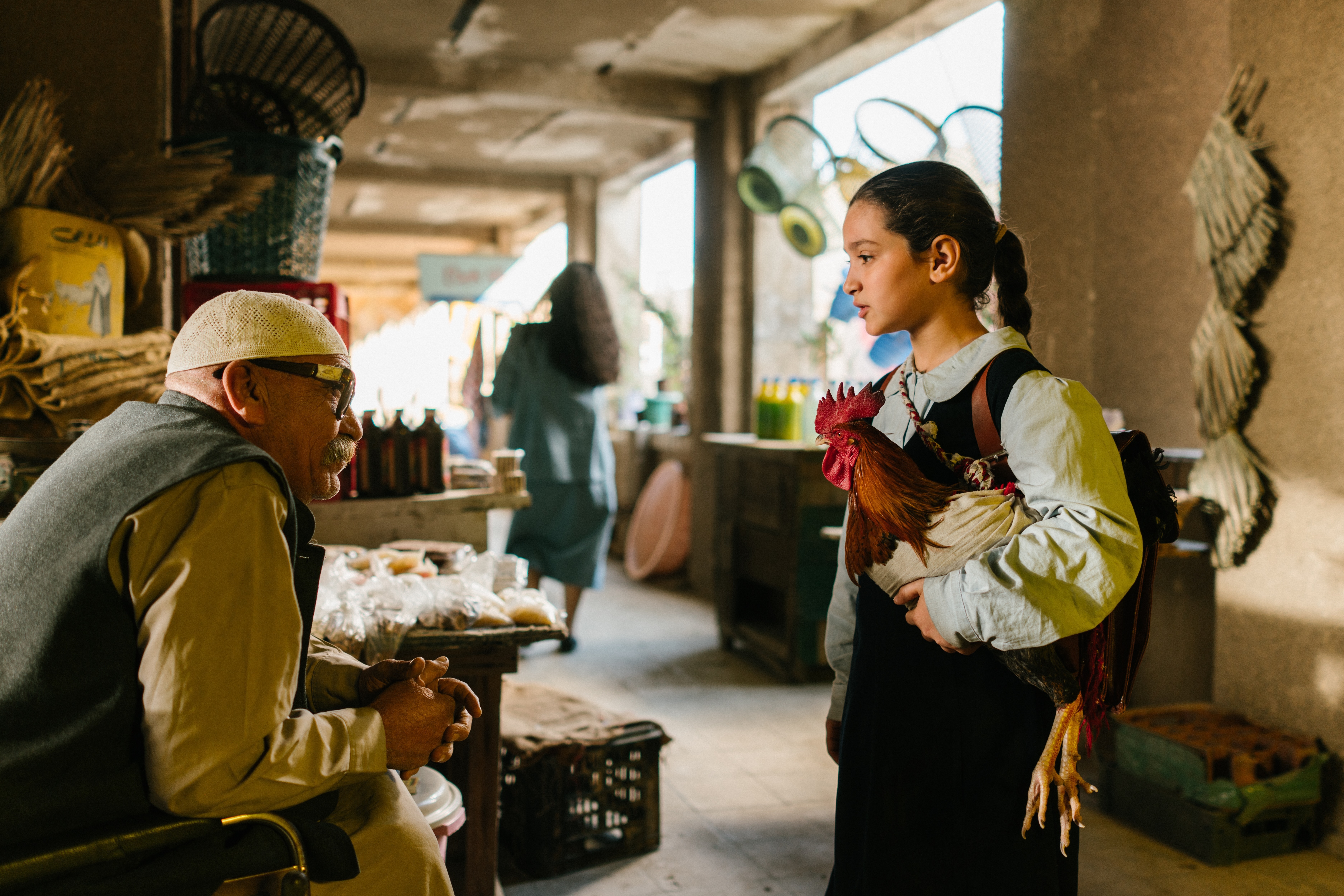
Kennedy Park On September 4, 26, the popular “Parkflimmern” open-air movie series kicks off with the film “A Cake for the President.”

Iraq, April 1991. Longtime dictator Saddam Hussein turns 64, and for his birthday, teachers loyal to the regime ensure that a cake must be baked in schools for public celebrations. The choice falls on 9-year-old Lamia, who lives in poverty with her grandmother. The fact that the raging Second Gulf War is making food scarce and expensive complicates the task of baking a cake for the president. The grandmother and Lamia have only two days left. Together with the rooster Hindi, they set out to find the ingredients in the city. There, their classmate Saeed—who is also supposed to get fruit in town—helps them. An adventurous quest begins. The film is told from the perspective of children who are growing up amid war and corruption and know how to navigate these circumstances.

The screening begins at 8:15 p.m. Admission is free. Feel free to bring your own snacks and non-alcoholic beverages. A perfect way to end the summer for all movie fans! The open-air cinema is organized in cooperation with Wegweiser in the Aachen region.
The event will be canceled in case of severe weather.

Date: September 4, 2026

Time: 8:15 p.m. – 10:00 p.m.

Organizer

City of Aachen

nadelfabrik@mail.aachen.de

  • Society
  • Cinema
  • Movie
  • Needle factory
  • Kennedy stage
  • Leisure time
  • Home page

Help with accessibility

  • General

    We make every effort to ensure that our websites are accessible. You can find details on this in our accessibility statement. You can send us suggestions for improvement using our"Report a barrier" feedback form.

  • Font size

    To adjust the font size, please use the following key combinations:

    Larger

    ⌘command
    +

    Smaller

    ⌘command
    –

    Larger

    Ctrl
    +

    Smaller

    Ctrl
    –
  • Keyboard navigation

    Use TAB and SHIFT + TAB to navigate through next/previous links, form elements and buttons.

    Use ENTER to open links and interact with elements.

  • Contrast mode

    Press the following key combination to reduce or increase the contrast:

    Enlarge

    ⌃control
    ⌥option
    ⌘command
    .

    Decrease

    ⌃control
    ⌥option
    ⌘command
    ,
    Note: The shortcuts must be activated in the system settings of the operating system.

    Press left ALT + left SHIFT + PRINT to quickly switch the high contrast mode on or off.

  • Invert colors

    Press the following key combination to switch the color inversion on and off:

    ⌃control
    ⌥option
    ⌘command
    8
    Note: The shortcuts must be activated in the system settings of the operating system.

    First activate the screen magnifier and then switch the color inversion on and off with the following key combinations:

    1. screen magnifier

    +

    2. invert colors

    Ctrl
    Old
    I
  • Screen magnifier

    Press the following key combinations to use the screen magnifier:

    Switch on/off

    ⌥option
    ⌘command
    8

    Enlarge view

    ⌥option
    ⌘command
    =

    Reduce view

    ⌥option
    ⌘command
    –
    Note: The shortcuts must be activated in the system settings of the operating system.

    Switch on / Enlarge view

    +

    Reduce view

    –