Diese Seite wurde automatisch übersetzt. Es kann daher zu Abweichungen oder Ungenauigkeiten im Text kommen. Verbindlich ist ausschließlich die Originalfassung. Rechtsansprüche aus Inhalten der übersetzten Version sind ausgeschlossen.

BOOKED OUT: Discovering the meadow with pre-school and primary school children
School

Category: School

BOOKED OUT: Discovering the meadow with pre-school and primary school children

This session is fully booked. An additional session will be held on June 16 from 2:30–5:30 p.m. Would

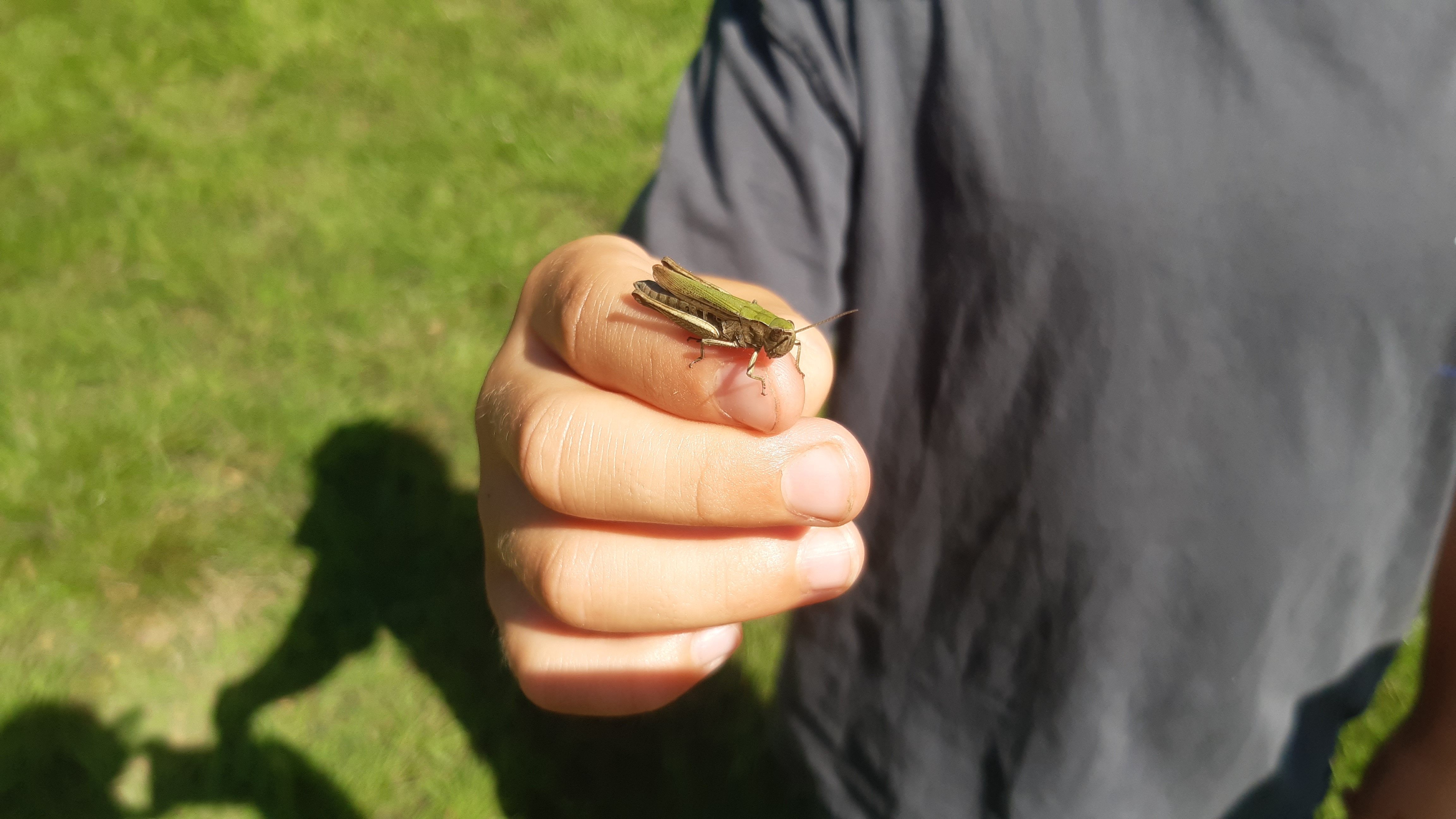
you like to explore the “meadow” habitat with preschool and elementary school children and experience it with all your senses?

Mo Hilger from the NaturErlebnis-Werkstatt in Alsdorf, an educator and environmental educator with many years of professional experience, will provide you with plenty of ideas that you’ll put into practice together that afternoon.

This three-hour training session for professionals from daycare centers, elementary schools, and after-school programs equips you with the necessary tools to experience and discover this habitat with preschool and elementary school children. A wildflower meadow consists not only of native grasses and herbs but is also a habitat for numerous small animals. The goal is to make children aware of the value of this habitat and the importance of biodiversity. In a very practical way

, educational methods are taught and possibilities are demonstrated for how the meadow habitat can be made accessible to children through games.

Target audience: Educators at daycare centers and elementary schools
Facilitator: Mo Hilger; founder of the Nature Experience Workshop, early childhood educator, certified herbal educator – BNE Due

to high demand, an additional session will be offered on June 16 from 2:30–5:30 p.m.

Organizer

Education for Sustainable Development" team

bne@mail.aachen.de

aachen.de

  • Education
  • ESD

Help with accessibility

  • General

    We make every effort to ensure that our websites are accessible. You can find details on this in our accessibility statement. You can send us suggestions for improvement using our"Report a barrier" feedback form.

  • Font size

    To adjust the font size, please use the following key combinations:

    Larger

    ⌘command
    +

    Smaller

    ⌘command
    –

    Larger

    Ctrl
    +

    Smaller

    Ctrl
    –
  • Keyboard navigation

    Use TAB and SHIFT + TAB to navigate through next/previous links, form elements and buttons.

    Use ENTER to open links and interact with elements.

  • Contrast mode

    Press the following key combination to reduce or increase the contrast:

    Enlarge

    ⌃control
    ⌥option
    ⌘command
    .

    Decrease

    ⌃control
    ⌥option
    ⌘command
    ,
    Note: The shortcuts must be activated in the system settings of the operating system.

    Press left ALT + left SHIFT + PRINT to quickly switch the high contrast mode on or off.

  • Invert colors

    Press the following key combination to switch the color inversion on and off:

    ⌃control
    ⌥option
    ⌘command
    8
    Note: The shortcuts must be activated in the system settings of the operating system.

    First activate the screen magnifier and then switch the color inversion on and off with the following key combinations:

    1. screen magnifier

    +

    2. invert colors

    Ctrl
    Old
    I
  • Screen magnifier

    Press the following key combinations to use the screen magnifier:

    Switch on/off

    ⌥option
    ⌘command
    8

    Enlarge view

    ⌥option
    ⌘command
    =

    Reduce view

    ⌥option
    ⌘command
    –
    Note: The shortcuts must be activated in the system settings of the operating system.

    Switch on / Enlarge view

    +

    Reduce view

    –