Diese Seite wurde automatisch übersetzt. Es kann daher zu Abweichungen oder Ungenauigkeiten im Text kommen. Verbindlich ist ausschließlich die Originalfassung. Rechtsansprüche aus Inhalten der übersetzten Version sind ausgeschlossen.

Exhibition St. Boniface - Churches as Fourth Places
Planning and building

Category: Planning and building

Exhibition St. Boniface - Churches as Fourth Places

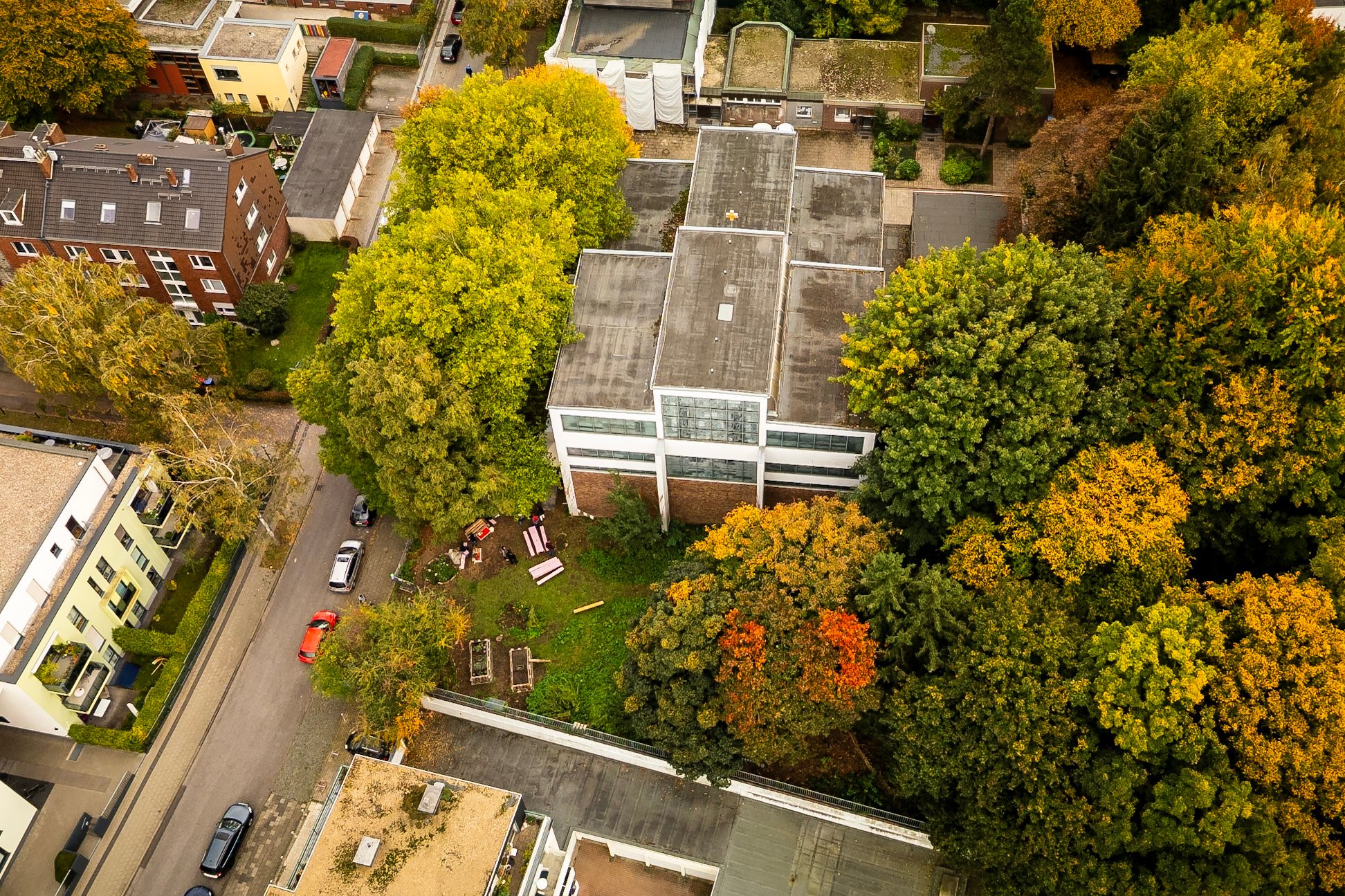
The traveling exhibition "Churches as Fourth Places. Perspectives of Change" by Baukultur NRW focuses on the conversion of sacred buildings that are threatened by vacancy or demolition. In the form of video interviews, the exhibition illustrates the range and diversity of the people involved in the conversion processes and their attitudes. The exhibition also focuses on 27 examples of churches from North Rhine-Westphalia that have already been converted.

In addition, architecture students from Aachen University of Applied Sciences and Munich University of Applied Sciences are showing their student research projects on St. Boniface. With different objectives, the students from the respective universities have explored the district, its residents, the church and its surroundings.

The short film "Wege zur neuen MITTE - St. Bonifatius" by film producer Bernd Weishaupt will also be shown in the sacristy as part of the exhibition.

Organizer

Baukultur NRW and the City of Aachen

zukunft-forstdriescherhof@mail.aachen.de

baukultur.nrw

  • Aachen center
  • Forst / Driescher Hof
  • Culture
  • St. Boniface
  • Event

Help with accessibility

  • General

    We make every effort to ensure that our websites are accessible. You can find details on this in our accessibility statement. You can send us suggestions for improvement using our"Report a barrier" feedback form.

  • Font size

    To adjust the font size, please use the following key combinations:

    Larger

    ⌘command
    +

    Smaller

    ⌘command

    Larger

    Ctrl
    +

    Smaller

    Ctrl
  • Keyboard navigation

    Use TAB and SHIFT + TAB to navigate through next/previous links, form elements and buttons.

    Use ENTER to open links and interact with elements.

  • Contrast mode

    Press the following key combination to reduce or increase the contrast:

    Enlarge

    ⌃control
    ⌥option
    ⌘command
    .

    Decrease

    ⌃control
    ⌥option
    ⌘command
    ,
    Note: The shortcuts must be activated in the system settings of the operating system.

    Press left ALT + left SHIFT + PRINT to quickly switch the high contrast mode on or off.

  • Invert colors

    Press the following key combination to switch the color inversion on and off:

    ⌃control
    ⌥option
    ⌘command
    8
    Note: The shortcuts must be activated in the system settings of the operating system.

    First activate the screen magnifier and then switch the color inversion on and off with the following key combinations:

    1. screen magnifier

    +

    2. invert colors

    Ctrl
    Old
    I
  • Screen magnifier

    Press the following key combinations to use the screen magnifier:

    Switch on/off

    ⌥option
    ⌘command
    8

    Enlarge view

    ⌥option
    ⌘command
    =

    Reduce view

    ⌥option
    ⌘command
    Note: The shortcuts must be activated in the system settings of the operating system.

    Switch on / Enlarge view

    +

    Reduce view