Diese Seite wurde automatisch übersetzt. Es kann daher zu Abweichungen oder Ungenauigkeiten im Text kommen. Verbindlich ist ausschließlich die Originalfassung. Rechtsansprüche aus Inhalten der übersetzten Version sind ausgeschlossen.

Pan-Europe as a political-intellectual project - Richard Count Coudenhove-Kalergi and his ideas of a united Europe
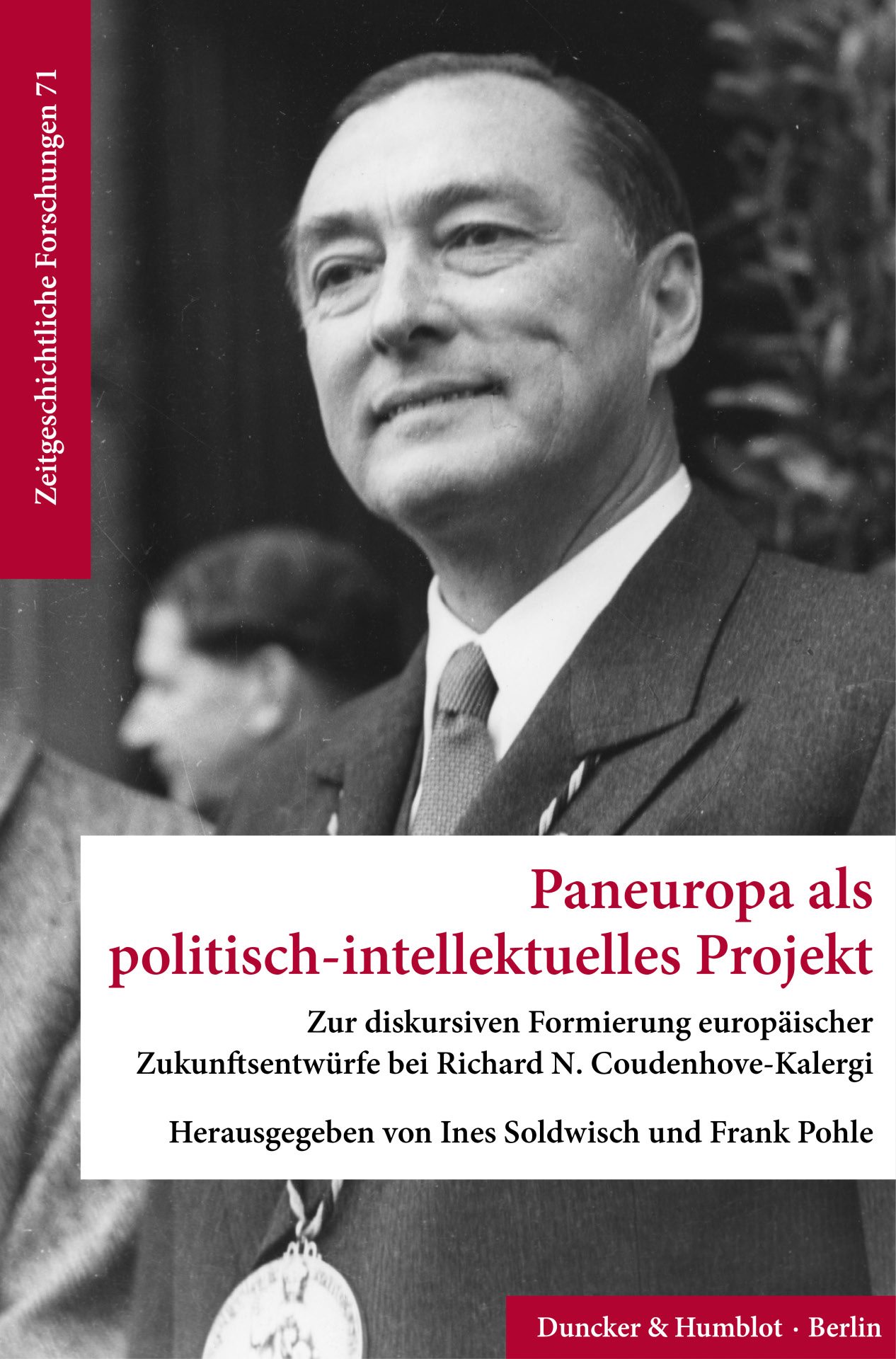
The cover of the book can be seen, on it a portrait of a man in black and white
Europe

Category: Europe

Pan-Europe as a political-intellectual project - Richard Count Coudenhove-Kalergi and his ideas of a united Europe

Richard Nikolaus Count Coudenhove-Kalergi, the first recipient of the Charlemagne Prize in 1950, stands at the very beginning of the prize’s history. He is even more closely associated with the origins of a European idea that continues to resonate today—the “United States of Europe”—albeit conceived quite differently from how the unification process eventually took shape in the “Europe of institutions.”

On the occasion of the 75th anniversary of the Charlemagne Prize last year, Route Charlemagne and the Historical Institute of RWTH Aachen University organized a conference focusing on Coudenhove-Kalergi and his idea of Pan-Europe. This conference proceedings volume brings together contributions from current research that contextualize central aspects of Coudenhove-Kalergi’s thought and actions, analyze the Charlemagne Prize award ceremony as a moment of remembrance politics, and examine the relevance of his proposals against the backdrop of today’s EU crises. The volume is available for purchase. The editors, Ines Soldwisch and Frank Pohle, will be happy to sign copies upon request.

Admission: free

Organizers: City of Aachen, International Charlemagne Prize

The event is part of the official program for the 2026 Charlemagne Prize award ceremony honoring former Italian Prime Minister Mario Draghi.

  • Charlemagne Prize
  • Europe
  • Reading

Help with accessibility

  • General

    We make every effort to ensure that our websites are accessible. You can find details on this in our accessibility statement. You can send us suggestions for improvement using our"Report a barrier" feedback form.

  • Font size

    To adjust the font size, please use the following key combinations:

    Larger

    ⌘command
    +

    Smaller

    ⌘command

    Larger

    Ctrl
    +

    Smaller

    Ctrl
  • Keyboard navigation

    Use TAB and SHIFT + TAB to navigate through next/previous links, form elements and buttons.

    Use ENTER to open links and interact with elements.

  • Contrast mode

    Press the following key combination to reduce or increase the contrast:

    Enlarge

    ⌃control
    ⌥option
    ⌘command
    .

    Decrease

    ⌃control
    ⌥option
    ⌘command
    ,
    Note: The shortcuts must be activated in the system settings of the operating system.

    Press left ALT + left SHIFT + PRINT to quickly switch the high contrast mode on or off.

  • Invert colors

    Press the following key combination to switch the color inversion on and off:

    ⌃control
    ⌥option
    ⌘command
    8
    Note: The shortcuts must be activated in the system settings of the operating system.

    First activate the screen magnifier and then switch the color inversion on and off with the following key combinations:

    1. screen magnifier

    +

    2. invert colors

    Ctrl
    Old
    I
  • Screen magnifier

    Press the following key combinations to use the screen magnifier:

    Switch on/off

    ⌥option
    ⌘command
    8

    Enlarge view

    ⌥option
    ⌘command
    =

    Reduce view

    ⌥option
    ⌘command
    Note: The shortcuts must be activated in the system settings of the operating system.

    Switch on / Enlarge view

    +

    Reduce view