Diese Seite wurde automatisch übersetzt. Es kann daher zu Abweichungen oder Ungenauigkeiten im Text kommen. Verbindlich ist ausschließlich die Originalfassung. Rechtsansprüche aus Inhalten der übersetzten Version sind ausgeschlossen.

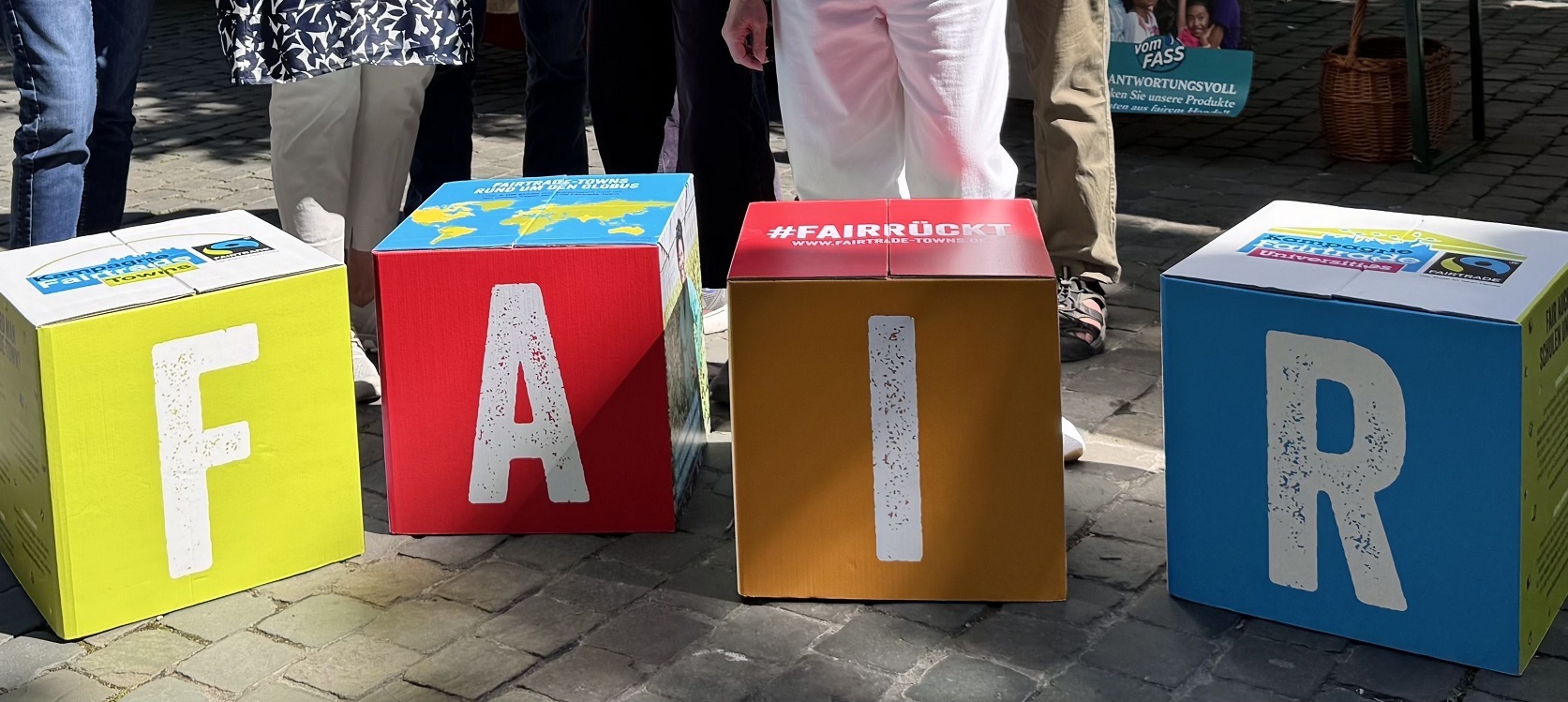
FAIR is more! "From chocolate to fashion to sustainable consumption - Fairtrade makes the difference!"
Education

Category: Education

FAIR is more! "From chocolate to fashion to sustainable consumption - Fairtrade makes the difference!"

Three Aachen Fairtrade schools, two aid organizations and other Aachen partners invite you to an informative experience trail. Visitors can look forward to: the "OneWorld Wheel of Fortune", the "OneWorld Feelbox", which makes hidden aspects of modern slavery tangible, a mini-exhibition on "One World - No Slavery", a cell phone recycling collection station with a guest from Ghana who reports on her work on the large e-waste dump in Accra, an interactive world tour on the supply chain, the photo exhibition School instead of Factory - Working Children from Bangladesh, information on fair alternatives for smartphones and accessories and delicious Fairtrade mango ice cream! Both individuals and entire school classes are welcome.

Organizer

Anne-Frank-Gymnasium, Einhard-Gymnasium, Inda-Gymnasium, Weltweit am Dom, missio, Kindermissionswerk-Die Sternsinger, Fairphone Community in cooperation with the Fairtrade City of Aachen

bne@mail.aachen.de

  • Education
  • ESD
  • Society
  • Minster Square

Help with accessibility

  • General

    We make every effort to ensure that our websites are accessible. You can find details on this in our accessibility statement. You can send us suggestions for improvement using our"Report a barrier" feedback form.

  • Font size

    To adjust the font size, please use the following key combinations:

    Larger

    ⌘command
    +

    Smaller

    ⌘command

    Larger

    Ctrl
    +

    Smaller

    Ctrl
  • Keyboard navigation

    Use TAB and SHIFT + TAB to navigate through next/previous links, form elements and buttons.

    Use ENTER to open links and interact with elements.

  • Contrast mode

    Press the following key combination to reduce or increase the contrast:

    Enlarge

    ⌃control
    ⌥option
    ⌘command
    .

    Decrease

    ⌃control
    ⌥option
    ⌘command
    ,
    Note: The shortcuts must be activated in the system settings of the operating system.

    Press left ALT + left SHIFT + PRINT to quickly switch the high contrast mode on or off.

  • Invert colors

    Press the following key combination to switch the color inversion on and off:

    ⌃control
    ⌥option
    ⌘command
    8
    Note: The shortcuts must be activated in the system settings of the operating system.

    First activate the screen magnifier and then switch the color inversion on and off with the following key combinations:

    1. screen magnifier

    +

    2. invert colors

    Ctrl
    Old
    I
  • Screen magnifier

    Press the following key combinations to use the screen magnifier:

    Switch on/off

    ⌥option
    ⌘command
    8

    Enlarge view

    ⌥option
    ⌘command
    =

    Reduce view

    ⌥option
    ⌘command
    Note: The shortcuts must be activated in the system settings of the operating system.

    Switch on / Enlarge view

    +

    Reduce view