Diese Seite wurde automatisch übersetzt. Es kann daher zu Abweichungen oder Ungenauigkeiten im Text kommen. Verbindlich ist ausschließlich die Originalfassung. Rechtsansprüche aus Inhalten der übersetzten Version sind ausgeschlossen.

Exhibition

"Nahbar": Photo exhibition shows moving encounters in a beach chair

The photo series was taken as part of the "NAHbarschaftsfest" at the St. Raphael senior citizens' center in Soers on 24 August 2024. During Frank Petersen and Astrid Simons' "Nahbar" event there, two people who didn't know each other were invited to take a seat in a beach chair and chat. Questions led to conversations that resulted in real, personal encounters. Frank Petersen captured these moments photographically.

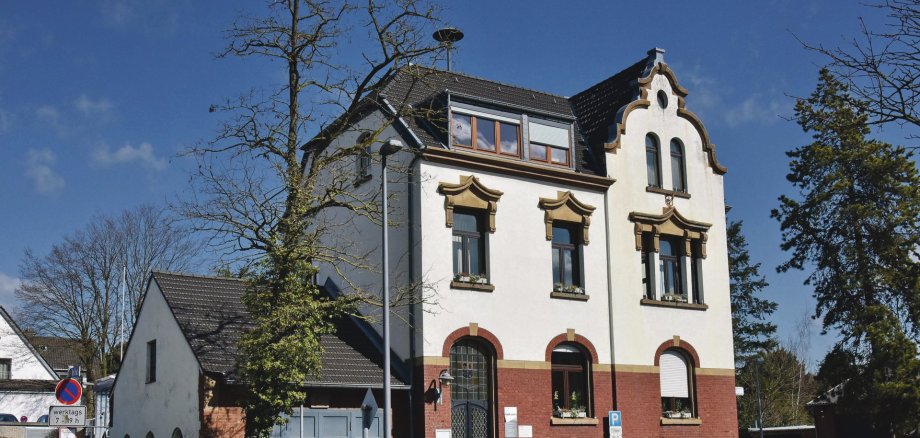
The Aachen-Laurensberg district office is now exhibiting the impressive pictures from June 6. They show how easily closeness and connection can arise when you consciously take time for the other person. District Mayor Petra Perschon-Adamy is particularly looking forward to the opening of the exhibition, which she will be attending: "The photos clearly show how quickly human trust can develop and be strengthened. In our society, we need more closeness and trust to counteract loneliness, to promote social interaction, to strengthen the sense of community and to encourage exchanges between generations and cultures."

Even after the exhibition opening, anyone interested can admire the photos during the district office's opening hours. The Aachen-Laurensberg district office is open Monday to Friday from 8 am to 12 noon and on Wednesdays from 2 pm to 5.30 pm.

Help with accessibility

  • General

    We make every effort to ensure that our websites are accessible. You can find details on this in our accessibility statement. You can send us suggestions for improvement using our"Report a barrier" feedback form.

  • Font size

    To adjust the font size, please use the following key combinations:

    Larger

    ⌘command
    +

    Smaller

    ⌘command

    Larger

    Ctrl
    +

    Smaller

    Ctrl
  • Keyboard navigation

    Use TAB and SHIFT + TAB to navigate through next/previous links, form elements and buttons.

    Use ENTER to open links and interact with elements.

  • Contrast mode

    Press the following key combination to reduce or increase the contrast:

    Enlarge

    ⌃control
    ⌥option
    ⌘command
    .

    Decrease

    ⌃control
    ⌥option
    ⌘command
    ,
    Note: The shortcuts must be activated in the system settings of the operating system.

    Press left ALT + left SHIFT + PRINT to quickly switch the high contrast mode on or off.

  • Invert colors

    Press the following key combination to switch the color inversion on and off:

    ⌃control
    ⌥option
    ⌘command
    8
    Note: The shortcuts must be activated in the system settings of the operating system.

    First activate the screen magnifier and then switch the color inversion on and off with the following key combinations:

    1. screen magnifier

    +

    2. invert colors

    Ctrl
    Old
    I
  • Screen magnifier

    Press the following key combinations to use the screen magnifier:

    Switch on/off

    ⌥option
    ⌘command
    8

    Enlarge view

    ⌥option
    ⌘command
    =

    Reduce view

    ⌥option
    ⌘command
    Note: The shortcuts must be activated in the system settings of the operating system.

    Switch on / Enlarge view

    +

    Reduce view