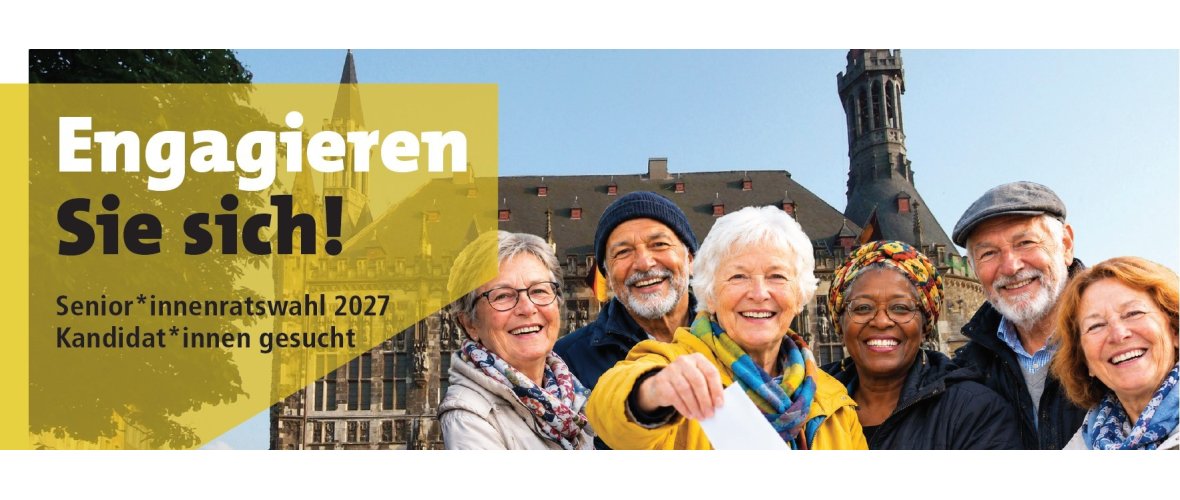
AI-generated© City of Aachen / Andreas Herrmann
Interested in running for office in the 2027 Senior Citizens' Council election?
Are you interested in volunteering and would you like to advocate for the interests of older adults in the city of Aachen?
If so, please run as a candidate in the next election for the City of Aachen’s Senior Citizens’ Council.
What does the Senior Citizens' Council in Aachen do?
The Senior Citizens' Council is elected for a five-year term and serves as a link between the elderly population and the City Council and the city administration. It is a non-denominational and non-partisan advocacy group.
The Senior Citizens' Council is represented on twelve city committees. There, the concerns of the older population can be brought directly to the attention of the committee members.
What would your responsibilities be?
As a volunteer member of the Senior Citizens’ Council, you serve as an indispensable bridge between the older generation and the city of Aachen.
Your role thrives on direct contact with the community and local networking, enabling you to effectively represent the interests of older adults in Aachen.
You are the voice of the people. When residents come to you with problems, requests, or questions, you don’t have to find the answers on your own:
The “Growing Older in Aachen” Coordination Center is your primary source of support. It helps you resolve complex inquiries and connects you with the right contacts within the city administration.
Requirements for Candidacy
All persons who have reached the age of 60 by Election Day and have their primary residence in Aachen are eligible to vote and to be elected. Members of the City Council or a district council are not eligible for election.
Composition of the Senior Citizens' Council
The Citywide Senior Citizens' Council is composed of 14 electoral districts (the electoral districts correspond to the 14 social areas of the city of Aachen).
You may run for office in the following electoral districts:
| 1. City Center and Soers 2 . University District and Hörn 3. East District and Rothe Erde 4. Southwest and Preuswald 5. Burtscheid and Beverau 6. Forst and Driescher Hof 7. Eilendorf | 8. Haaren, Verlautenheide, and Kalkofen |
Information on the Senior Citizens' Council Election
You can register as a candidate until February 15, 2027.
- Apply to the “Growing Older in Aachen” Coordination Center:
- Ms. Krauß, Tel.: 0241 432-56110, seniorenrat@mail.aachen.de
The nomination form is available:
- as a PDF under "Downloads"
- at the “Growing Older in Aachen” Coordination Center
- at the district offices
- at the neighborhood offices
- at the community centers
- at the VHS
- at the city library
- at the Haus des Gastes
The election for the Senior Citizens' Council will take place on April 25, 2027
The election is conducted entirely by mail.
Contact us
"Aging in Aachen"
Coordination Center, Department of Housing, Social Affairs, and Integration (FB 56
) Email: seniorenrat@mail.aachen.de
Phone: 0241/432-56110