Diese Seite wurde automatisch übersetzt. Es kann daher zu Abweichungen oder Ungenauigkeiten im Text kommen. Verbindlich ist ausschließlich die Originalfassung. Rechtsansprüche aus Inhalten der übersetzten Version sind ausgeschlossen.

Energy sharing - sharing electricity in the neighborhood
Climate and environment

Category: Climate and environment

Energy sharing - sharing electricity in the neighborhood

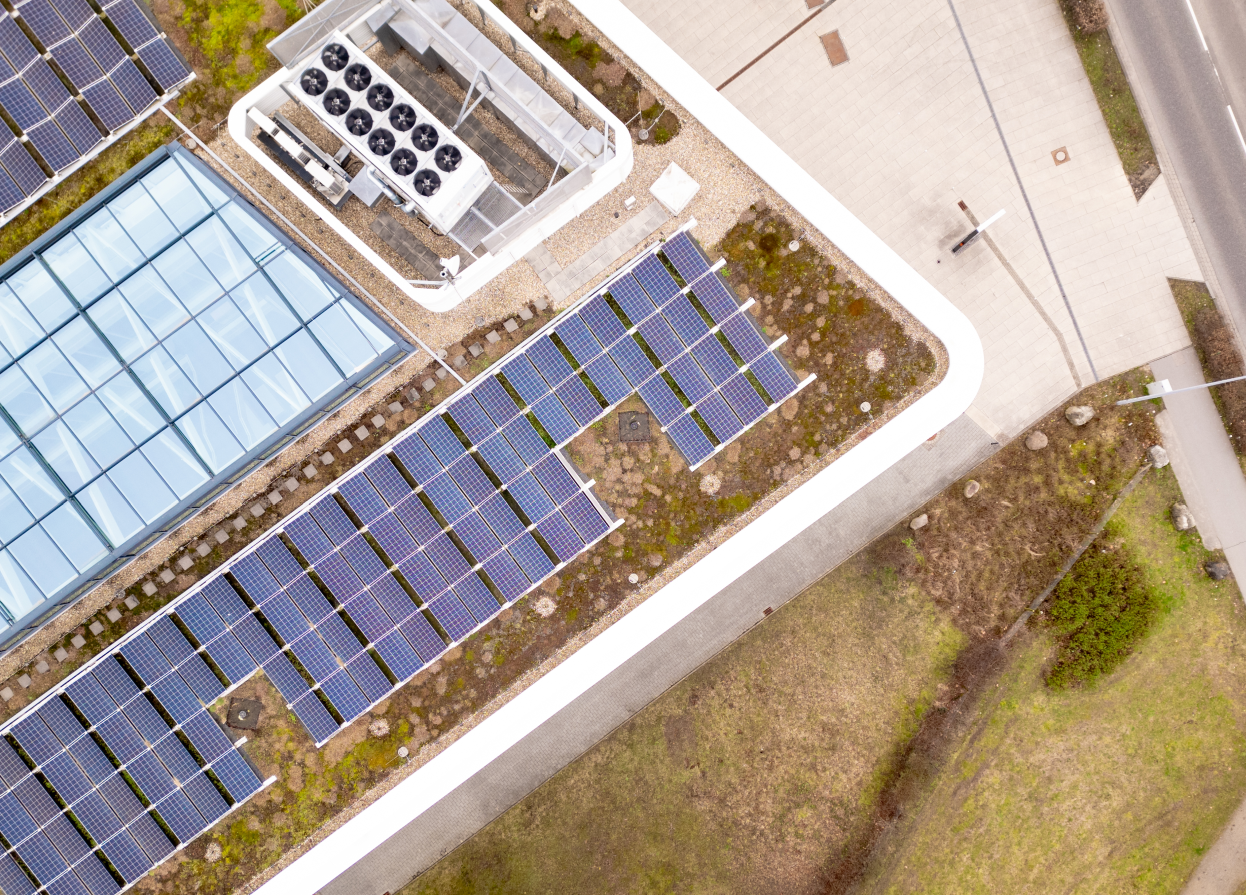
The specialist lecture by Tobias Otto (SFV) is part of the lecture series of the City of Aachen in cooperation with the Solarenergie-Förderverein Deutschland e.V. (SFV) on the topic of photovoltaics (PV) on apartment buildings.

Details on the lecture: What if you could not only use your self-generated solar power yourself, but also share it with your neighbors? This is exactly what the EU has been calling for since 2018, and now a new draft of the Energy Industry Act is finally getting things moving. We show what energy sharing means, what opportunities it offers for citizens, companies and the energy transition - and how you can benefit from it.

The event is free of charge. Click here to register!

Date:February 9, 2026

Time:from 18:00

Organizer

City of Aachen in cooperation with the Solarenergie-Förderverein Deutschland e.V. (SFV)

klimaschutz@mail.aachen.de

  • Renewable energies

Help with accessibility

  • General

    We make every effort to ensure that our websites are accessible. You can find details on this in our accessibility statement. You can send us suggestions for improvement using our"Report a barrier" feedback form.

  • Font size

    To adjust the font size, please use the following key combinations:

    Larger

    ⌘command
    +

    Smaller

    ⌘command

    Larger

    Ctrl
    +

    Smaller

    Ctrl
  • Keyboard navigation

    Use TAB and SHIFT + TAB to navigate through next/previous links, form elements and buttons.

    Use ENTER to open links and interact with elements.

  • Contrast mode

    Press the following key combination to reduce or increase the contrast:

    Enlarge

    ⌃control
    ⌥option
    ⌘command
    .

    Decrease

    ⌃control
    ⌥option
    ⌘command
    ,
    Note: The shortcuts must be activated in the system settings of the operating system.

    Press left ALT + left SHIFT + PRINT to quickly switch the high contrast mode on or off.

  • Invert colors

    Press the following key combination to switch the color inversion on and off:

    ⌃control
    ⌥option
    ⌘command
    8
    Note: The shortcuts must be activated in the system settings of the operating system.

    First activate the screen magnifier and then switch the color inversion on and off with the following key combinations:

    1. screen magnifier

    +

    2. invert colors

    Ctrl
    Old
    I
  • Screen magnifier

    Press the following key combinations to use the screen magnifier:

    Switch on/off

    ⌥option
    ⌘command
    8

    Enlarge view

    ⌥option
    ⌘command
    =

    Reduce view

    ⌥option
    ⌘command
    Note: The shortcuts must be activated in the system settings of the operating system.

    Switch on / Enlarge view

    +

    Reduce view