Diese Seite wurde automatisch übersetzt. Es kann daher zu Abweichungen oder Ungenauigkeiten im Text kommen. Verbindlich ist ausschließlich die Originalfassung. Rechtsansprüche aus Inhalten der übersetzten Version sind ausgeschlossen.

Playgrounds and leisure facilities in Richterich

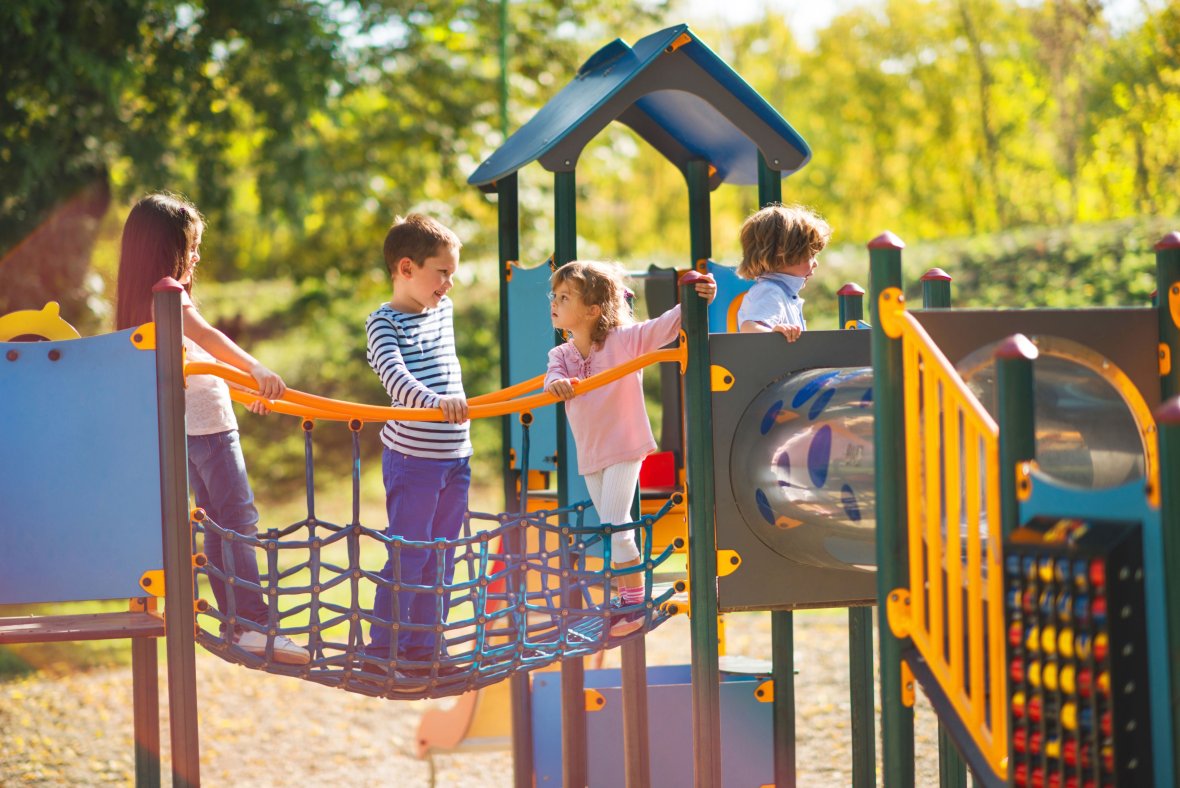
A small group of children are having fun on the climbing frame and chatting.

Boules court at Schönau Castle Park

At the entrance to the Schlosspark from Rathausplatz, a public boules court invites interested and already enthusiastic players to try it out. Why not drop by with friends and acquaintances!

Schönauer Friede leisure facility

The skater pool in the leisure center is a popular meeting place. Once a year, dedicated skaters organize the so-called pool party here! In 2013, the skater pool was equipped with a lighting system so that it can now also be used in the darker months of the year until 20:00. The leisure facility is complemented by a basketball court and a soccer pitch.

Skateboard ramp on the Wiesenweg playground

There is also a small skateboard ramp in Horbach, on the Wiesenweg playground next to the Catholic kindergarten, for your first attempts!

Kaletzbenden recreation area/barbecue area

Right next to the sports field in Grünenthaler Straße, on the edge of the local recreation area, there are table tennis tables and a basketball court.

A barbecue area is available on the recreation grounds, which can be rented from the Richterich district office, tel. 432-8612.

Download

Help with accessibility

  • General

    We make every effort to ensure that our websites are accessible. You can find details on this in our accessibility statement. You can send us suggestions for improvement using our"Report a barrier" feedback form.

  • Font size

    To adjust the font size, please use the following key combinations:

    Larger

    ⌘command
    +

    Smaller

    ⌘command

    Larger

    Ctrl
    +

    Smaller

    Ctrl
  • Keyboard navigation

    Use TAB and SHIFT + TAB to navigate through next/previous links, form elements and buttons.

    Use ENTER to open links and interact with elements.

  • Contrast mode

    Press the following key combination to reduce or increase the contrast:

    Enlarge

    ⌃control
    ⌥option
    ⌘command
    .

    Decrease

    ⌃control
    ⌥option
    ⌘command
    ,
    Note: The shortcuts must be activated in the system settings of the operating system.

    Press left ALT + left SHIFT + PRINT to quickly switch the high contrast mode on or off.

  • Invert colors

    Press the following key combination to switch the color inversion on and off:

    ⌃control
    ⌥option
    ⌘command
    8
    Note: The shortcuts must be activated in the system settings of the operating system.

    First activate the screen magnifier and then switch the color inversion on and off with the following key combinations:

    1. screen magnifier

    +

    2. invert colors

    Ctrl
    Old
    I
  • Screen magnifier

    Press the following key combinations to use the screen magnifier:

    Switch on/off

    ⌥option
    ⌘command
    8

    Enlarge view

    ⌥option
    ⌘command
    =

    Reduce view

    ⌥option
    ⌘command
    Note: The shortcuts must be activated in the system settings of the operating system.

    Switch on / Enlarge view

    +

    Reduce view