Pillar 1: Organization and structure
Road safety is a cross-sectional task. The cooperation of the various departments, divisions, departments and teams of the administration - which have different impacts on road safety - as well as their interdisciplinary professional exchange are fundamentally important for the implementation of Vision Zero. Networking between the administration and partners outside the administration is also valuable in this regard.
The concerns of road safety work are taken into account internally and externally through the "Organization and Structure" pillar of the action plan.
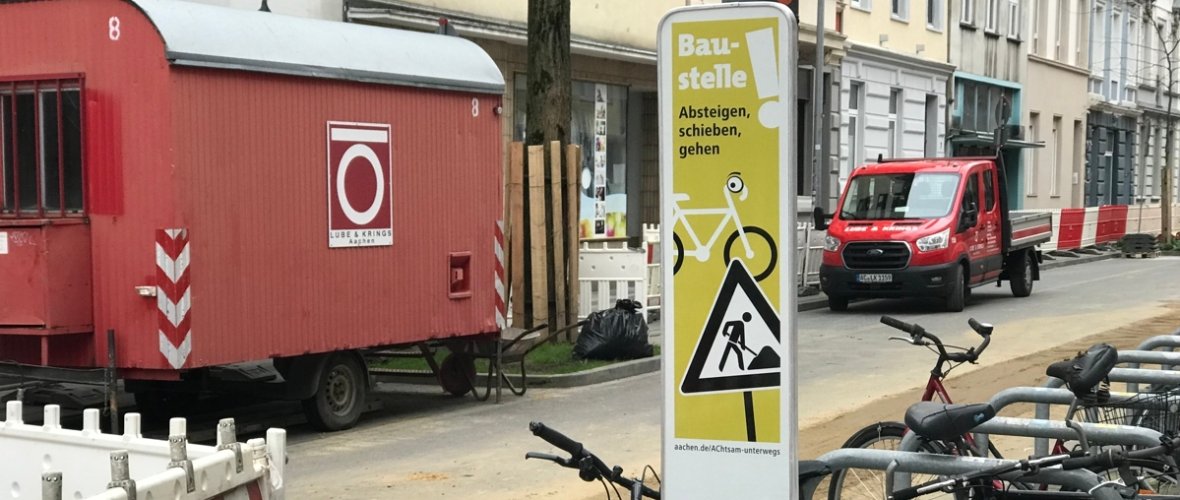
Nowak, Claudia (City of Aachen), © City of Aachen
Measures
- 01/2025: Road safety sub-concept in the traffic development plan
- 09/2024: Federal Office for Logistics and Mobility: Presentation of the action plan
- 01/2024: Pedestrian traffic check
- 11/2023: National Road Safety Conference of the Federal Government
- 03/2023: Digital platform gefahrenstellen.de
- 01/2022: Internal insights into transport planning and city operations
- 10/2021: CIVITAS Conference
- 09/2021: "Love needs distance" campaign
- 06/2021: National Competence Network for Sustainable Mobility (NaKoMo)
- 05/2021: BMVI: Pact for road safety of the BMVI - Aachen is part of it
- 01/2020: Participation in the federal road safety program 2021-30
- 11/2019: Safety audit of roads (SAS)
- Accident Commission (UK)
- Traffic briefing (VB)